Digital menu for restaurants, ready in 2 minutes
Upload a photo or PDF to create your digital menu with a QR code, EU allergen information and translations. Add Ordina & Paga to manage orders and let guests pay directly from the menu.
Digital menu for restaurants · in 2 minutes · from photo or PDF · QR code · allergens
Free plan: free forever · No card · 1 menu · up to 50 dishes · 2 languages
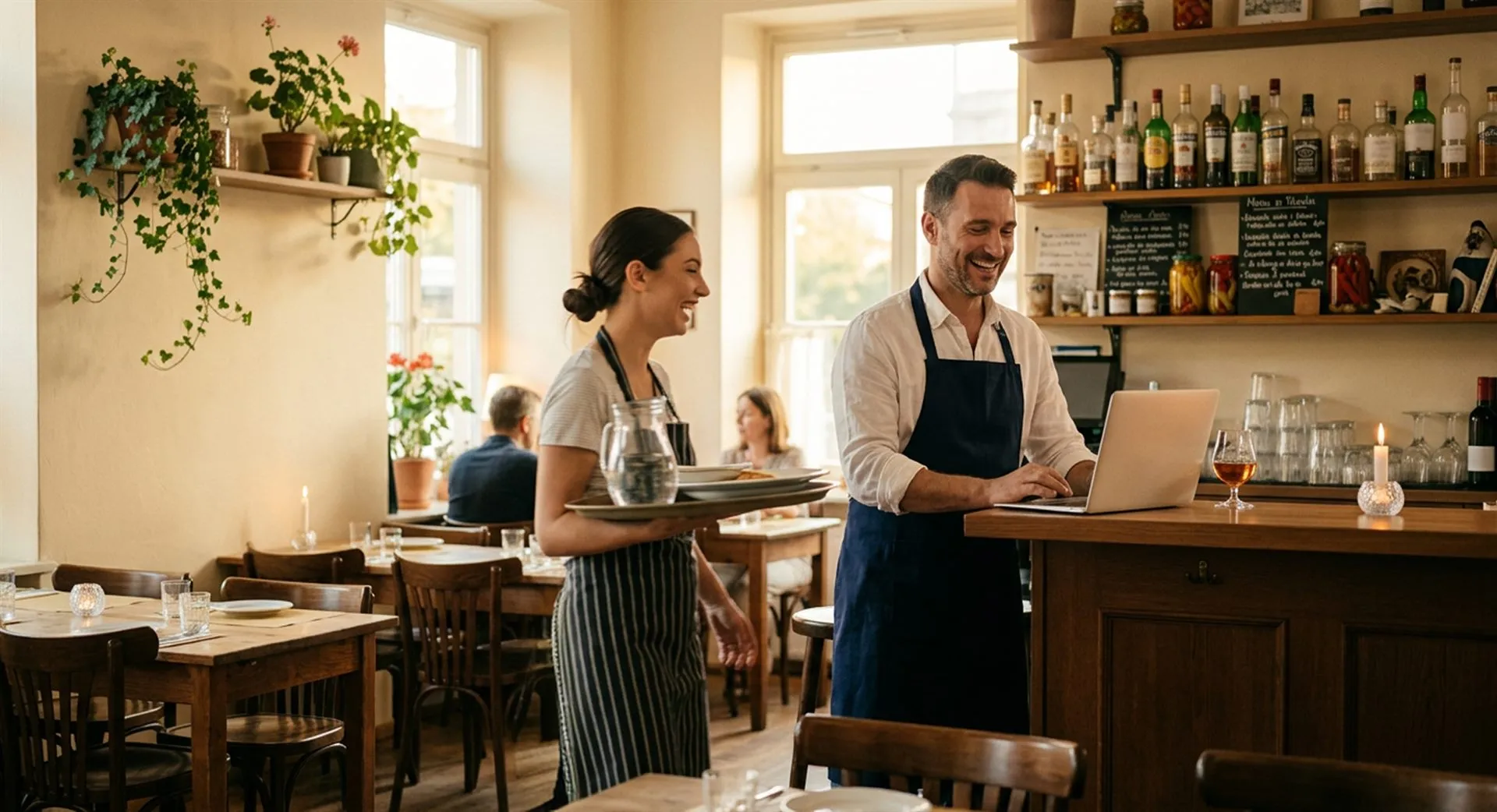
A digital menu designed for restaurants, bars and pizzerias
Upload your existing menu.
Stello reads dishes and categories from a photo or PDF and prepares your menu for review and publication.
One QR code for every menu update
Edit dishes, prices and descriptions without reprinting the QR code.
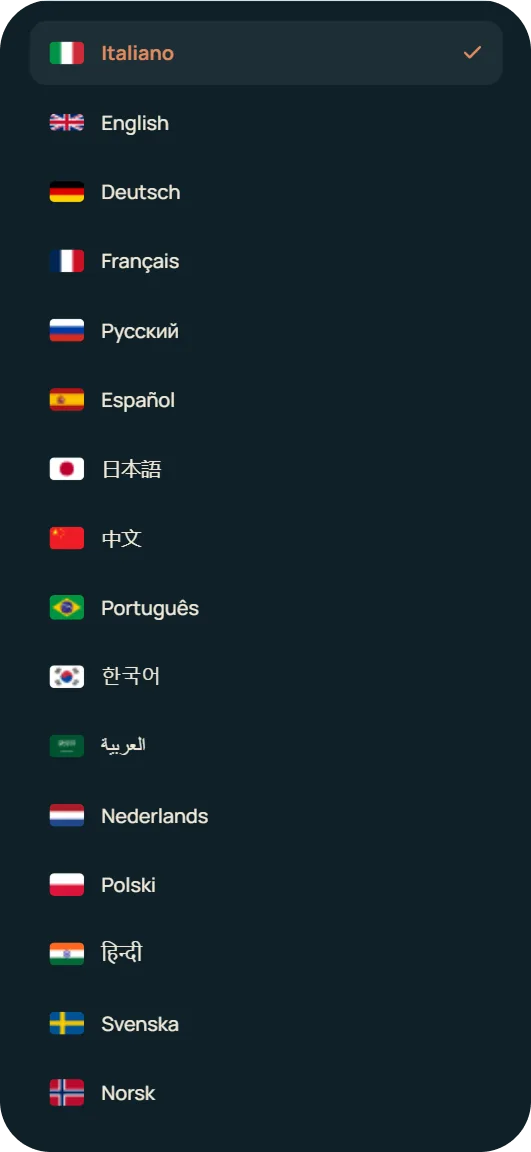
Multilingual menu
Help tourists and international guests read the menu in their language.
No card required
Start for free and try Stello without entering payment details.
Allergens and dietary preferences
Show allergens and dietary preferences clearly in the dish cards.
Ready in a few minutes
Create the menu, check the details and publish the QR when you're ready.
From paper menu to QR in a few  minutes
Stello guides you through every step: menu import, translations, allergens and QR publishing.
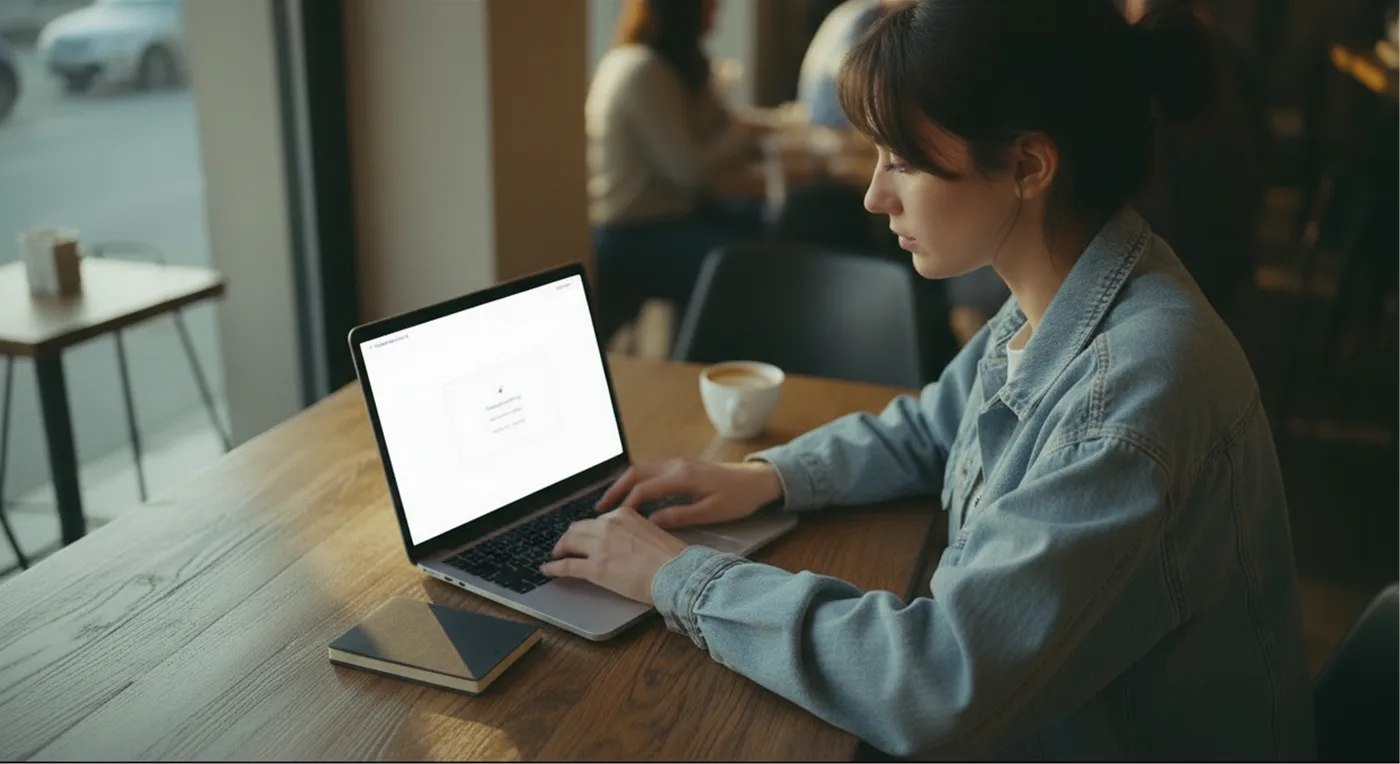
Upload the menu
Import a photo, a PDF or add dishes manually.
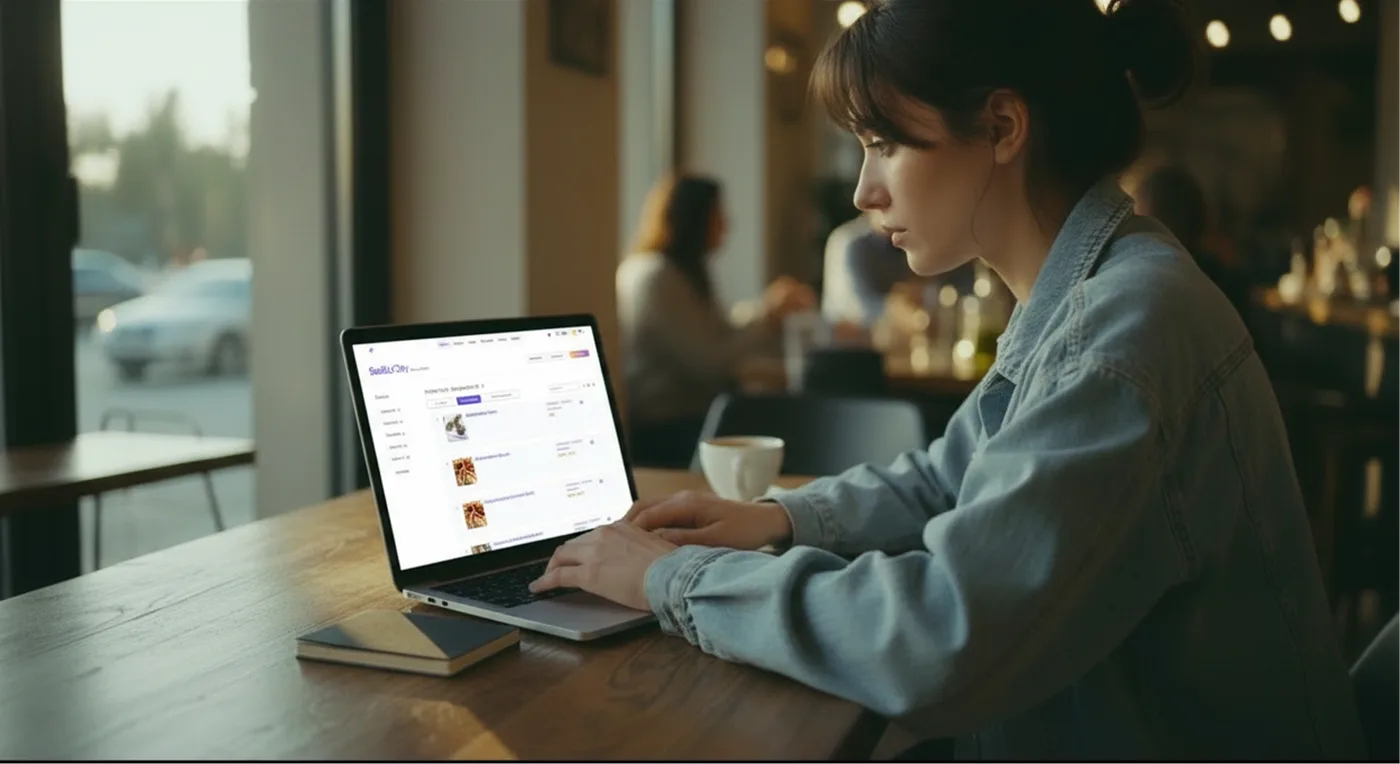
Review the content
Check categories, dishes, prices, descriptions, allergens and languages.
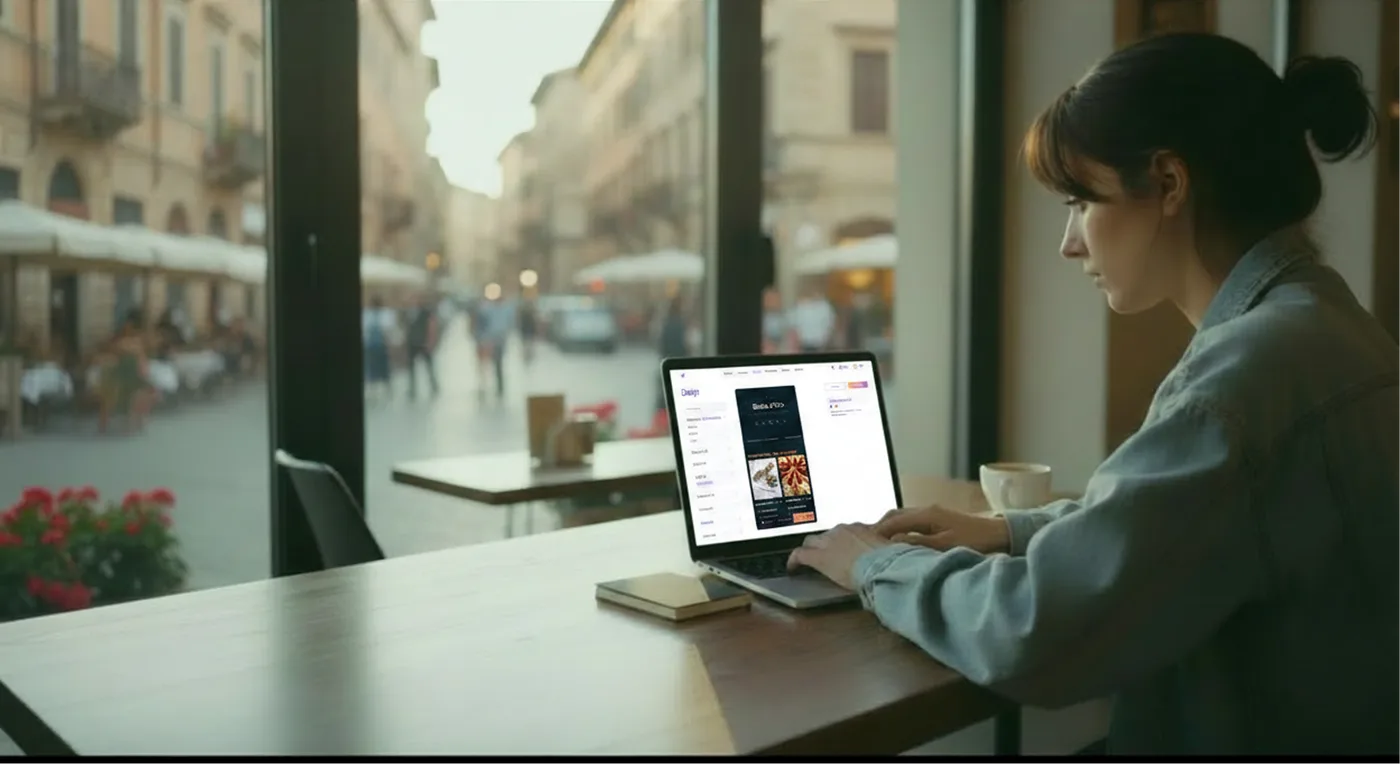
Customize the style
Add a logo, colors and dish photos to make the menu match your venue.
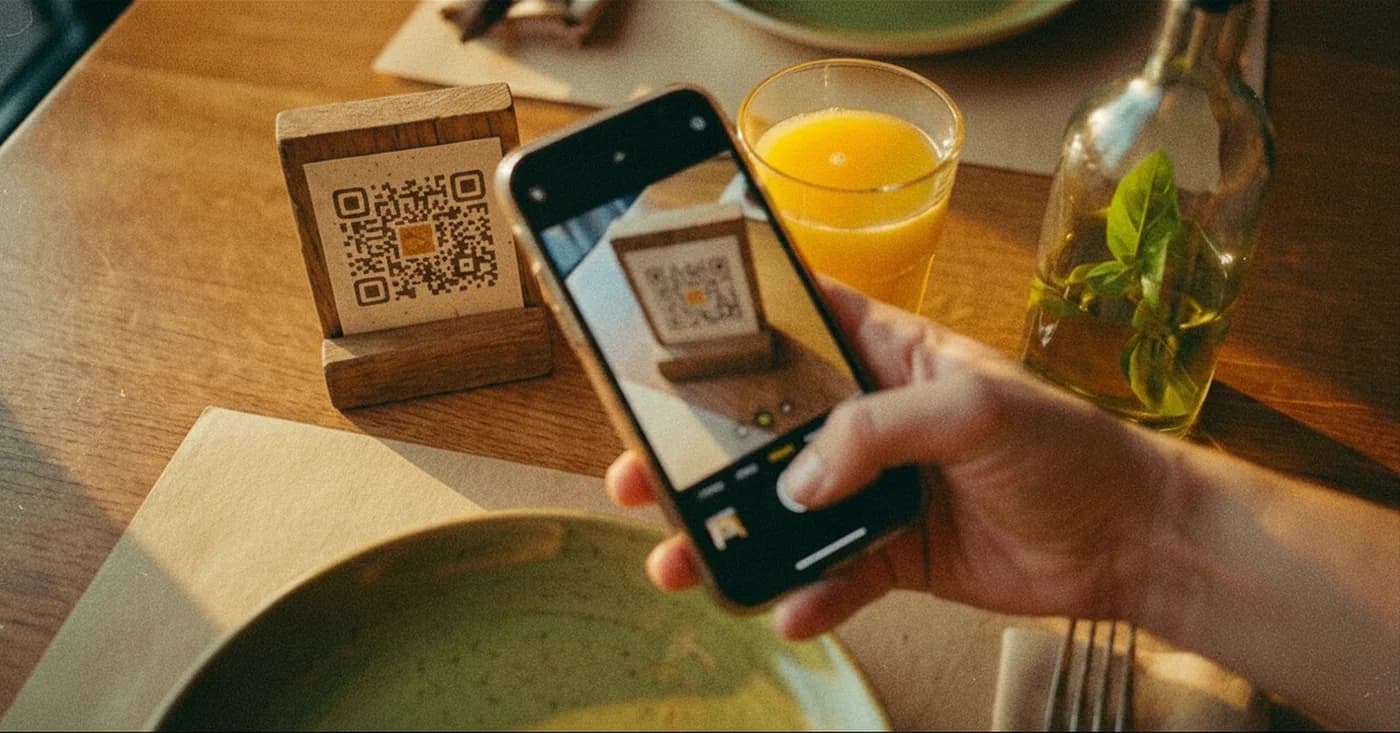
Publish the QR
Share the menu online, print the QR and update the content whenever you want.
From your menu to order management
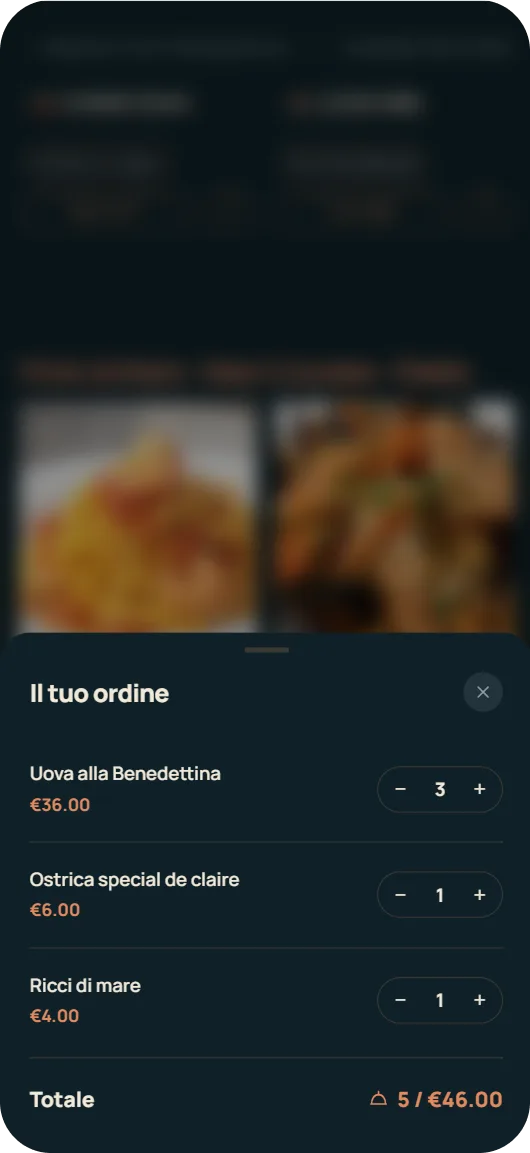
Guests order and pay from the QR menu. Staff and kitchen follow orders on the board using their own phones or tablets. Ordina & Paga is included in Starter and Pro; activate payments through Stripe so guests can settle the bill when they are ready.
Stello is designed for every type of venue
Restaurants, bars, pizzerias, tourist restaurants, beach clubs, hotels and B&Bs: create a clear, updatable digital menu ready to share with your guests.
Complete digital menu with categories, photos, allergens, translations and online updates.
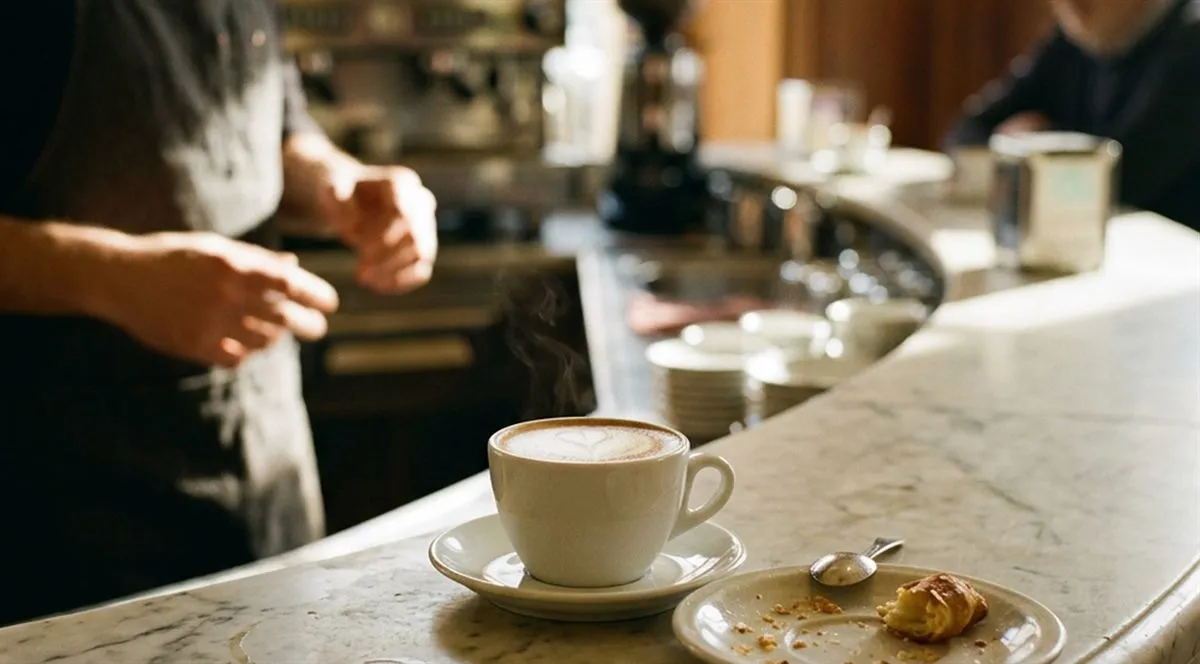
Update breakfast, aperitivo and drinks menus throughout the day.
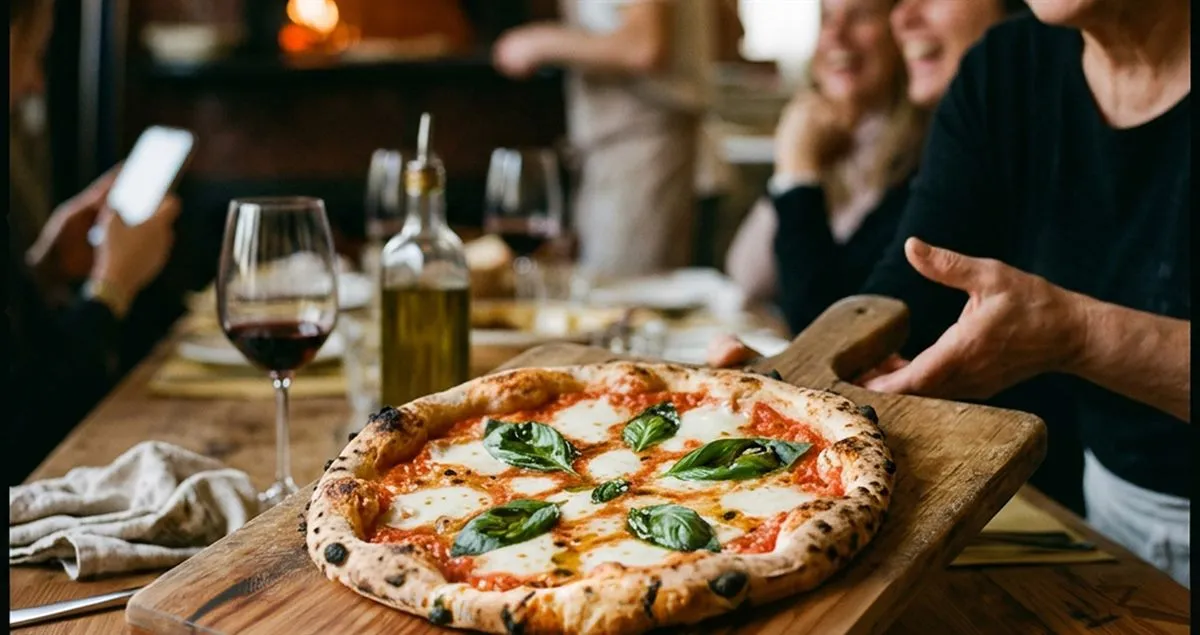
Pizzas, doughs, variants, extras and clear allergens in an easy-to-read menu.

Multilingual menu with photos, allergens and clearer descriptions for international guests.
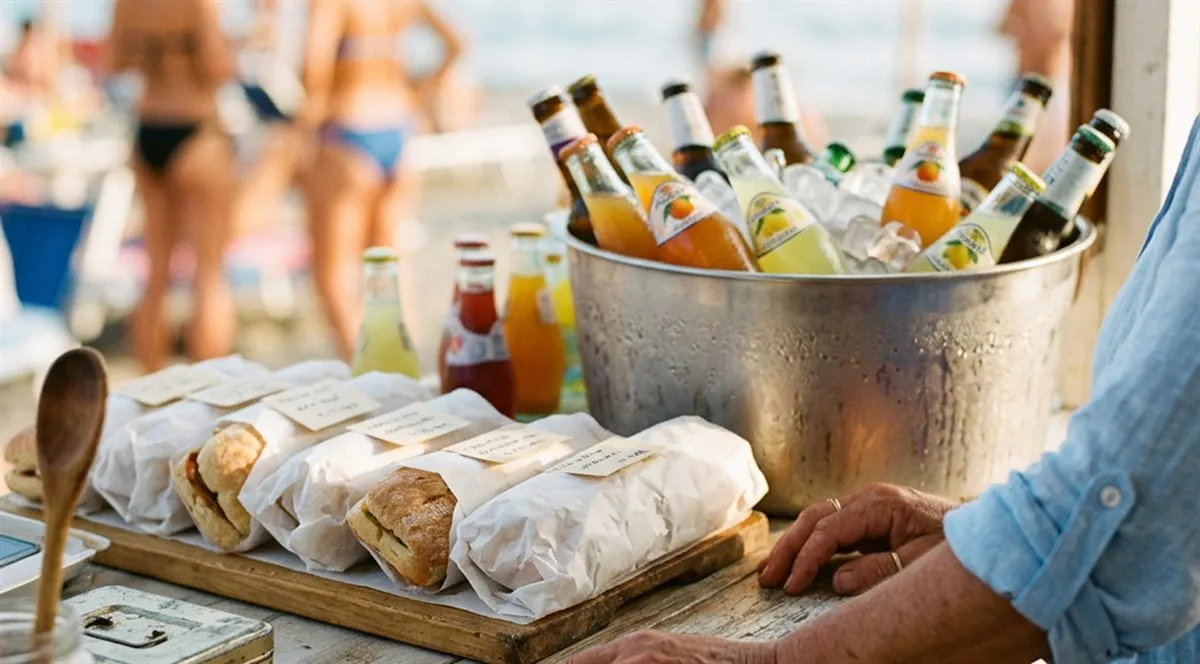
QR menu for umbrellas, tables and bars: seasonal, updatable and ready for tourists.
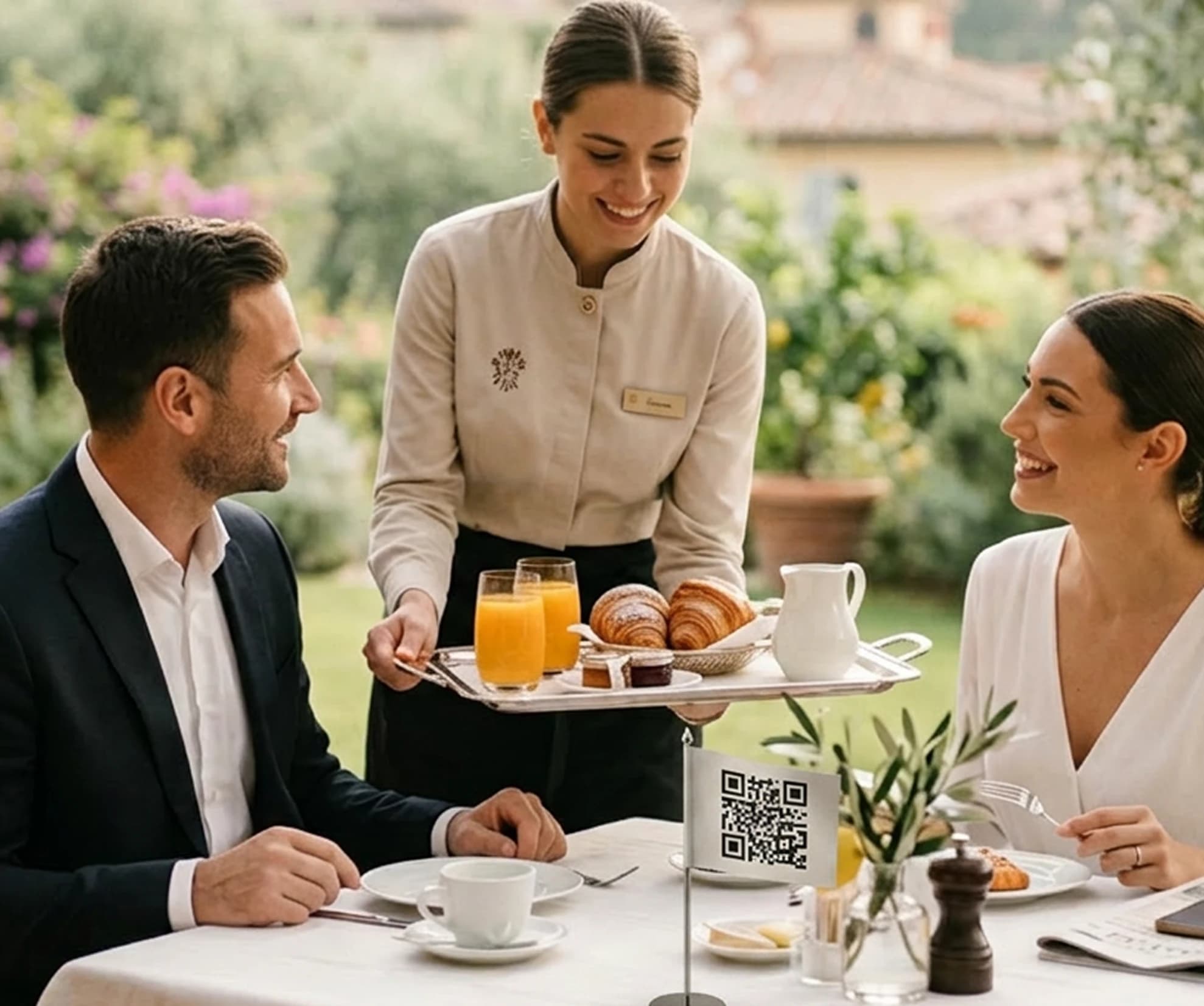
QR menu for breakfast, bar, restaurant and room service, readable by guests without an app.
Less menu work, more clarity for your guests
Update dishes, prices, languages and allergens from one place. Guests can check each dish as they choose what to order.
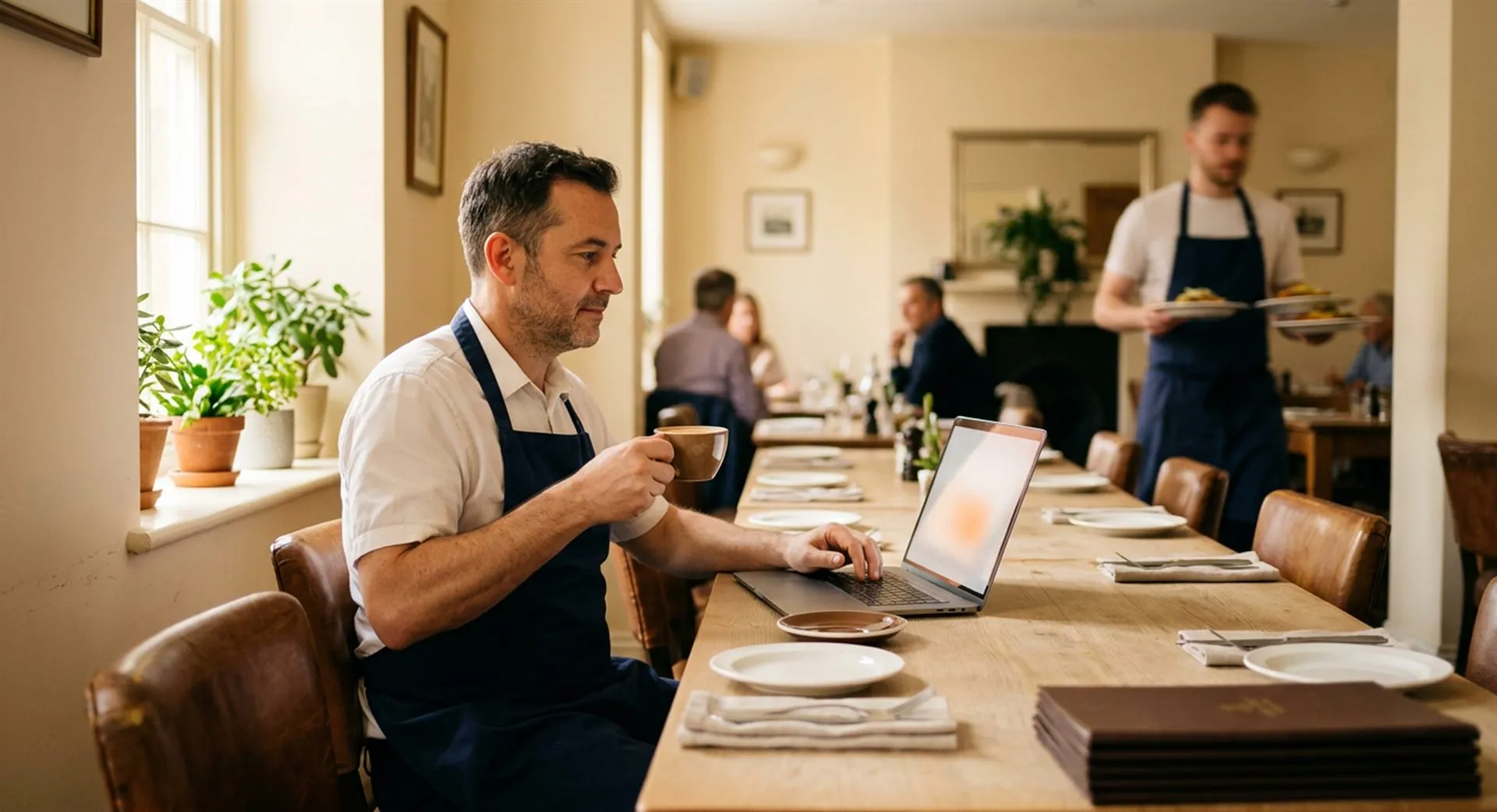
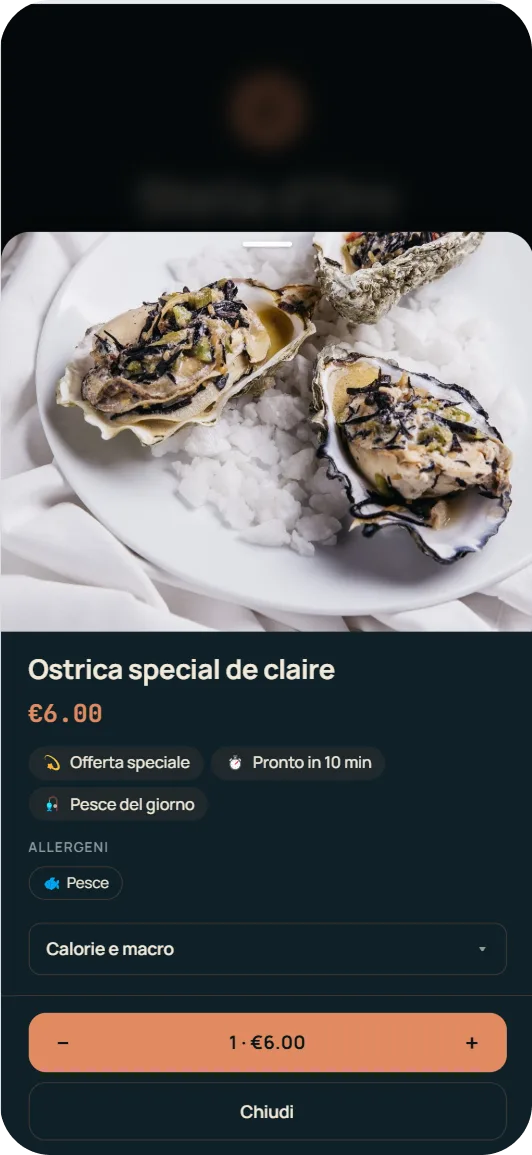
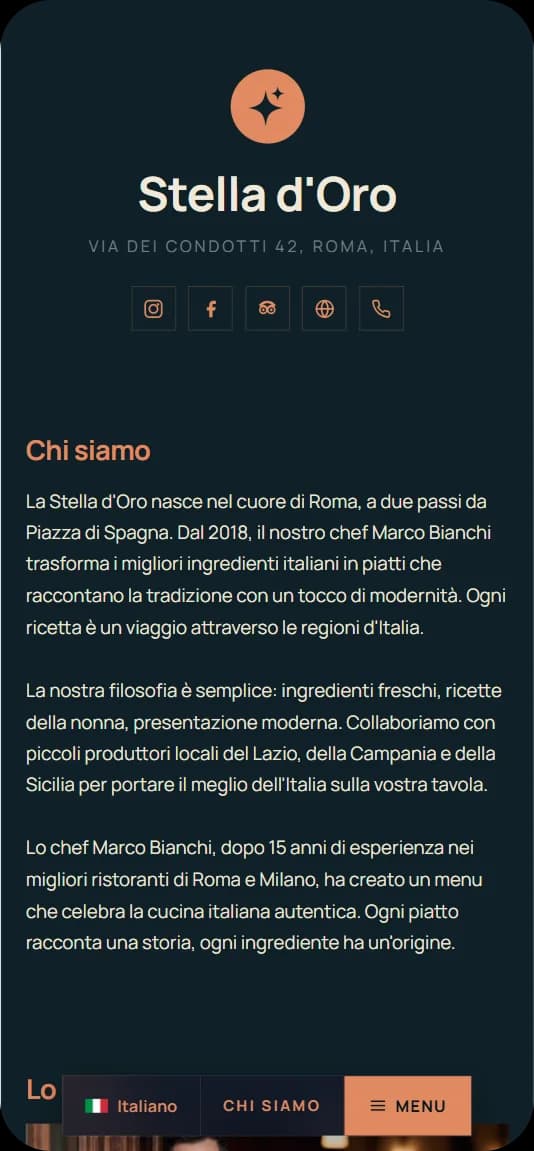
Your entire menu, in one simple experience
Stello helps guests read the menu, understand the details and choose more easily.
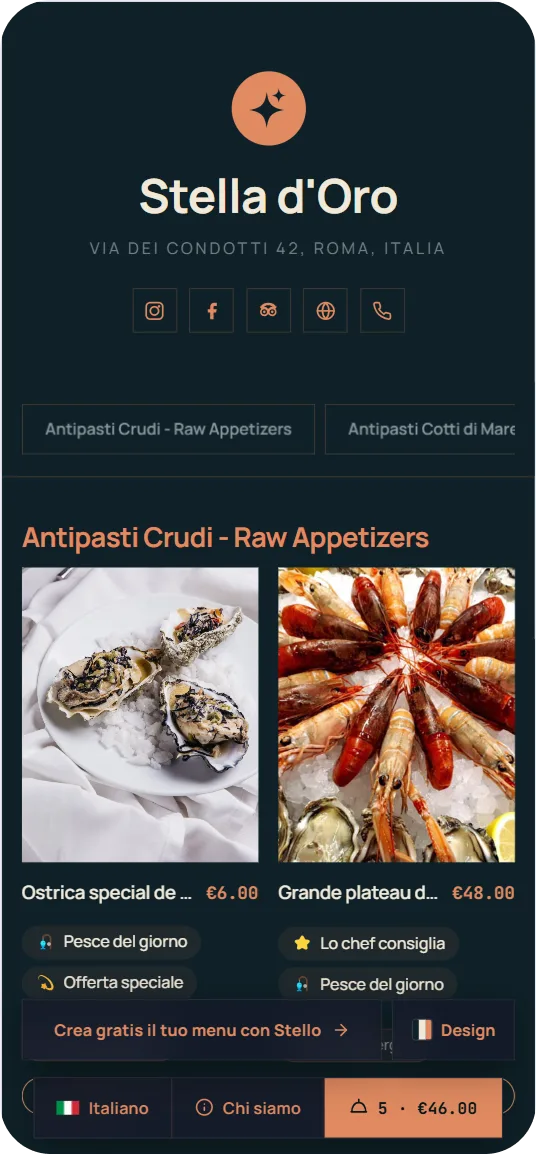
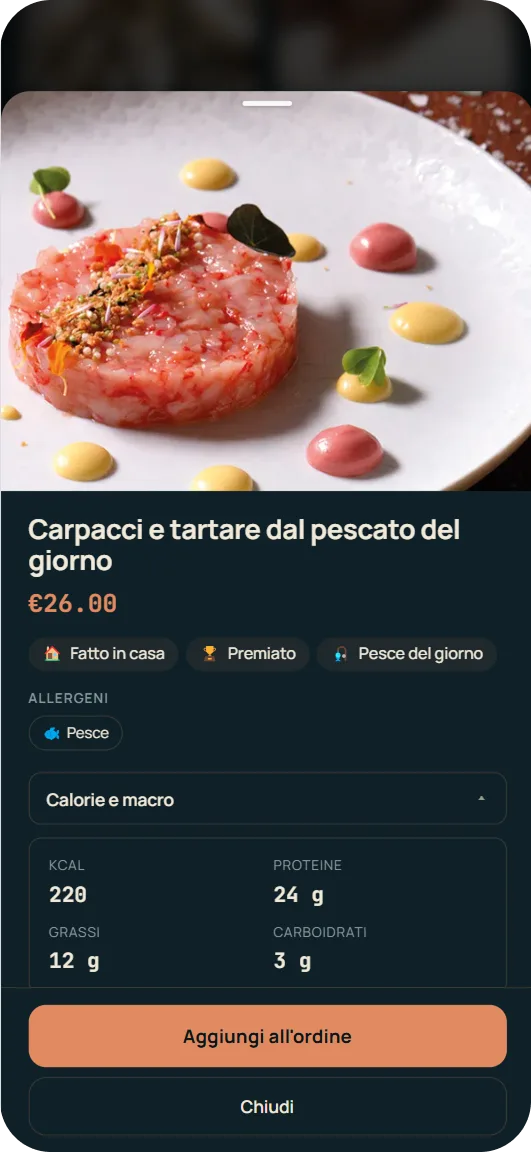
Keep your menu ready for your next guests
With Stello, the QR code stays the same: you update dishes, prices, languages and allergens whenever you want.
Download the QR and bring it to your venue right away
Generate your menu's QR code, download it in high quality and print it for tables, window, counter or countertop stands.
Download the QRChoose the right plan for your your venue
Start for free and upgrade to a higher plan when your venue grows.
Free forever, no card · 1 menu · up to 50 dishes · 2 languages · QR and allergens included
To turn your QR menu into a complete tool for tourists, photos and dish sales.
View plans and pricing- Everything from Free +
- 1 menu with dedicated QR
- Unlimited dishes
- 15 AI languages
- Dish photos
- Venue mini-site
- Timed promotions
For restaurants, bars and bistros that want to manage orders, staff and kitchen work and offer payment from the menu.
View plans and pricing- Everything from Base +
- Ordina & Paga: table ordering, order management and payments
- Up to 3 menus with dedicated QR
- Menu setup by Stello team
- Priority support
- Multiple menus per room, bar, lunch and dinner
For venues with multiple menus, multiple departments or broader digital menu management.
View plans and pricing- Everything from Starter +
- Up to 5 menus with dedicated QR
- Menu setup by Stello team
- Priority support
- Multi-menu management
Dal blog di Stello
Guide, consigli e novità sul menu digitale per ristoranti.
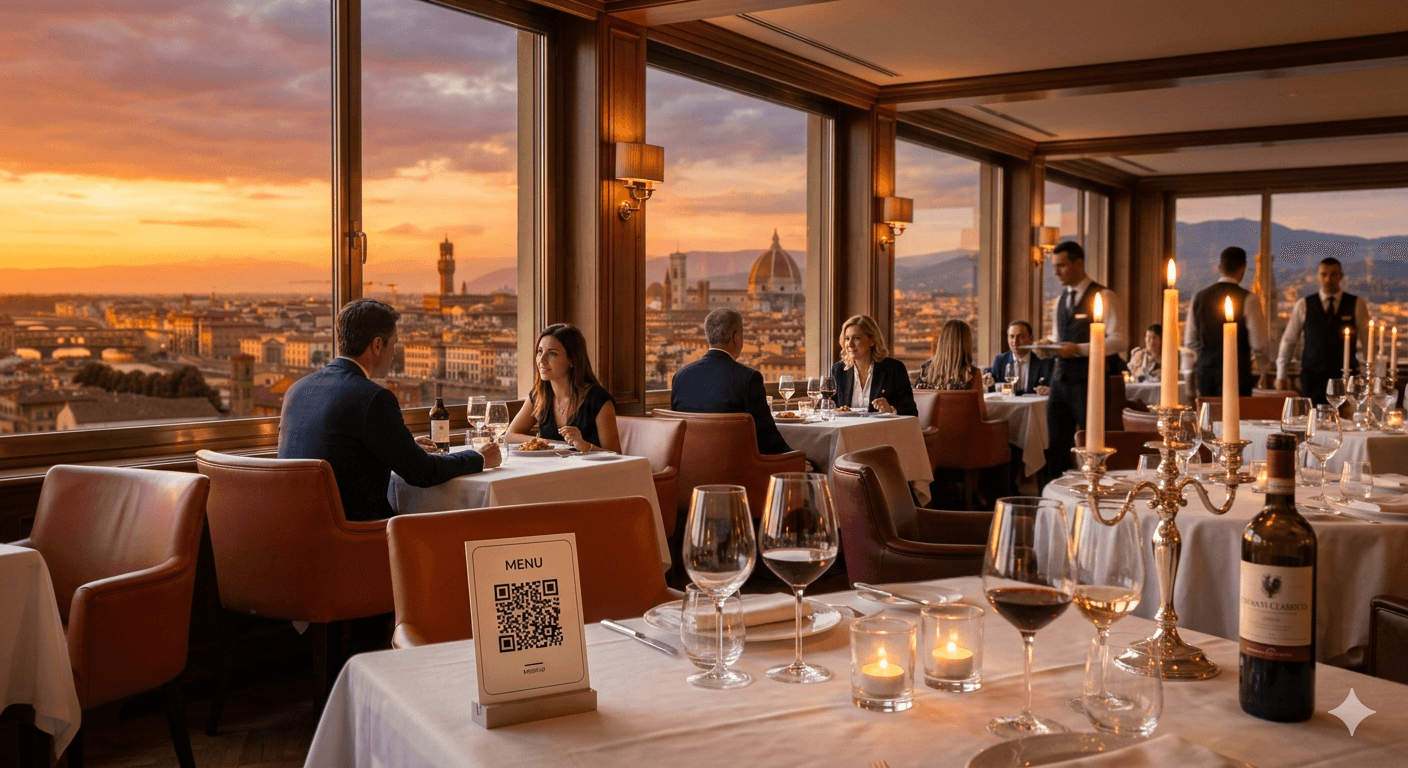
Ordini al tavolo con QR code: vantaggi per il ristorante
Ordini e pagamento dal menu: come ridurre le attese, coordinare il servizio e favorire la rotazione dei tavoli nelle ore di punta.
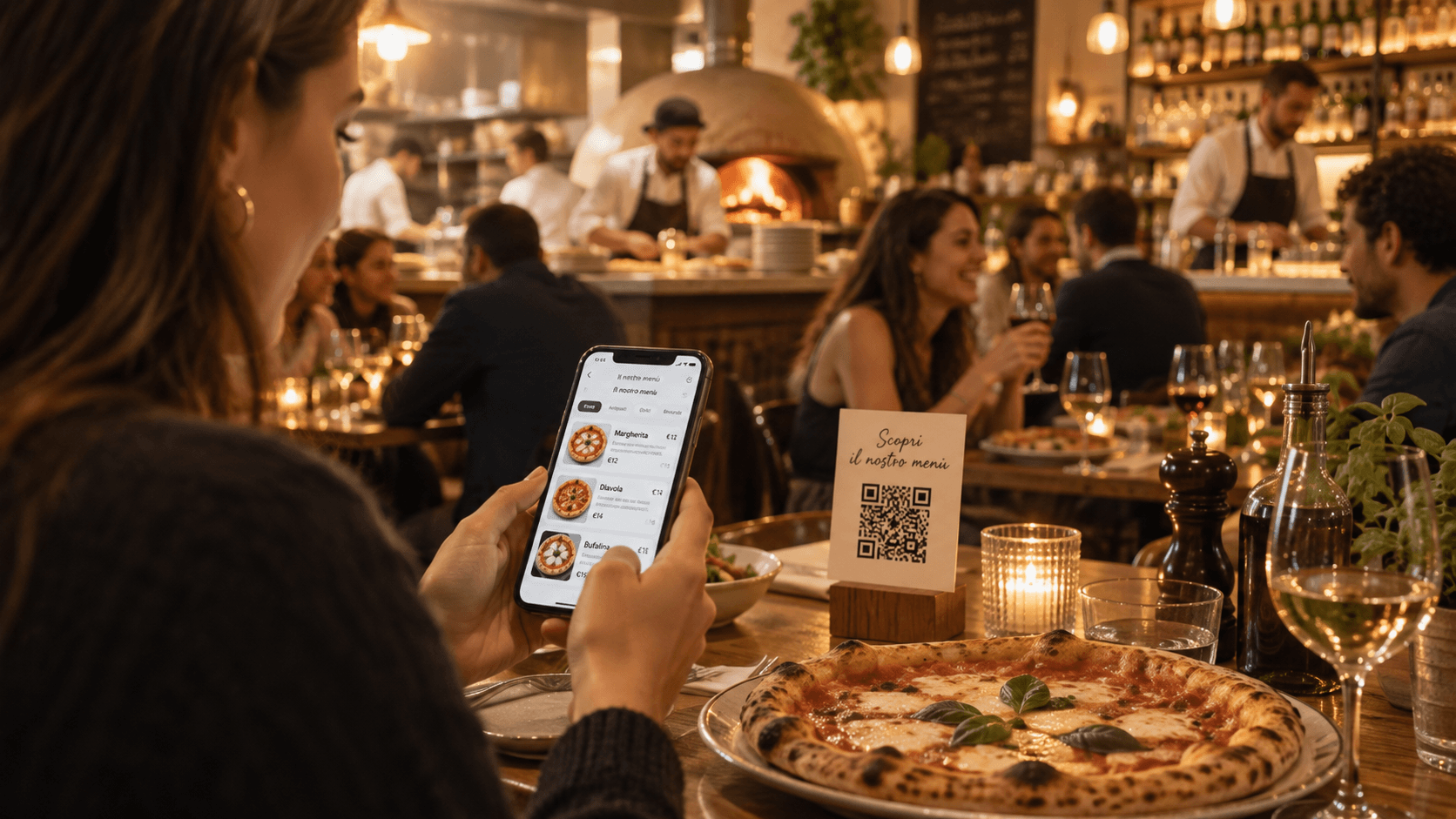
Come aprire un bar, una caffetteria o una pizzeria in Italia
Come aprire un bar, una caffetteria o una pizzeria in Italia: budget, requisiti, food cost, primo menu digitale e checklist per i primi 90 giorni.
Menu digitale: 5 casi reali e dati di utilizzo nei ristoranti
Cinque menu reali e 3.670 aperture a luglio 2026: esempi e dati per capire come viene consultato un menu digitale e misurarne l’utilizzo.