QR menu for hotels and B&Bs, from breakfast to room service menu
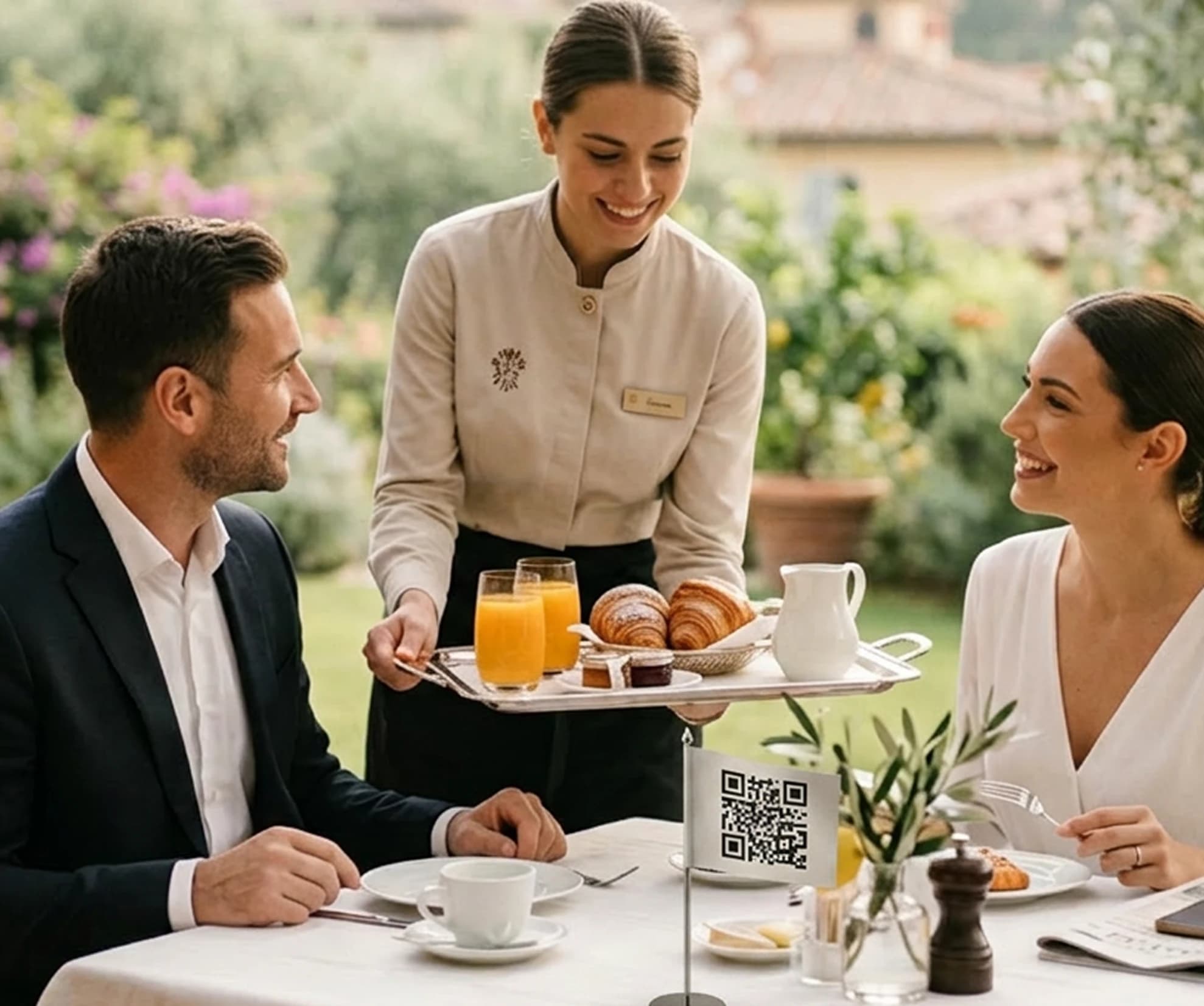
Breakfast, restaurant, bar and room service menu in digital format. Guests check dishes, prices, allergens and translations from their smartphone.
Free forever · No card · 1 menu · 50 dishes · 2 languages
Digital menus for your hotel
Organize breakfast, bar, restaurant and room service menu and update information online when your offer changes.
Multiple menus
Manage separate menus for breakfast, bar, restaurant and room service.
AI translations
Translate menus into up to 15 languages and review text before publication.
Automatic allergens
Stello automatically assigns allergens to menu dishes. The property only needs to confirm or modify them when necessary.
Property information
Display hours, address, contact info and useful information for guests.
QR codes throughout your hotel
Place the QR in rooms, at reception, at the bar and in the breakfast area.
Give guests easy access to menus and opening hours
Breakfast hours, bar menu, restaurant offers and room service information can be checked via QR. Guests find more answers independently and contact staff when they need help.
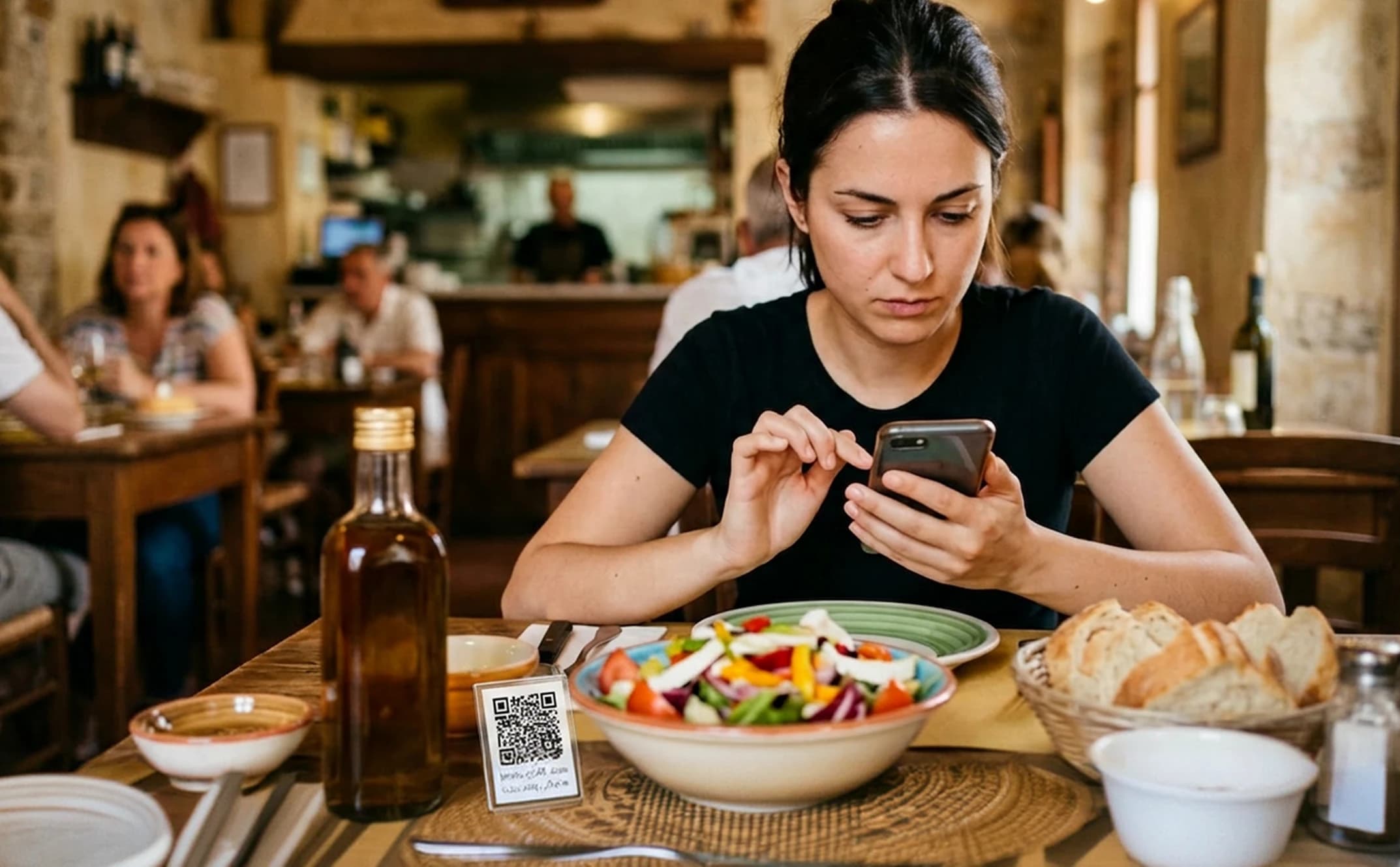
A digital menu for each area of the property
Organize breakfast, bar, restaurant and room service menu in sections or separate menus, keeping information updated for guests.
From property menu to QR in a few steps
Import the menus, review the information, customize the style and publish QRs in property areas.
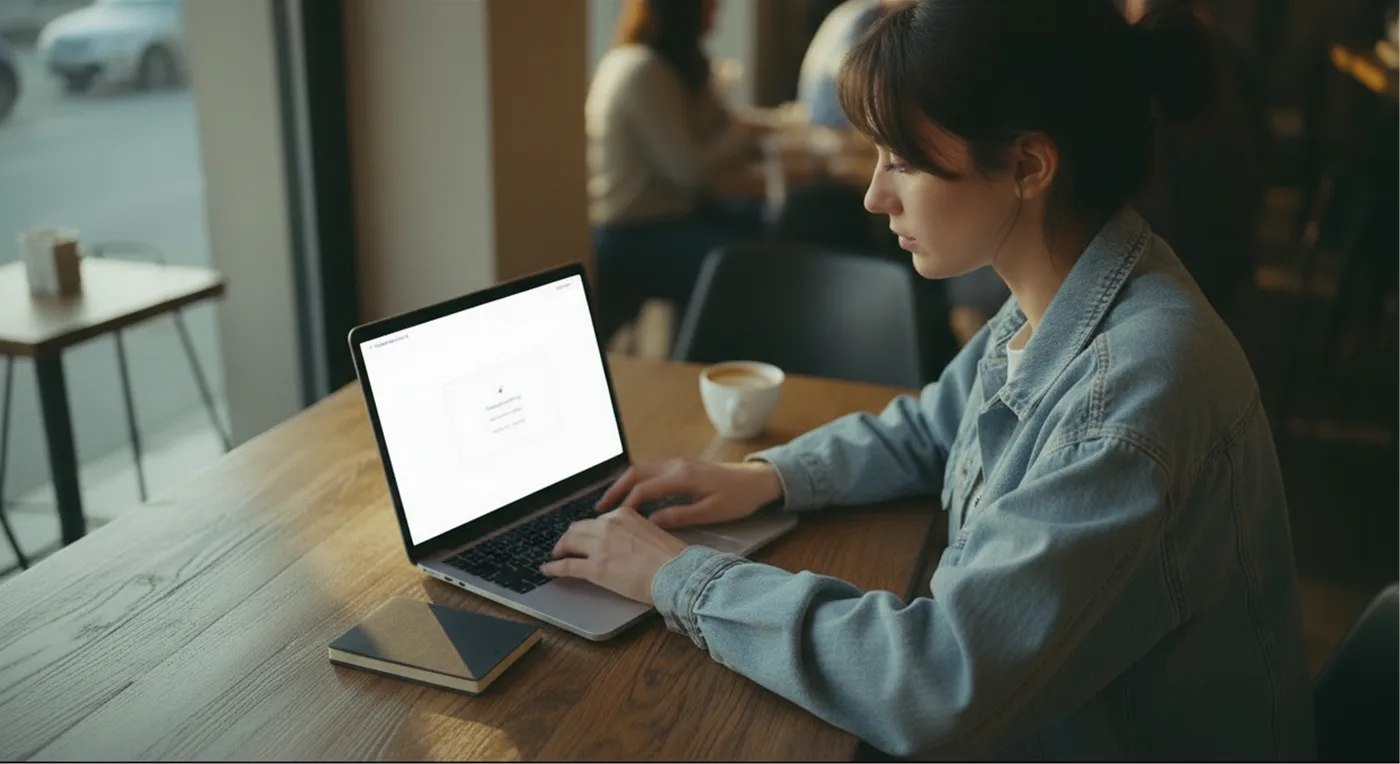
Upload the menus
Import photos or PDFs or manually add dishes and categories for different services.
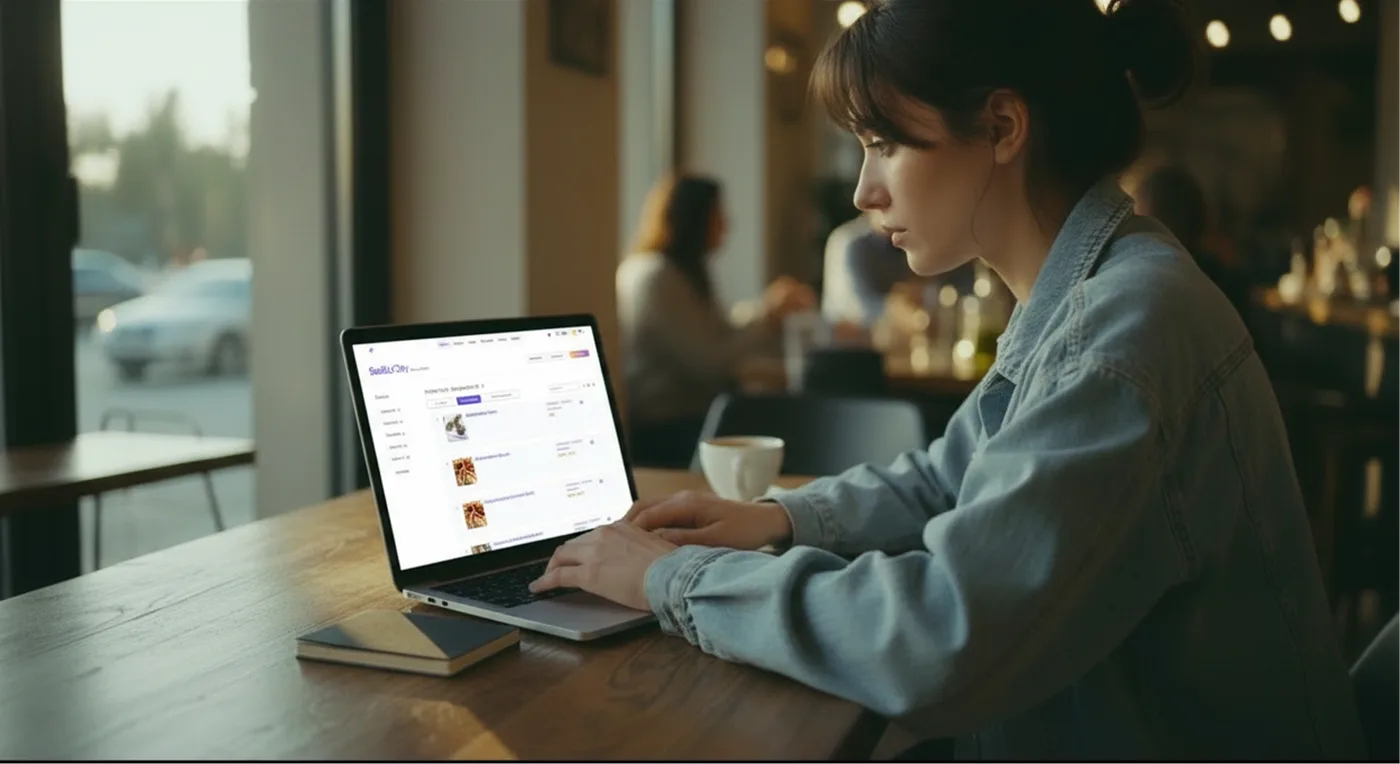
Review the content
Check categories, dishes, prices, descriptions, availability, allergens and translations before publication.
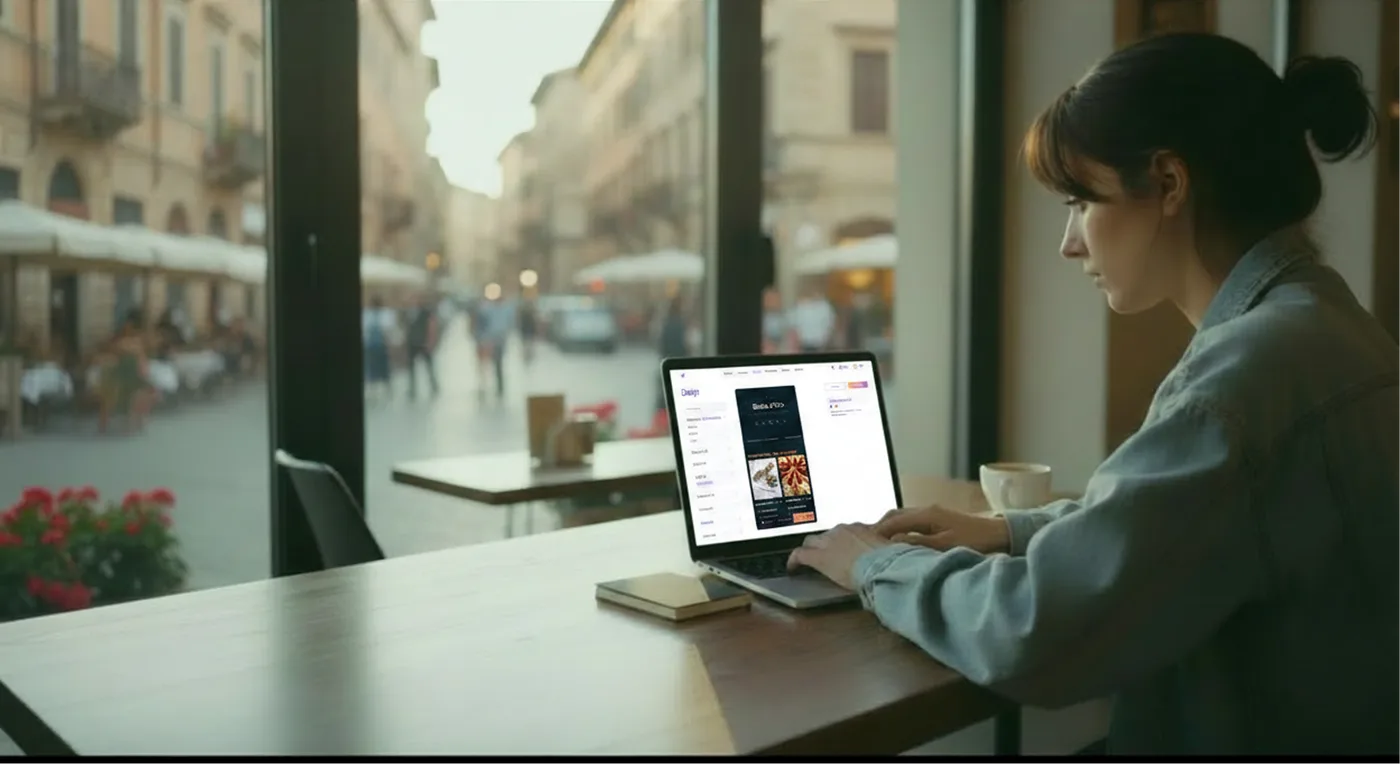
Customize the style
Add logo, colors and photos to make the menus consistent with your property's identity.
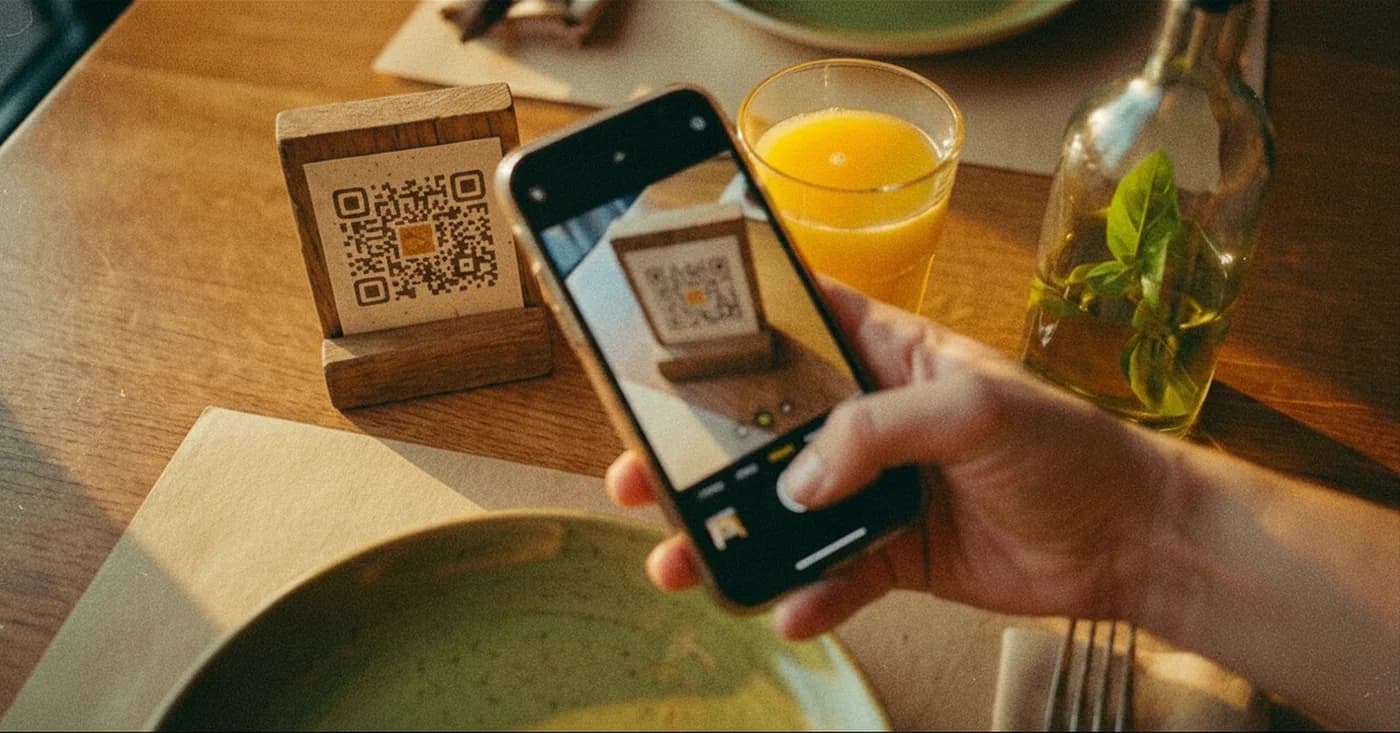
Publish the QRs
Place the QRs in the correct areas and update the menus online whenever you want.
Fewer manual updates, more clarity for guests
Manage menus, prices, availability, allergens and translations from one place. Guests check online for the updated version of information.
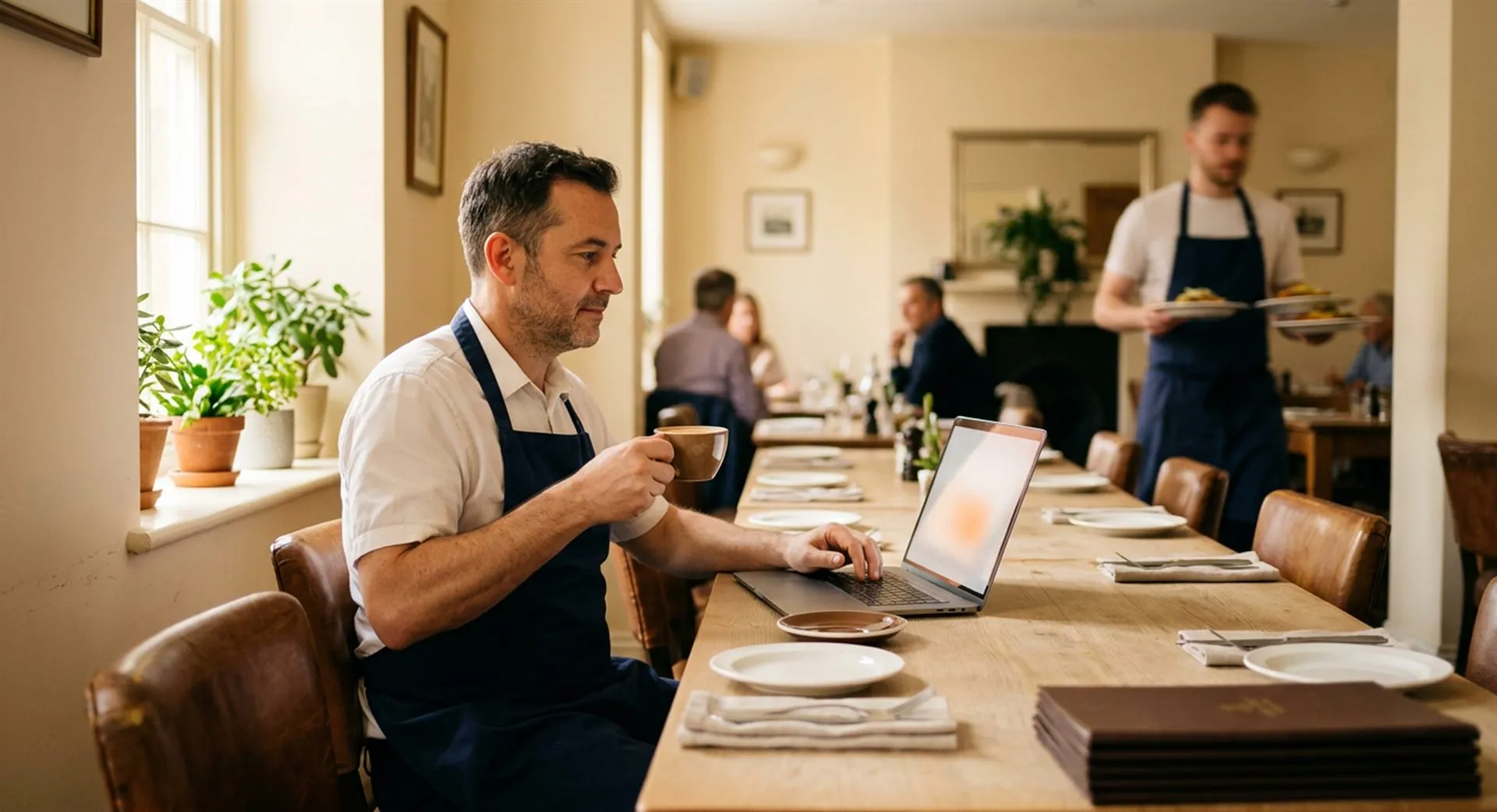
More independent guests, more accessible information
Create QR menus for breakfast, bar, restaurant and room service. Update information online and guests check it from their smartphone.