QR menu for pizzerias with doughs, variants and clear allergens
Organize pizzas, doughs, extra ingredients and available options in an easy-to-read digital menu. Update prices and availability online and the QR stays the same.
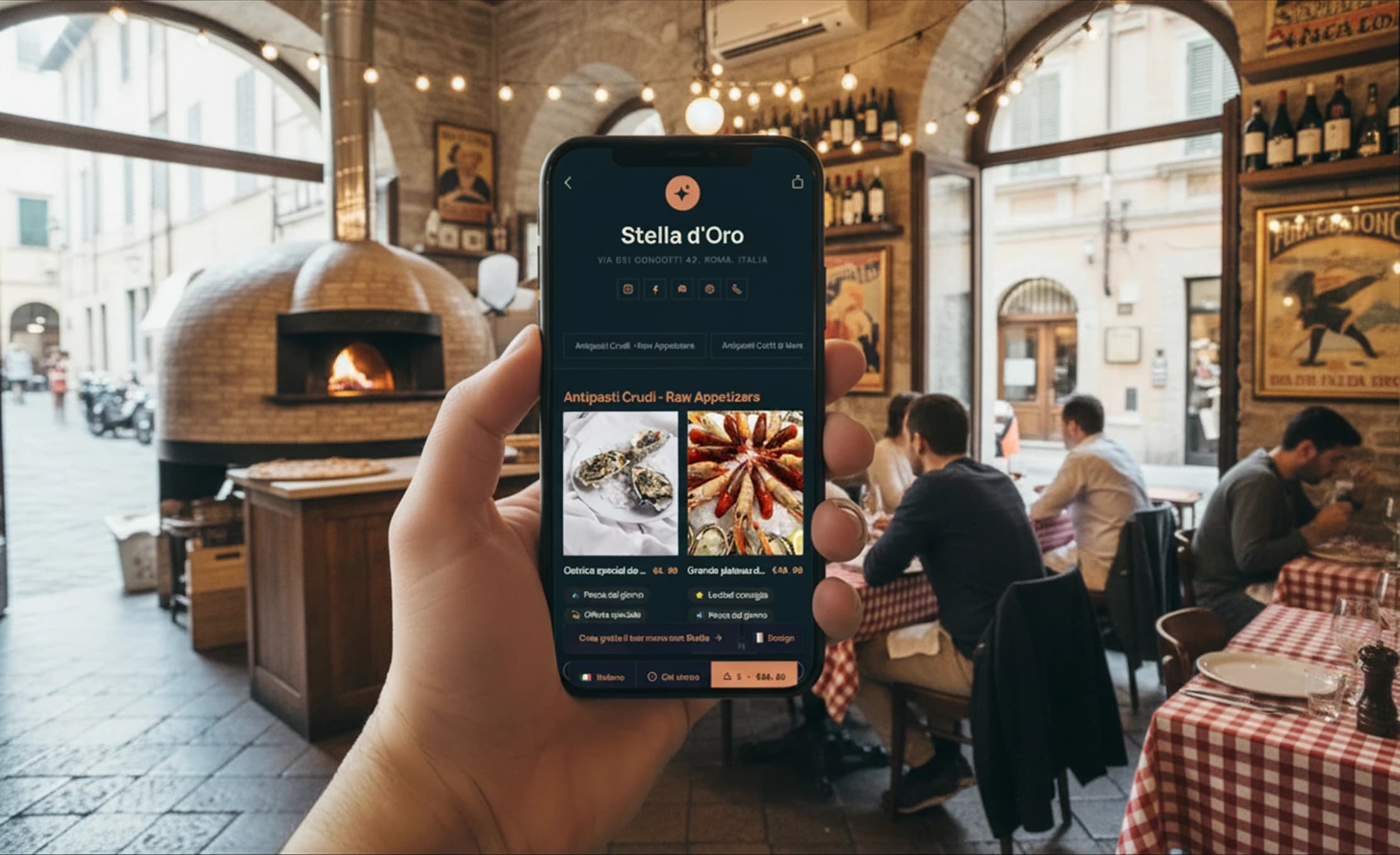
Free forever · No card · 1 menu · 50 dishes · 2 languages
Gluten and allergens, clear on every pizza
Associate the 14 EU allergens to pizza cards and verify the information before publication. Customers can check it directly in the digital menu.
Pizza photos
Show doughs, ingredients and presentation more clearly.
Variants and extra ingredients
Describe doughs, additions and available options in the pizza card.
Menu in multiple languages
Help international customers understand pizzas, ingredients and available options.
Updated availability
Hide or restore a pizza when availability changes.
Allergens and dietary preferences on each pizza card
Allergens are substances that can cause reactions. Food labels help describe the characteristics of the pizza and the needs it can meet.
Labels describe the pizza. To confirm whether it is suitable for a guest with an allergy, the pizzeria checks ingredients, preparation and the risk of cross-contact.
Make every pizza easy to find and choose
Stello organizes pizzas, doughs and categories in an easy-to-read menu. Customers find descriptions, prices, ingredients, allergens and available options in the same card.
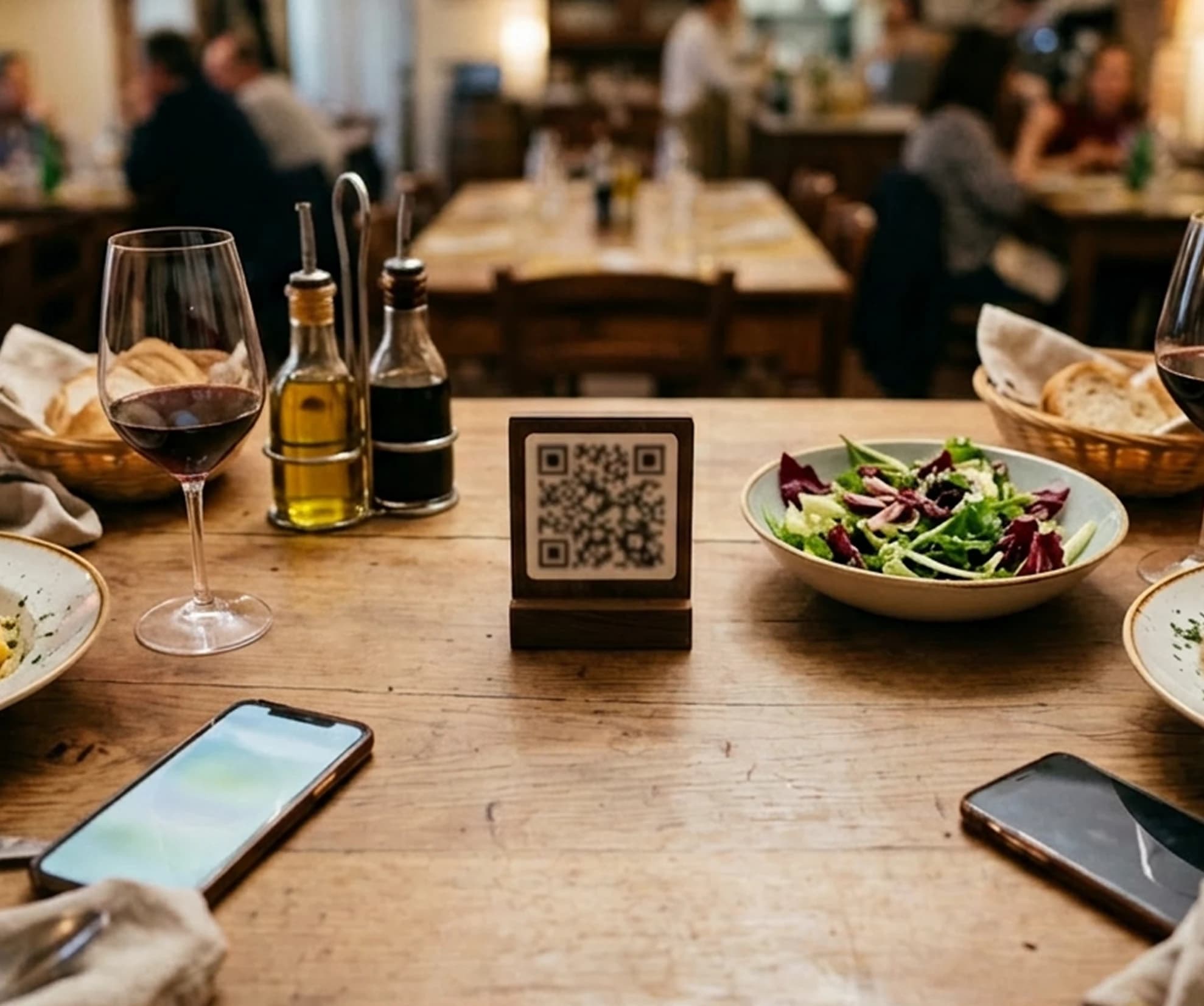
An organized menu even with many pizzas
Organize classic, special, white, seasonal pizzas and doughs in easy-to-read categories. Update prices and availability without reprinting the QR.
From pizzeria menu to QR in a few steps
Import the menu, review pizzas and information, customize the style and publish the QR.

Upload the menu
Import a photo, a PDF or manually add pizzas and categories.

Review the information
Check names, prices, descriptions, doughs, ingredients, allergens, food labels and translations before publication.
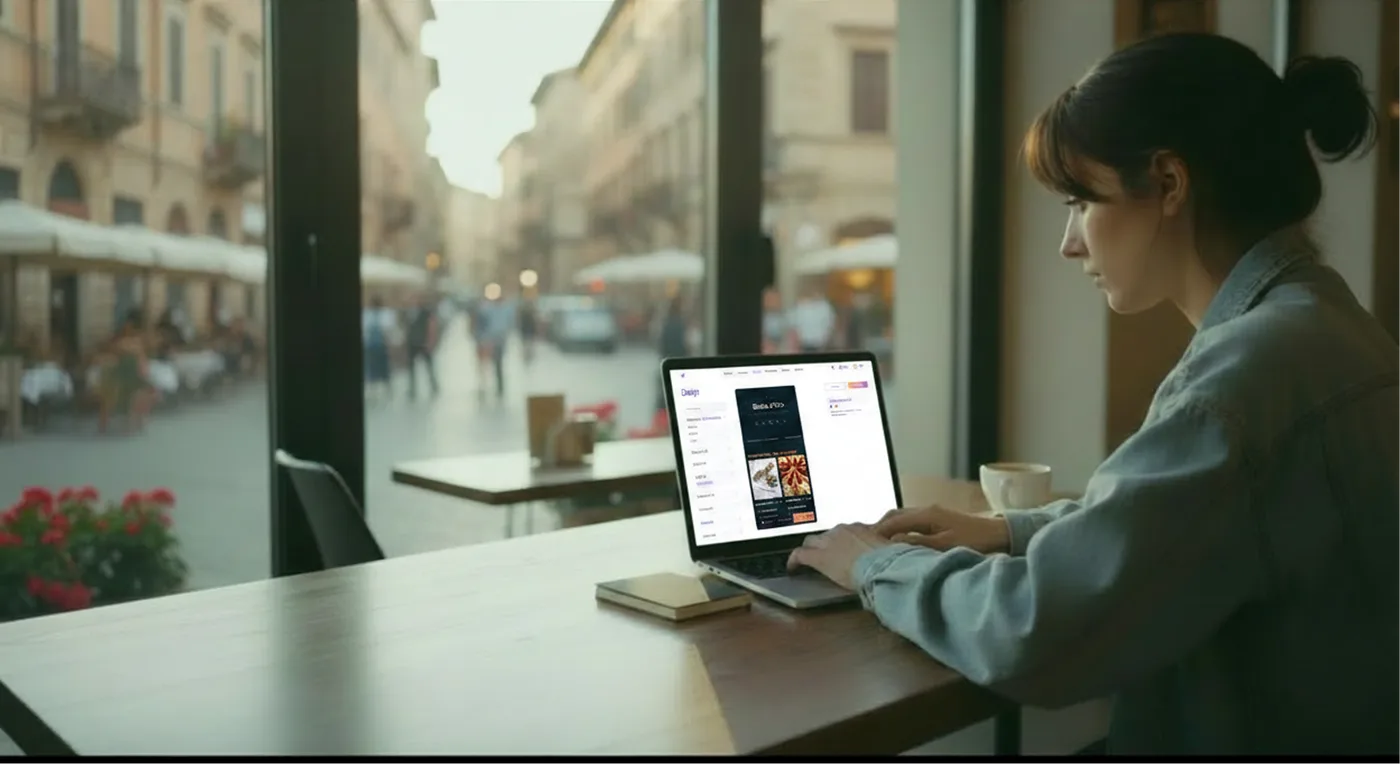
Customize the style
Add logo, colors and photos to make the menu consistent with your pizzeria's identity.
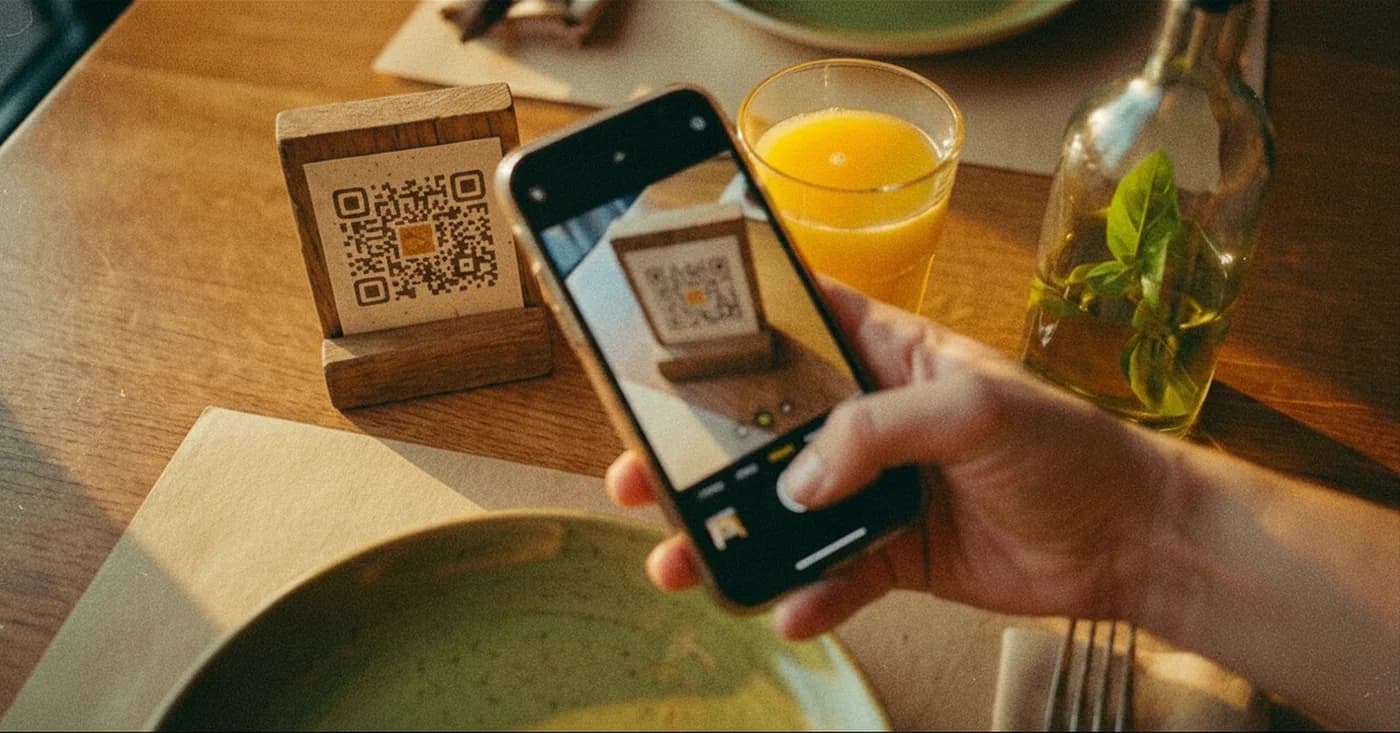
Publish the QR
Place the QR on the tables, at the counter or in the window and update the menu online whenever you want.
Less work on the menu, more clarity for customers
Manage pizzas, doughs, ingredients, prices, availability, allergens and translations from one place. Customers find the information in each pizza card.

Create a digital menu for your pizzeria
Create an organized QR menu with pizzas, doughs, ingredients, allergens and translations. Update everything online and the QR stays the same.