Your bar's digital menu, always up to date
Breakfasts, coffee, cocktails, beverages, snacks and daily specials in one digital menu. Update prices and availability online, without reprinting the QR.
Free forever · No card · 1 menu · 50 dishes · 2 languages
Your café orders, from the table to the kitchen
Breakfast, lunch and aperitivo: guests order from the QR menu and staff follow orders on the board. Everyone sees their orders and when dishes are ready to collect. Staff use their own phones or tablets; enable payments so guests can settle the bill from the menu.
Explore order managementA menu that changes with your day
From breakfast to aperitivo hour, organize products and categories and update prices and availability as your offer changes.
Always updated prices
Update the menu online without reprinting it.
Photos of drinks and products
Help guests choose with photos of your drinks and food.
No app needed
The menu opens directly in the browser.
Menu in multiple languages
Help international customers understand what to order.
One current menu for the counter and every table
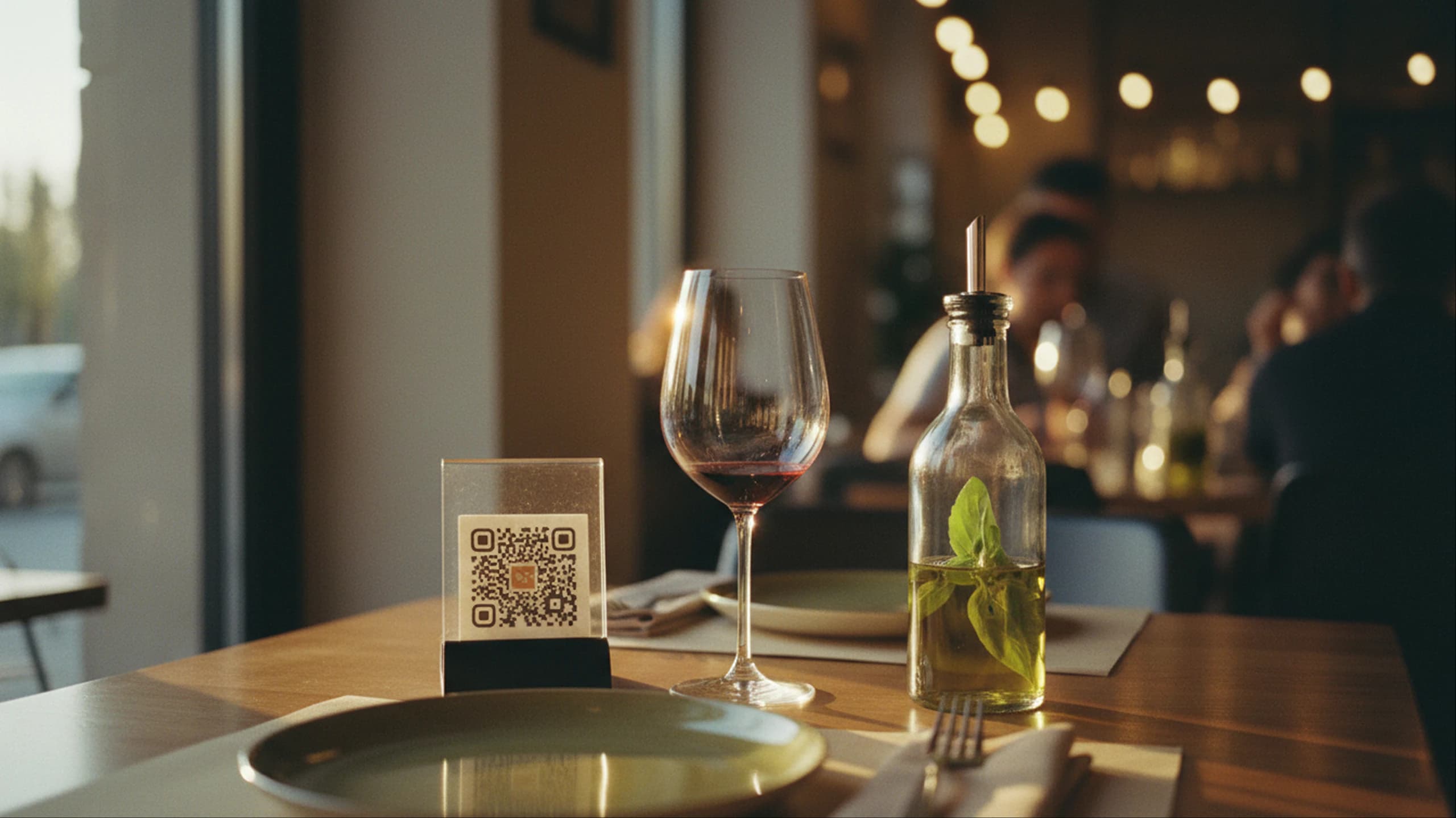
Guests open the latest menu from the QR code at the counter, tables or outdoor seating. Every price change you publish appears in the same menu.

Update your menu during the day
Edit prices, products and availability online. The QR already on the counter, tables and window stays the same.
From menu to QR in a few steps
Import the menu, review products and prices, customize the style and publish the QR.
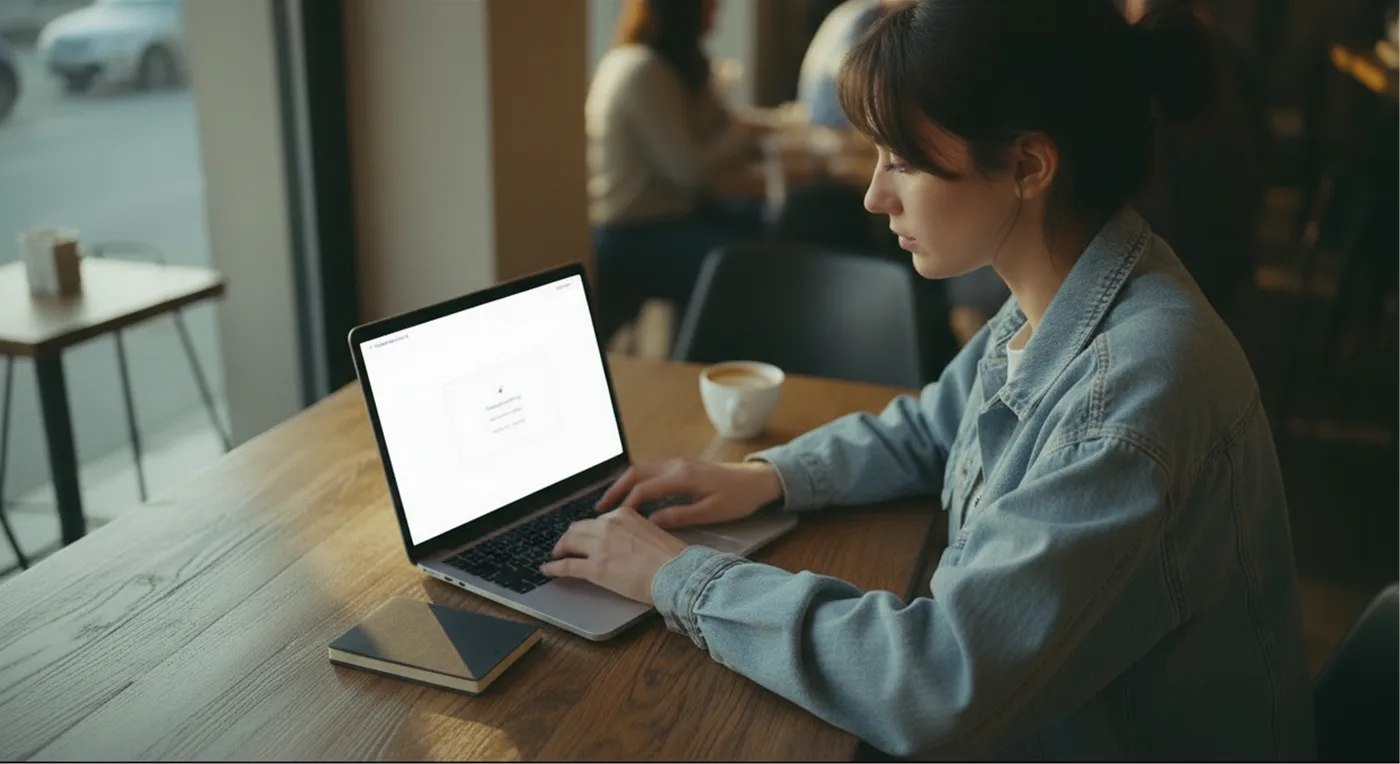
Upload the menu
Import a photo, a PDF or manually add products and categories.
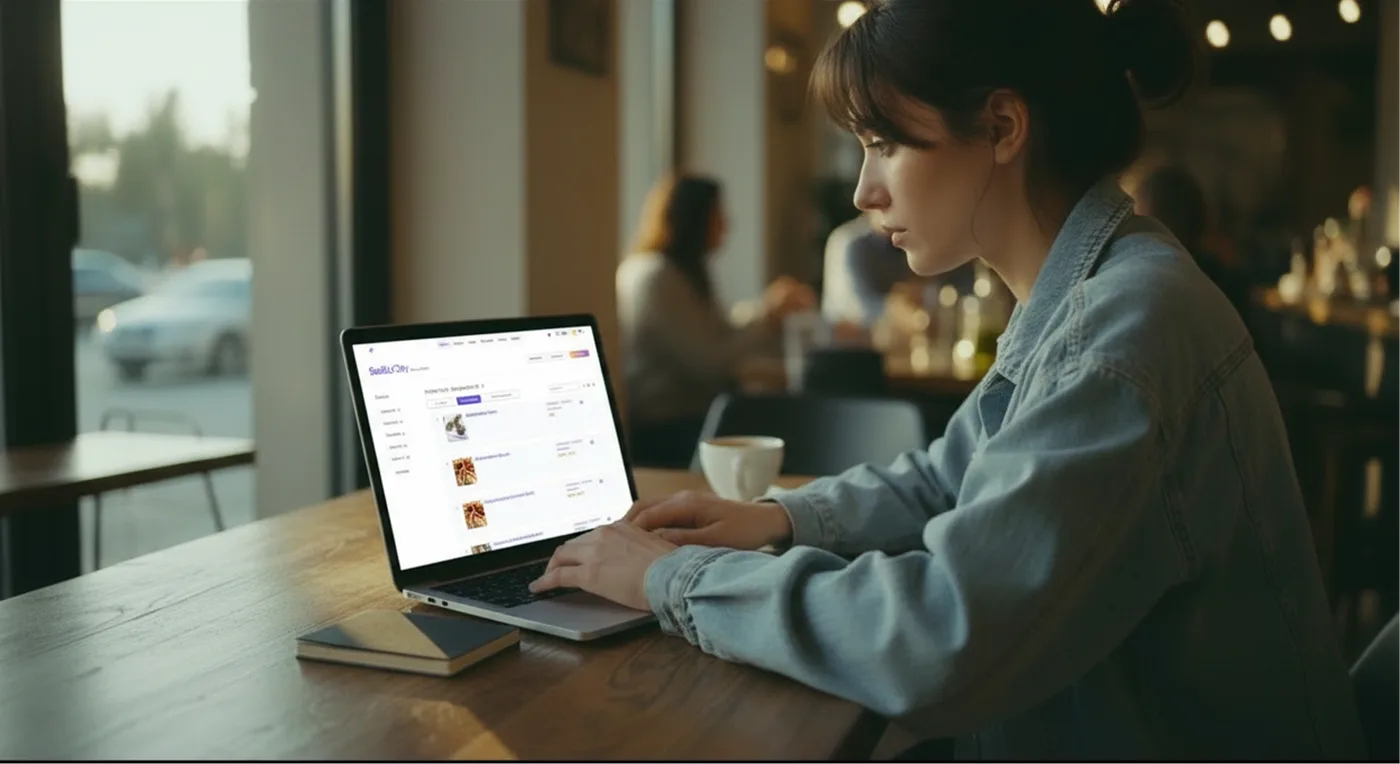
Review the content
Check categories, products, prices, descriptions, availability, ingredients and allergens before publication.
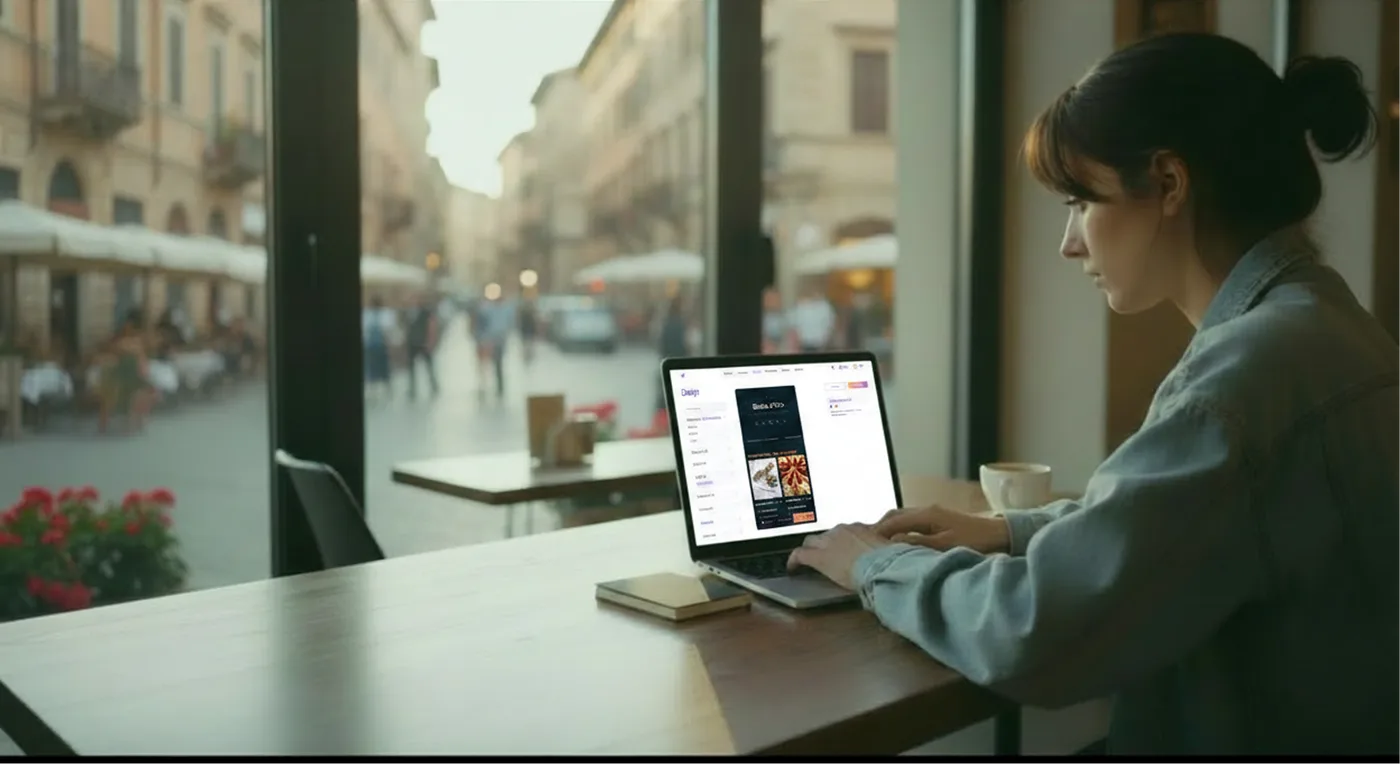
Customize the style
Add logo, colors and photos to make the menu consistent with your bar's identity.
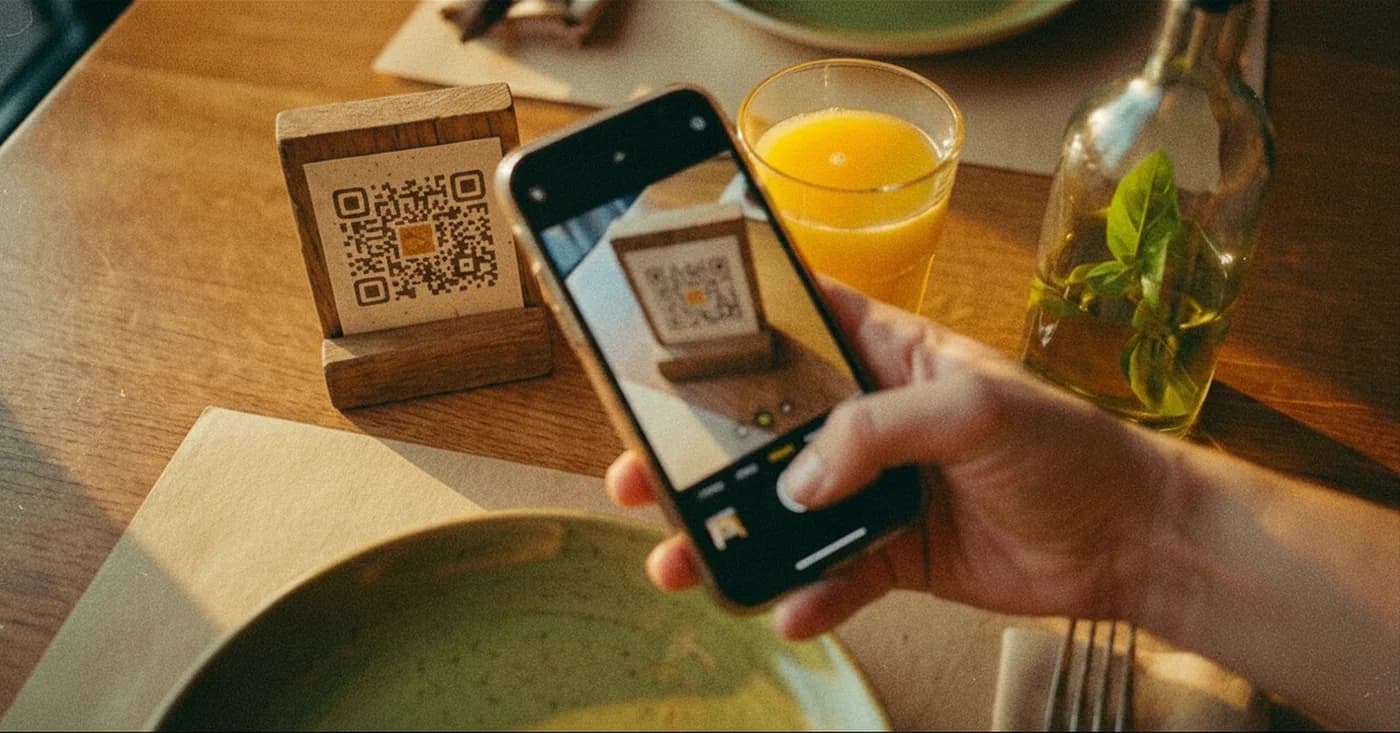
Publish the QR
Place the QR on the counter, tables and window and update the menu online whenever you want.
Less work on the menu, more clarity for customers
Manage products, prices, availability and languages from one place. Customers quickly find what they're looking for, from breakfast to aperitivo.
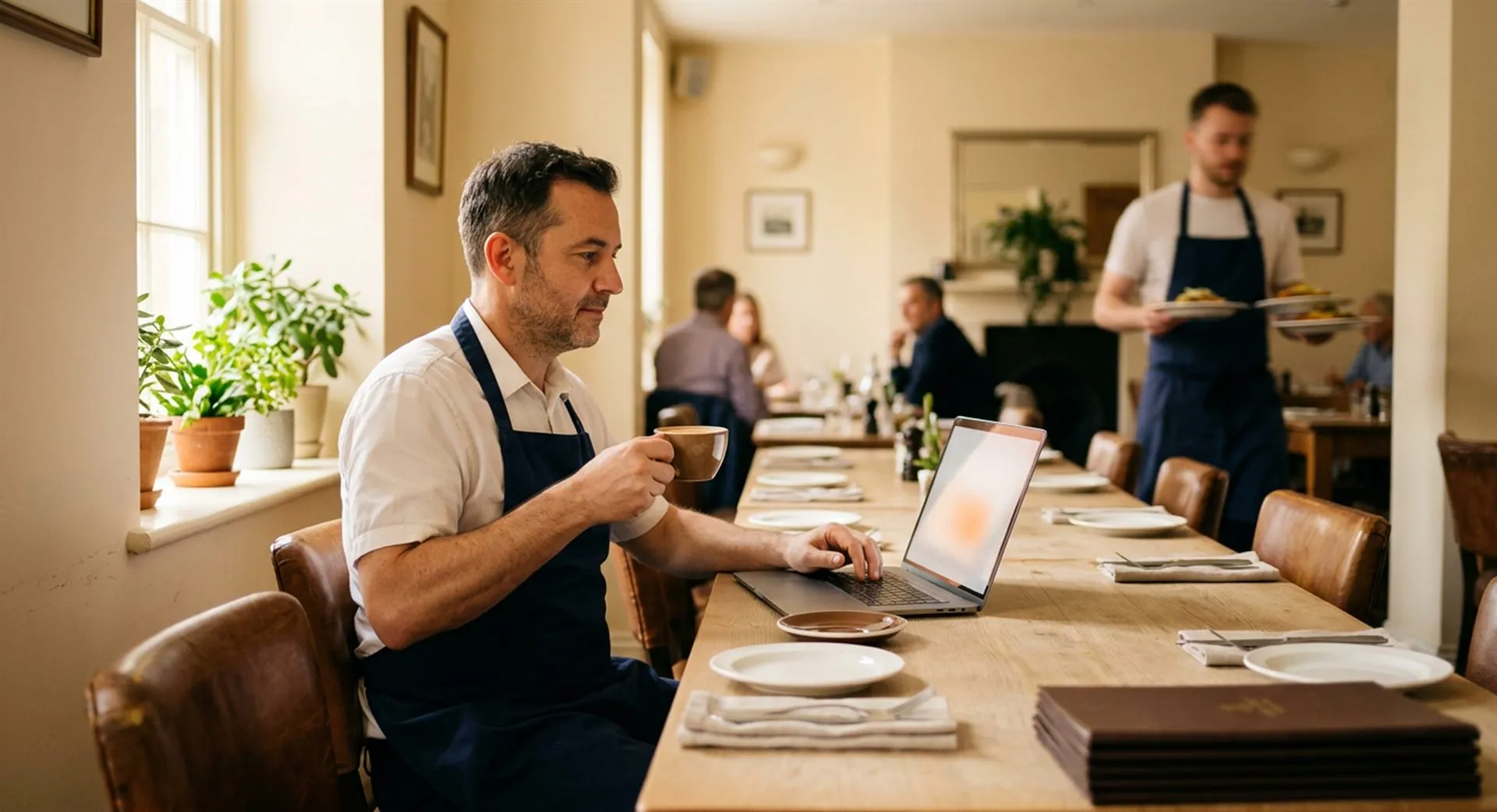
Keep your bar menu up to date
Create a clear digital menu that's always updatable. Change products and prices online and the QR stays the same.