See Stello in action
Open an interactive demo and see the menu exactly as your customers do after scanning the QR. No sign-up required.
Free forever · No card · 1 menu · 50 dishes · 2 languages
From paper menu to QR in just a few steps
Import your menu, review the information, customize the style and publish the QR.

Upload the menu
Import a photo, a PDF or add dishes and categories manually.
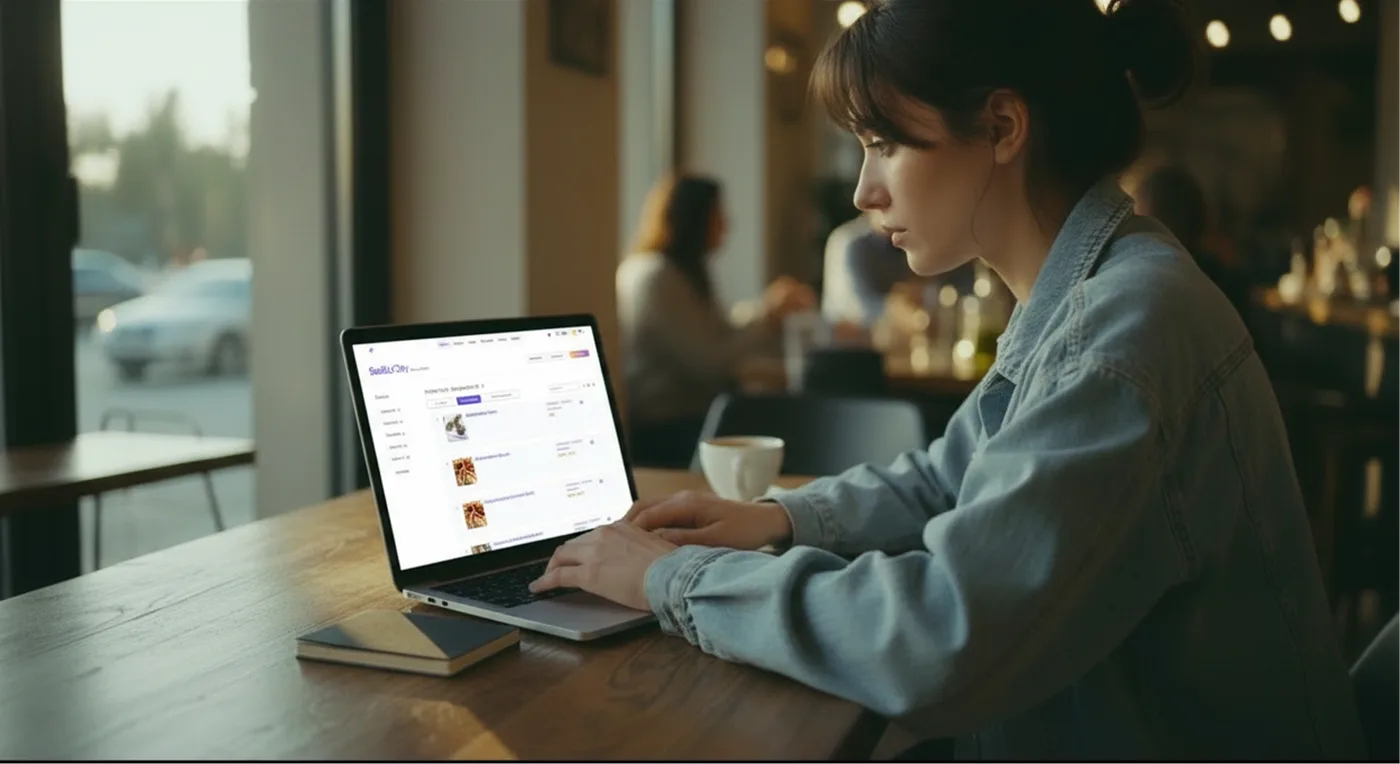
Review the content
Check categories, dishes, prices, descriptions, allergens and translations before publishing.
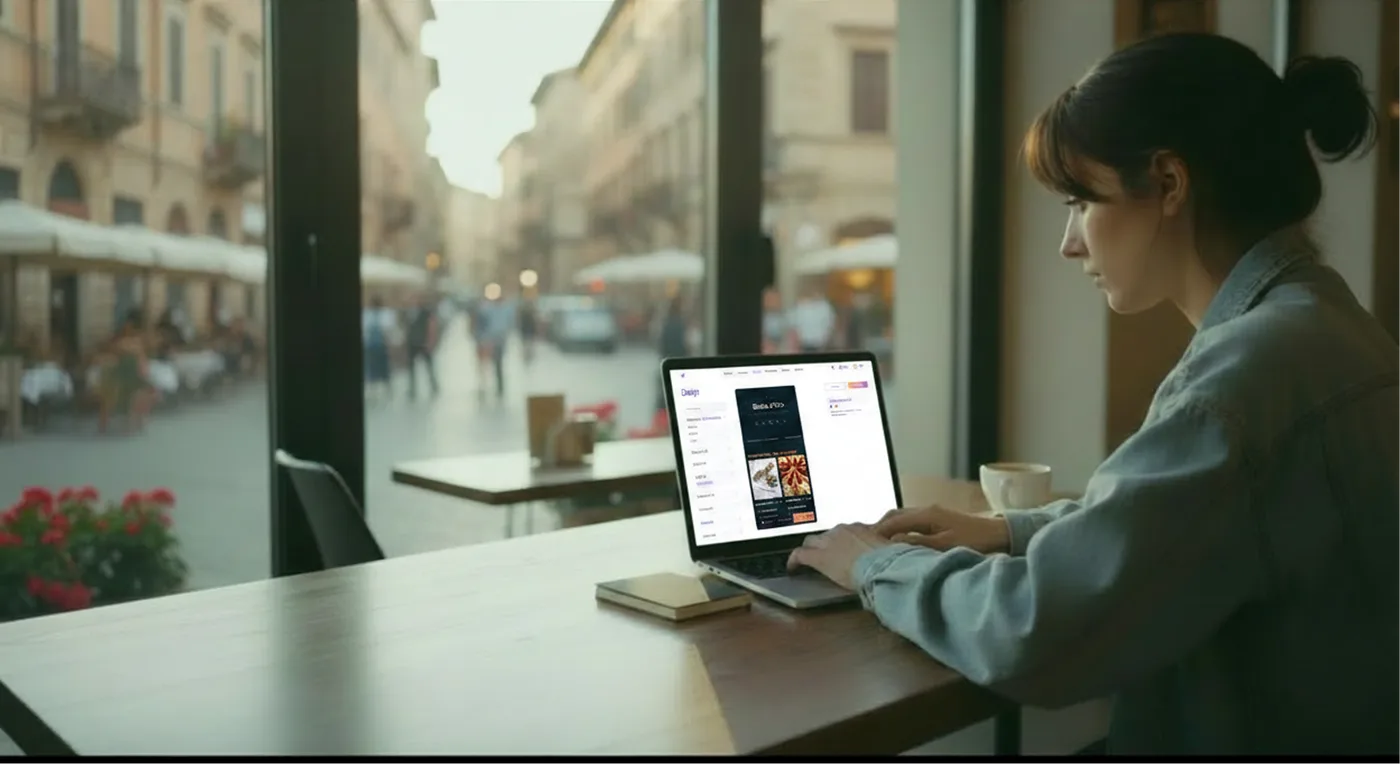
Customize the style
Add logo, colors and photos to match your venue.
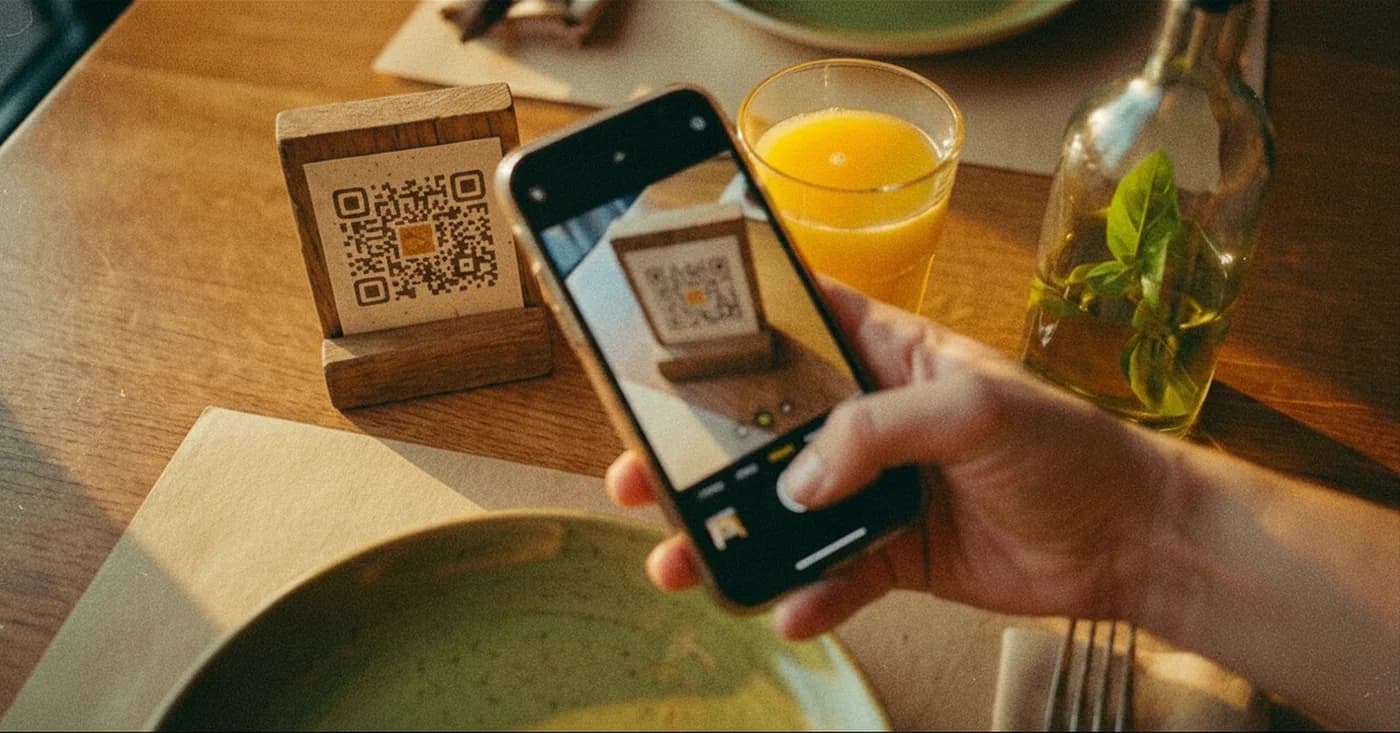
Publish the QR
Share the menu, print the QR and update content online anytime.
What to try in the demo
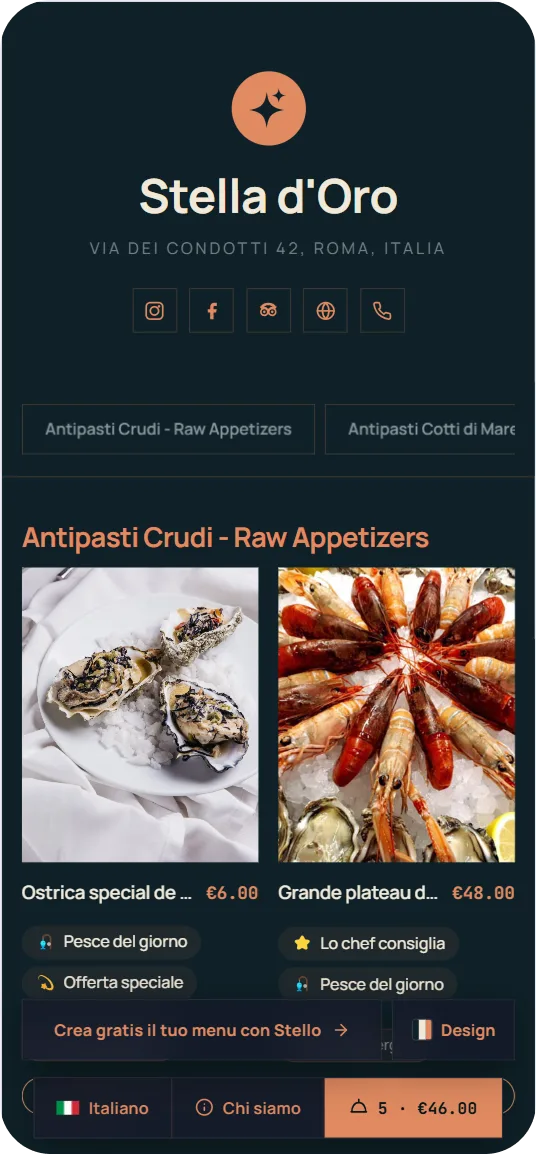
Browse the menu like a customer
Open categories, view dishes and check photos, descriptions and prices on the mobile menu.
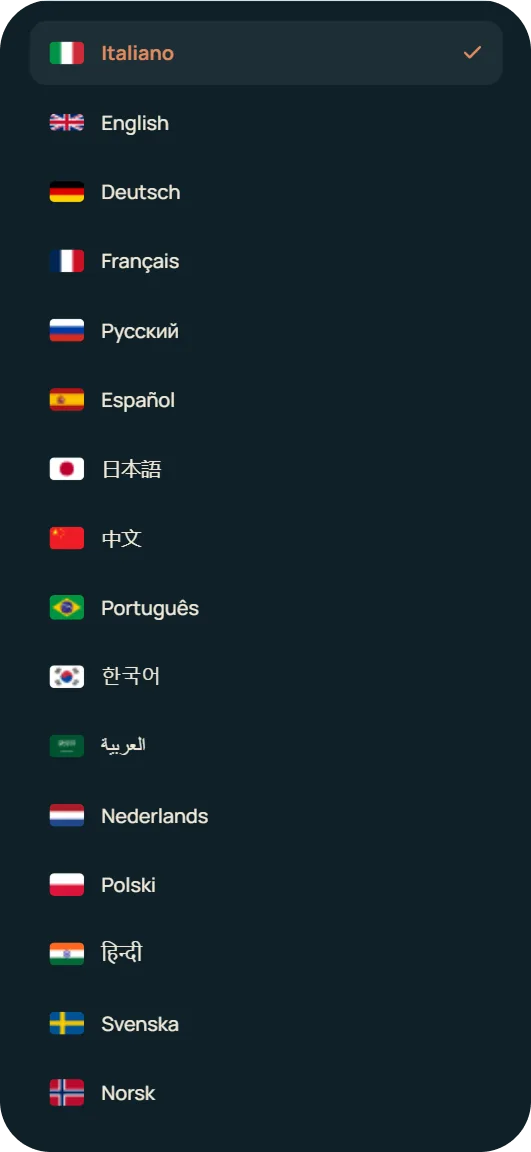
Change language
Use the language selector to see how the menu is presented to international guests.
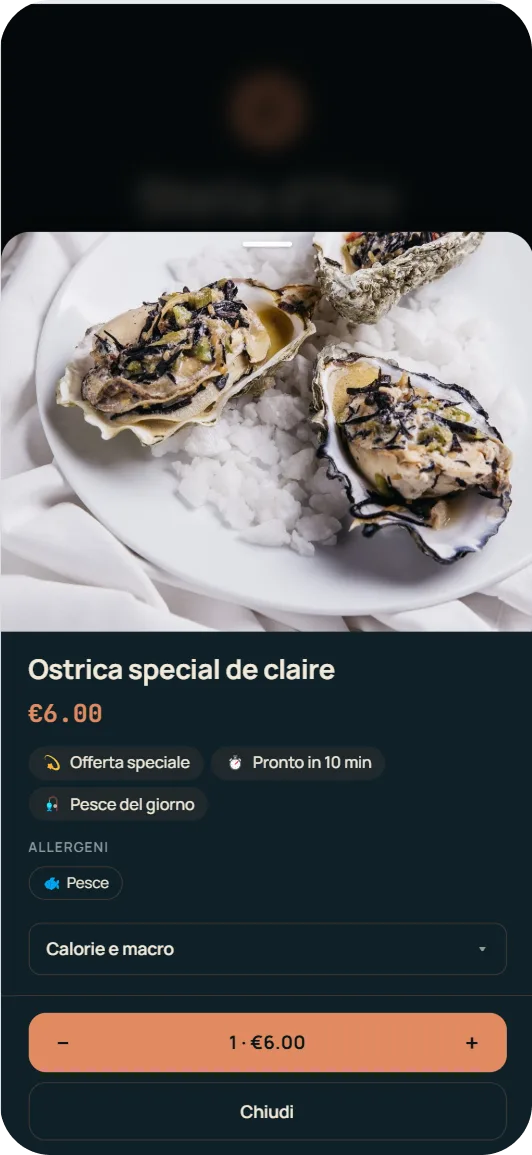
Check allergens
Open a dish card and see how allergens are displayed and confirmed by the restaurant.
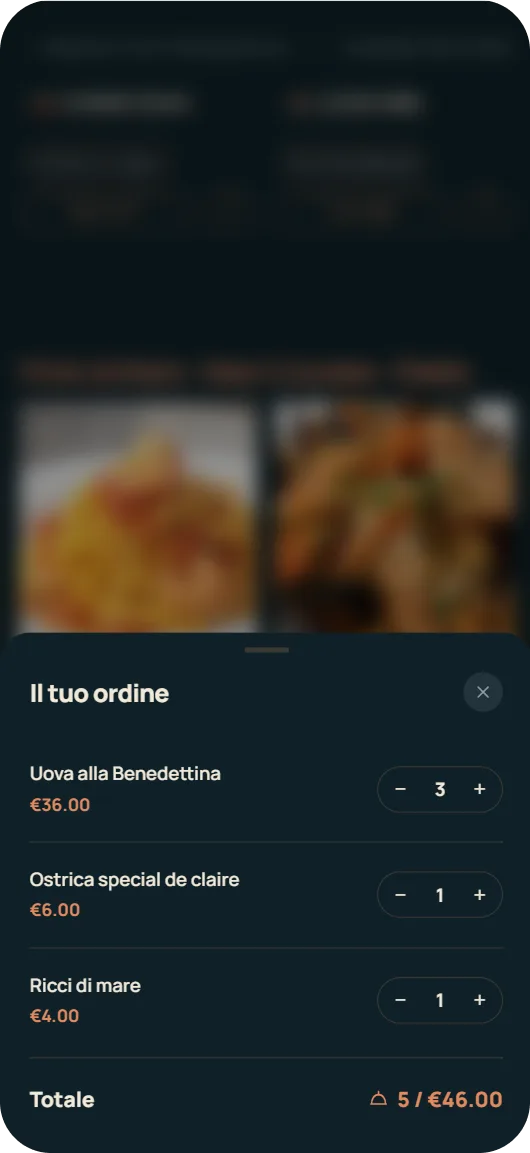
Try the order list
Add some dishes to the list and see how customers can review their order before showing it to staff.
Want to see how Stello adapts to your venue type?
Discover how to use the QR menu in restaurants, bars, pizzerias, tourist facilities, beach resorts, hotels and B&Bs.
Create your menu and generate the QR
Once you've created the menu you can generate the QR code, download it in high quality and print it for tables, window, counter or countertop stands.
Create your menuCreate your own digital menu
Create your digital menu, customize it and generate a QR ready to share with your customers.