QR menu for beach clubs, ready for the season
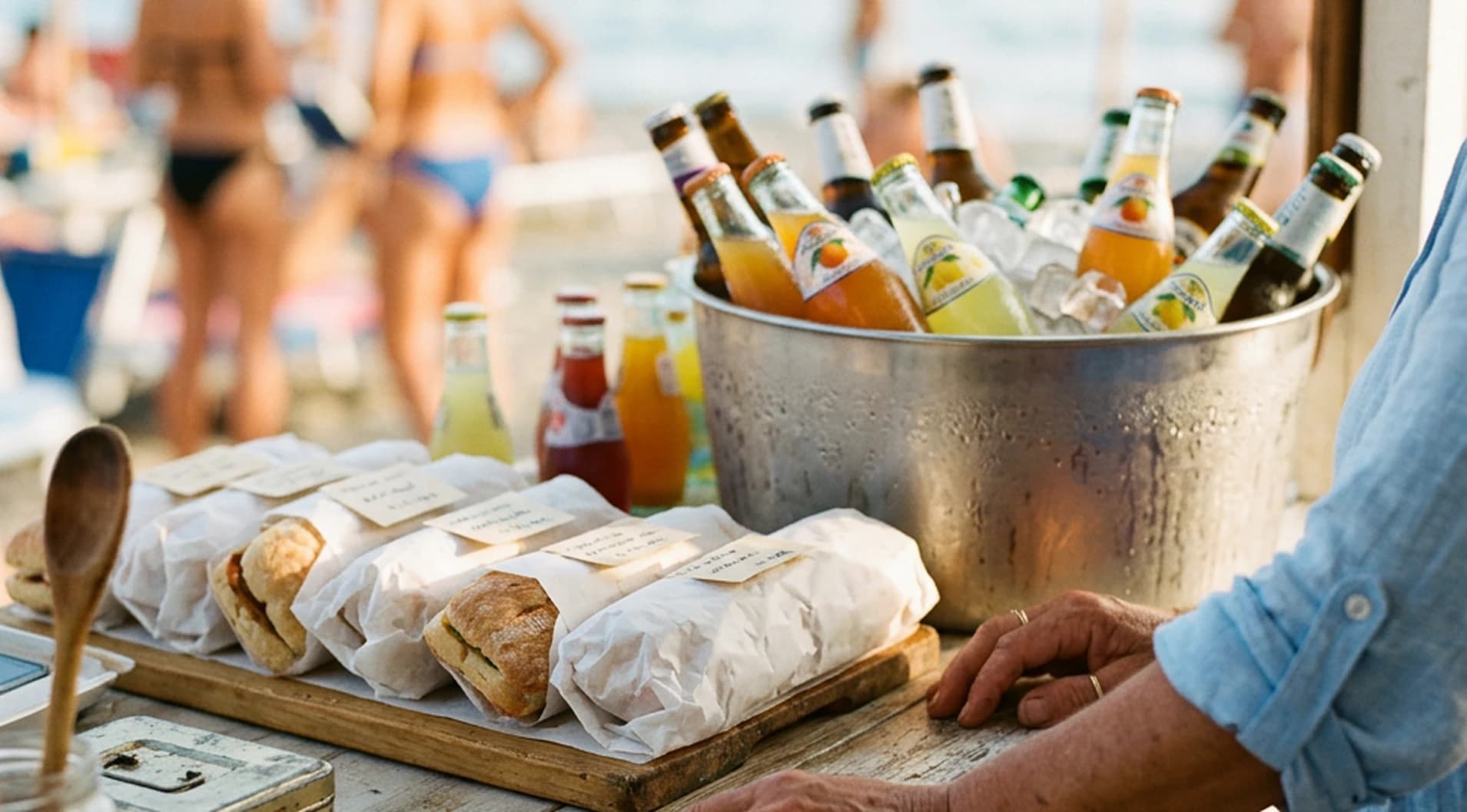
Create a digital menu for beach, bar and restaurant. Place the QR on umbrellas, tables, counter or entrance and update dishes, prices and availability online.
Free forever · No card · 1 menu · 50 dishes · 2 languages
A menu ready for the entire season
Manage beach, bar and restaurant menus on one digital page. Update your offer online and the already-printed QR stays the same.
QR where you need it
Place it on umbrellas, tables, counter and entrance.
Updated availability
Hide or restore dishes and products when your offer changes.
Menu in multiple languages
Help international guests better understand your menu.
Automatic allergens
Stello automatically assigns allergens to menu dishes. The venue only needs to confirm or modify them when necessary.
Keep your menu current throughout the season
With Stello, update dishes, products, prices and availability online. The QR already placed on umbrellas, tables and counter stays valid throughout the season.

One QR for the entire season
Prepare the menu at opening, update it during the season and use the same QR in different areas of the beach club.
Example: a beach club prepares the kitchen and bar menu at the start of the season, places the same QR on umbrellas, tables and counter and updates prices and availability online throughout the season.
From beach club menu to QR in a few steps
Import the menu, review the information, customize the style and publish the QR.

Upload the menu
Import a photo, a PDF or manually add dishes, products and categories.
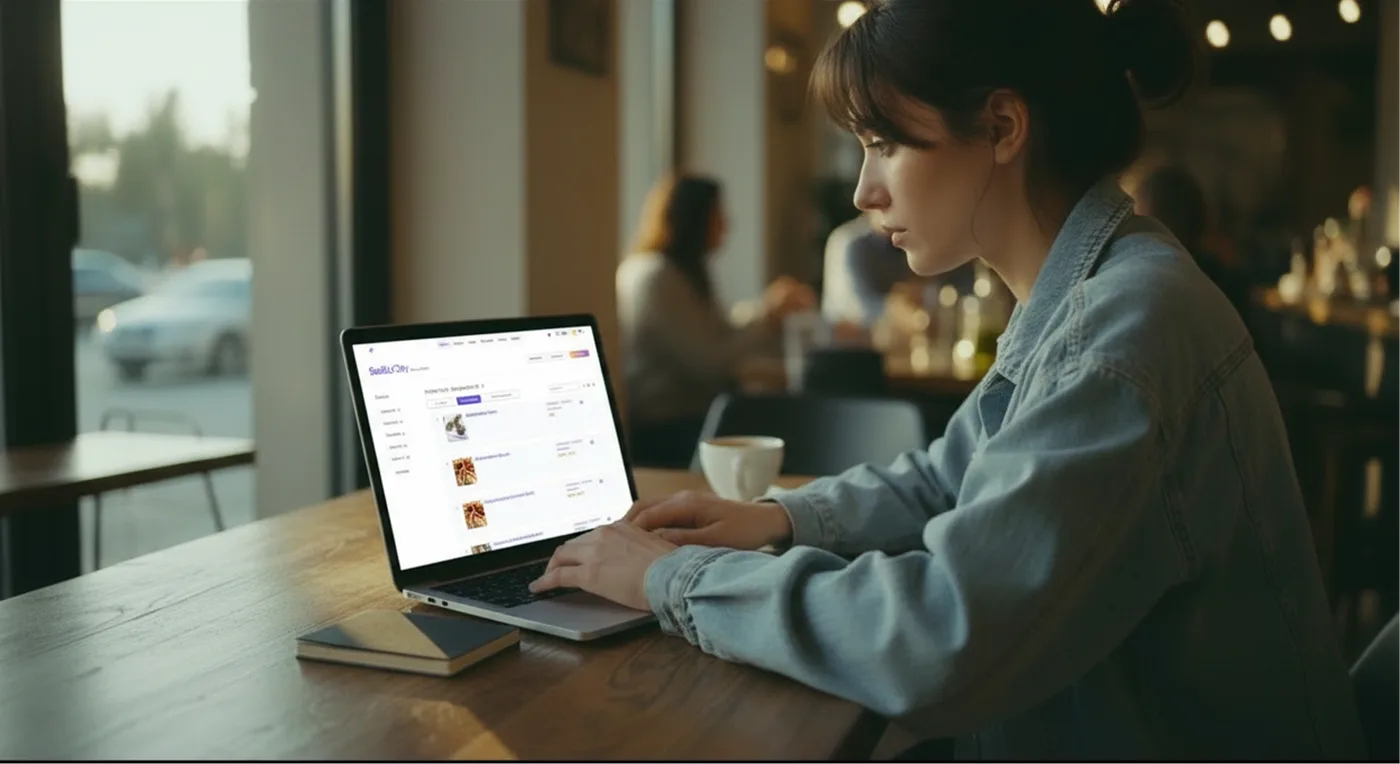
Review the content
Check categories, dishes, products, prices, descriptions, availability, allergens and translations before publication.
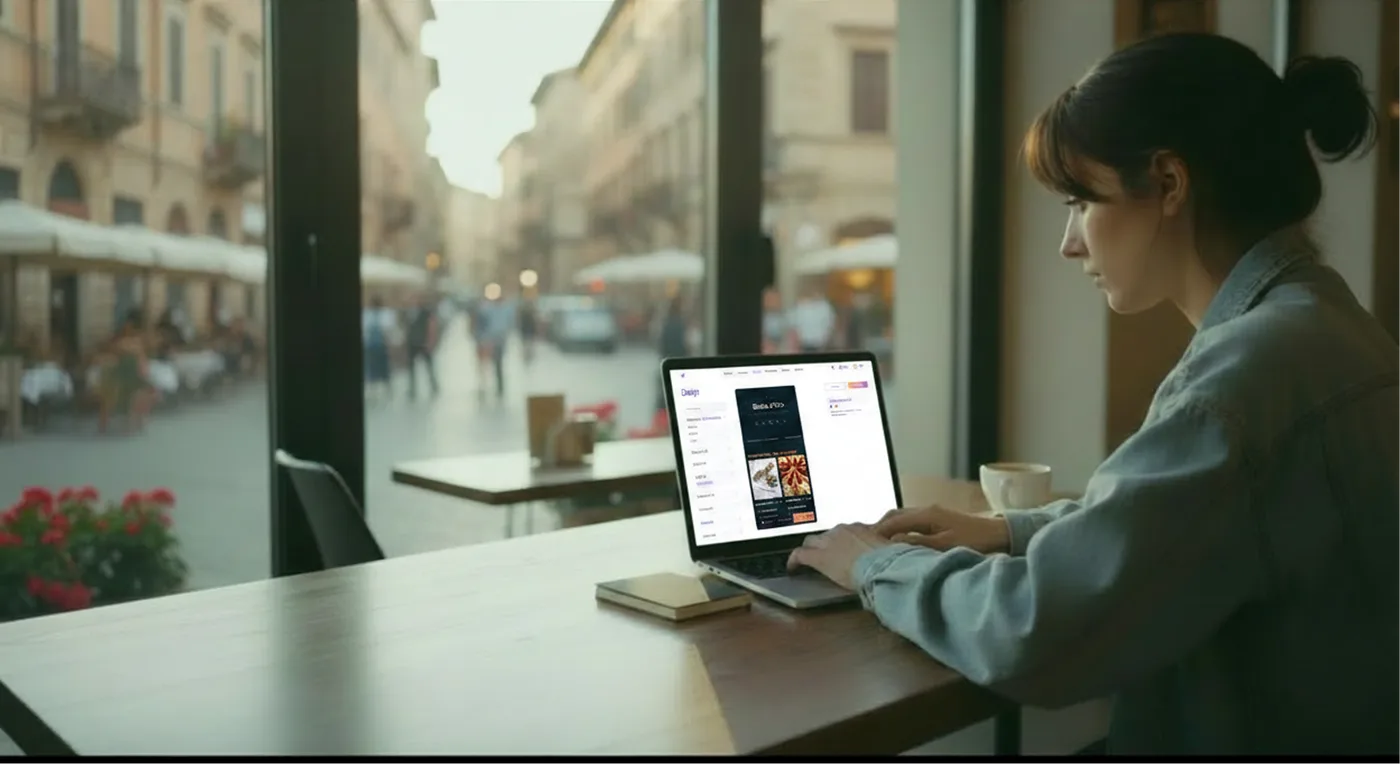
Customize the style
Add logo, colors and photos to make the menu consistent with your beach club's identity.
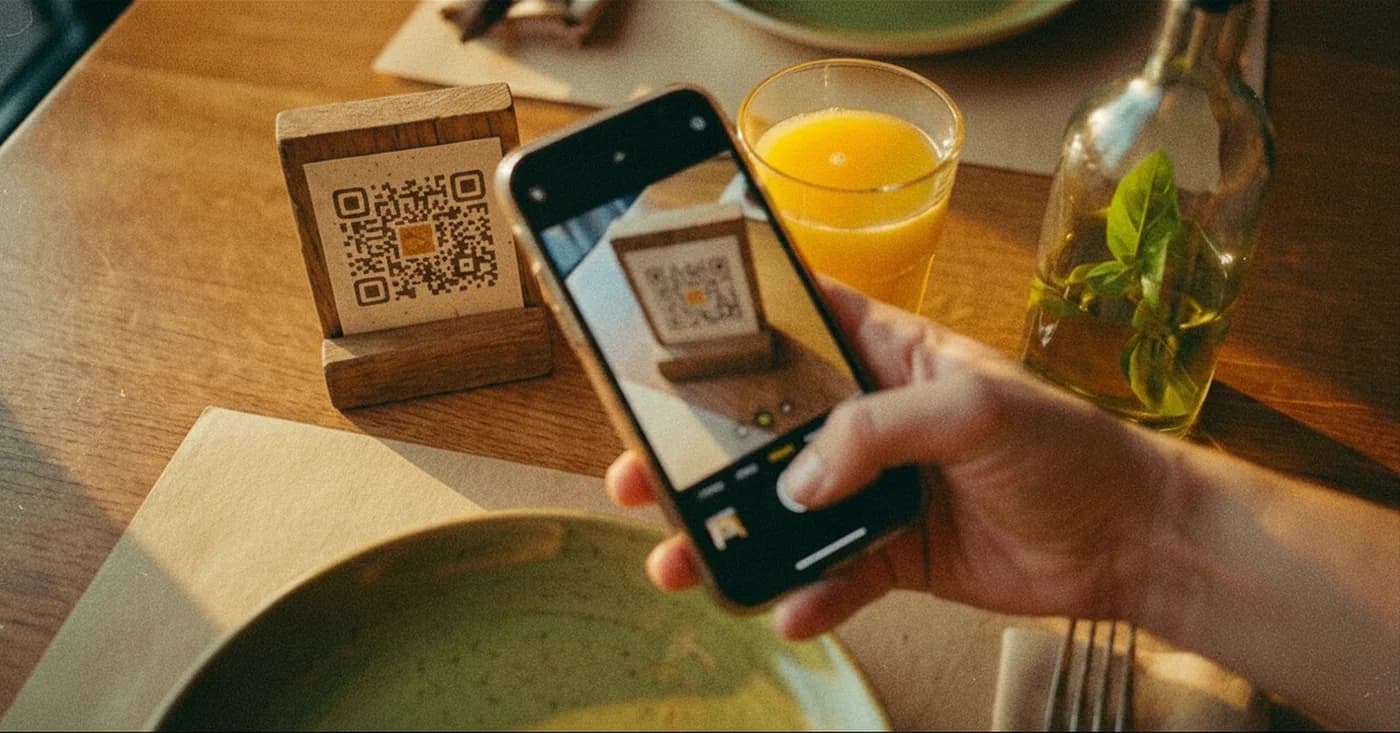
Publish the QR
Place the QR in the areas of the beach club and update the menu online whenever you want.
Less work on the menu during the season
Manage dishes, products, prices, availability, allergens and translations from one place. Customers always see the updated version of the menu.

Your season starts with a ready menu
Create a QR menu for beach, bar and restaurant. Update your offer online and use the same QR in different areas of the beach club.