Digital menu for restaurants, complete and always up to date
Dishes, categories, photos, prices, allergens and translations in a single digital menu. Update seasonal items and daily specials without reprinting anything.
Free forever · No card · 1 menu · 50 dishes · 2 languages
One board for your waiters and kitchen team
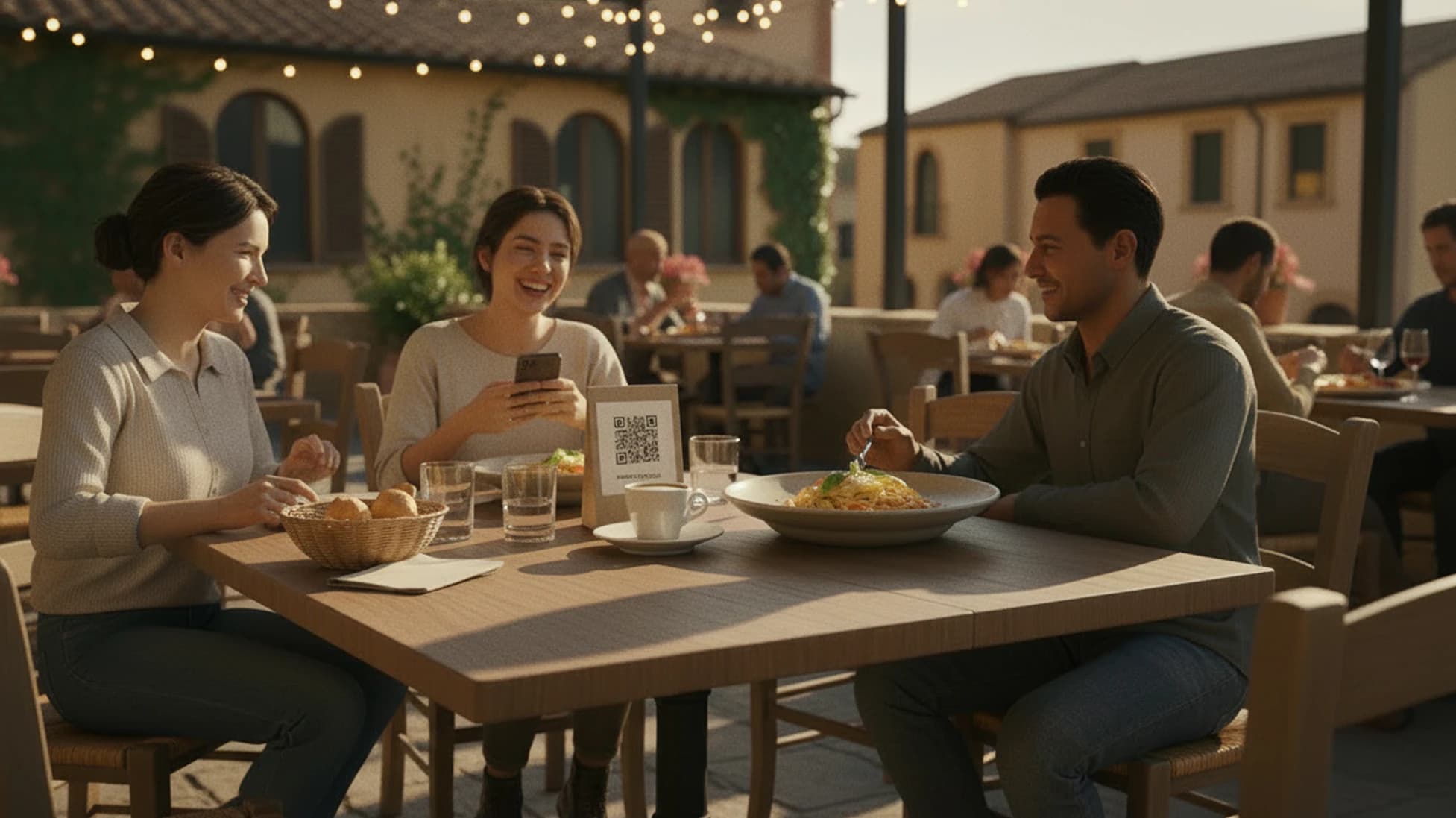
Each order arrives from the QR menu with its table number. A waiter accepts it and the kitchen marks it ready. Guests can add more courses and, with payments enabled, choose when to settle the bill from the menu.
Explore order managementAn organized menu, dish by dish
Clear categories, descriptions, photos and current prices help guests choose directly from their phones.
EU Allergens
Associated with dish cards and verified by the restaurant before publication.
Up to 15 languages
AI translation from the Base plan.
Daily specials
Update it directly from your dashboard.
Mini-site
Hours and contact info, from the Base plan.
Keep your menu in step with your kitchen
With Stello, you update dishes and prices online: the QR on the tables stays the same, even when the menu changes every week.
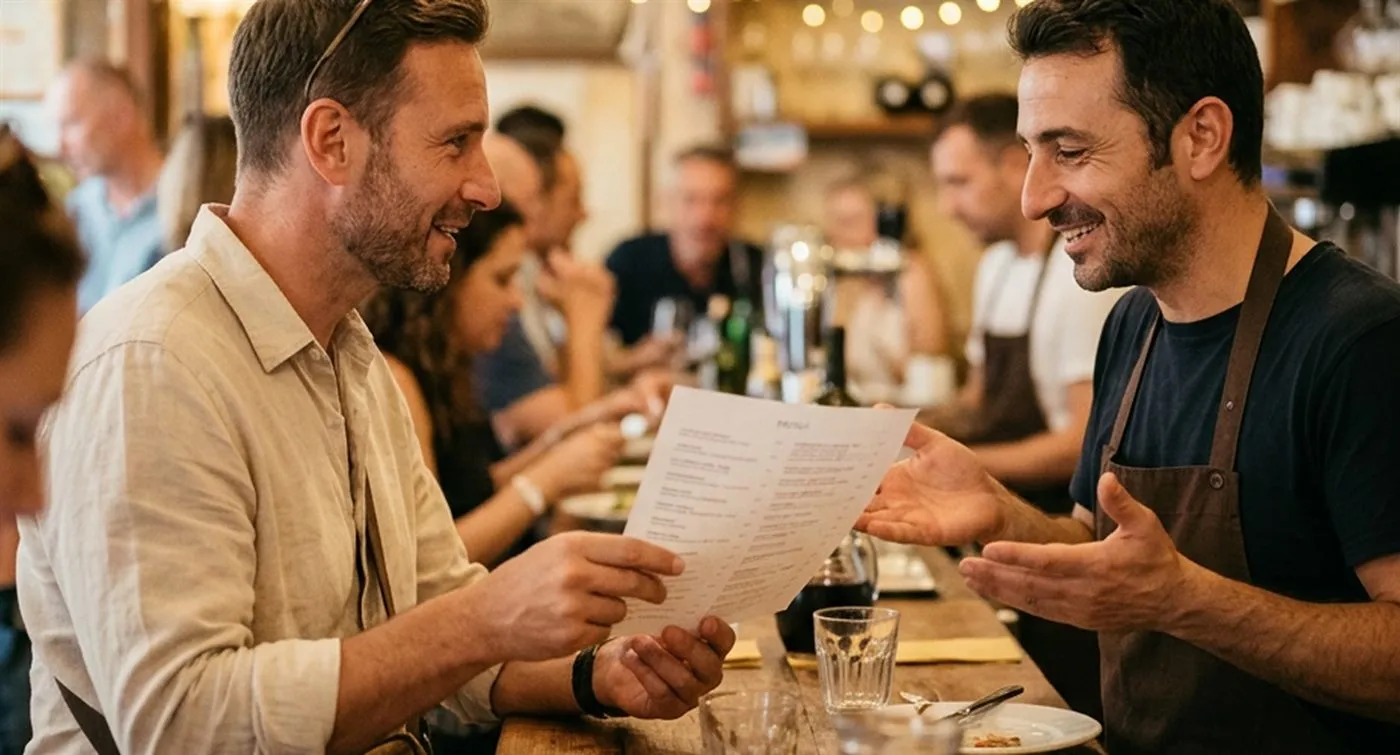
Update your menu and keep the same QR
Edit dishes, prices, availability and daily specials online. The QR already on the tables stays the same.
From paper menu to QR in a few steps
Stello guides you from menu import to publication. Before going live, the restaurant reviews and confirms all information.
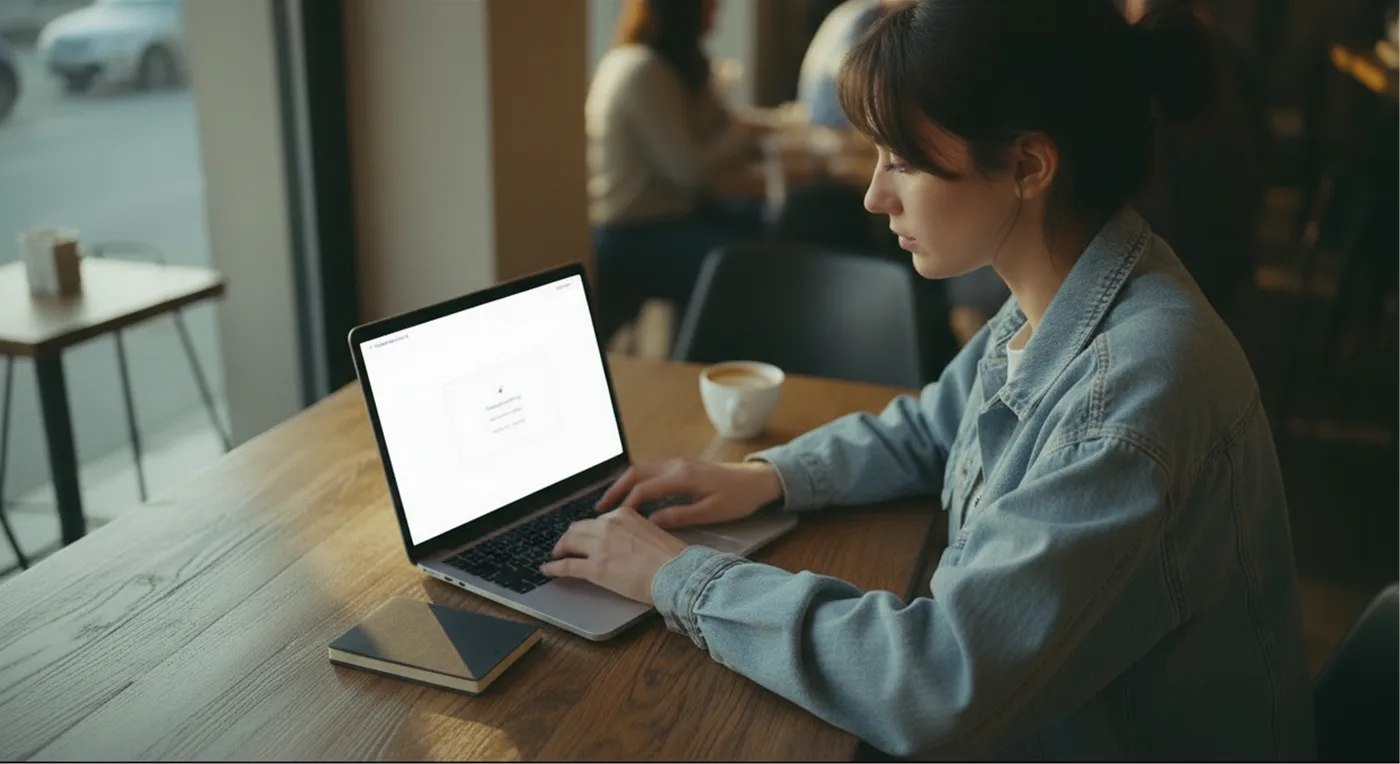
Upload the menu
Import a photo, a PDF or manually add dishes and categories.
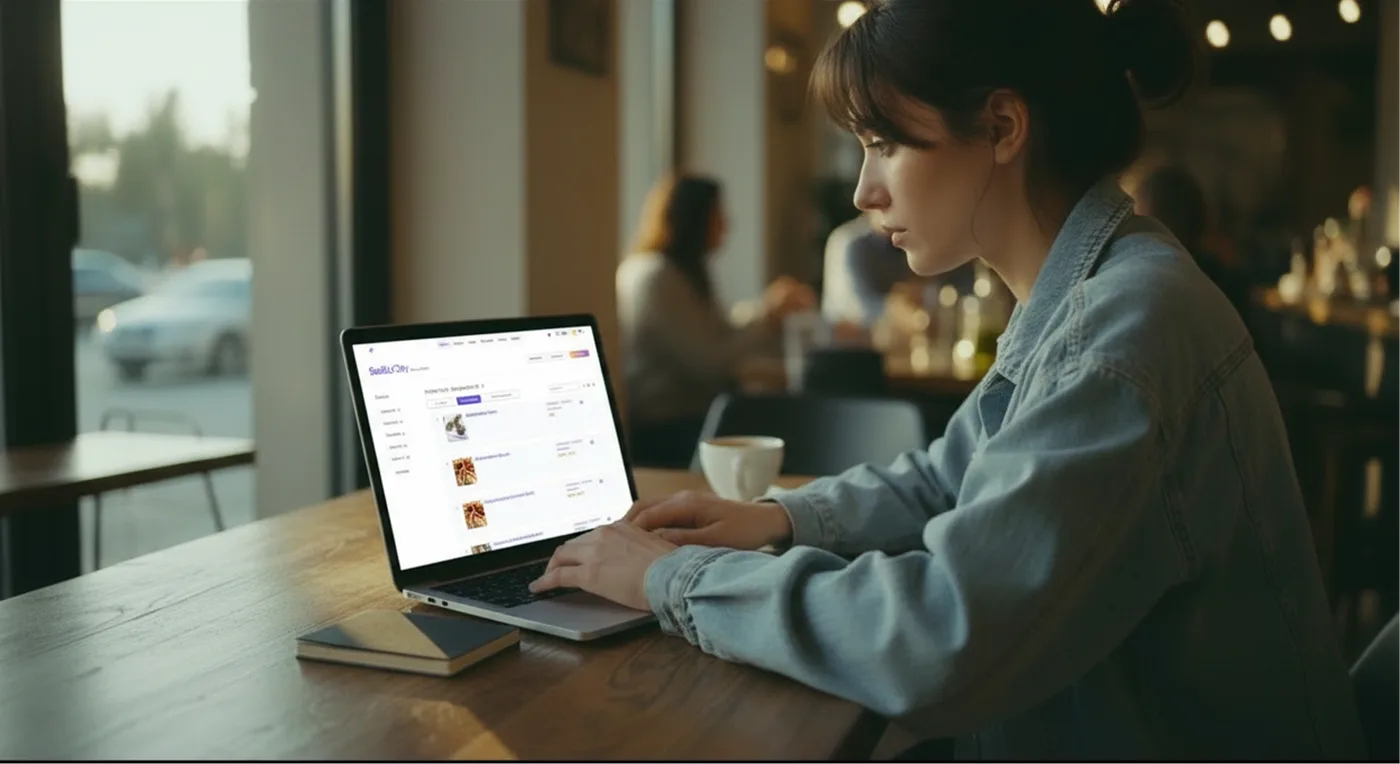
Review the content
Check categories, dishes, prices, descriptions, ingredients, allergens and translations before publication.
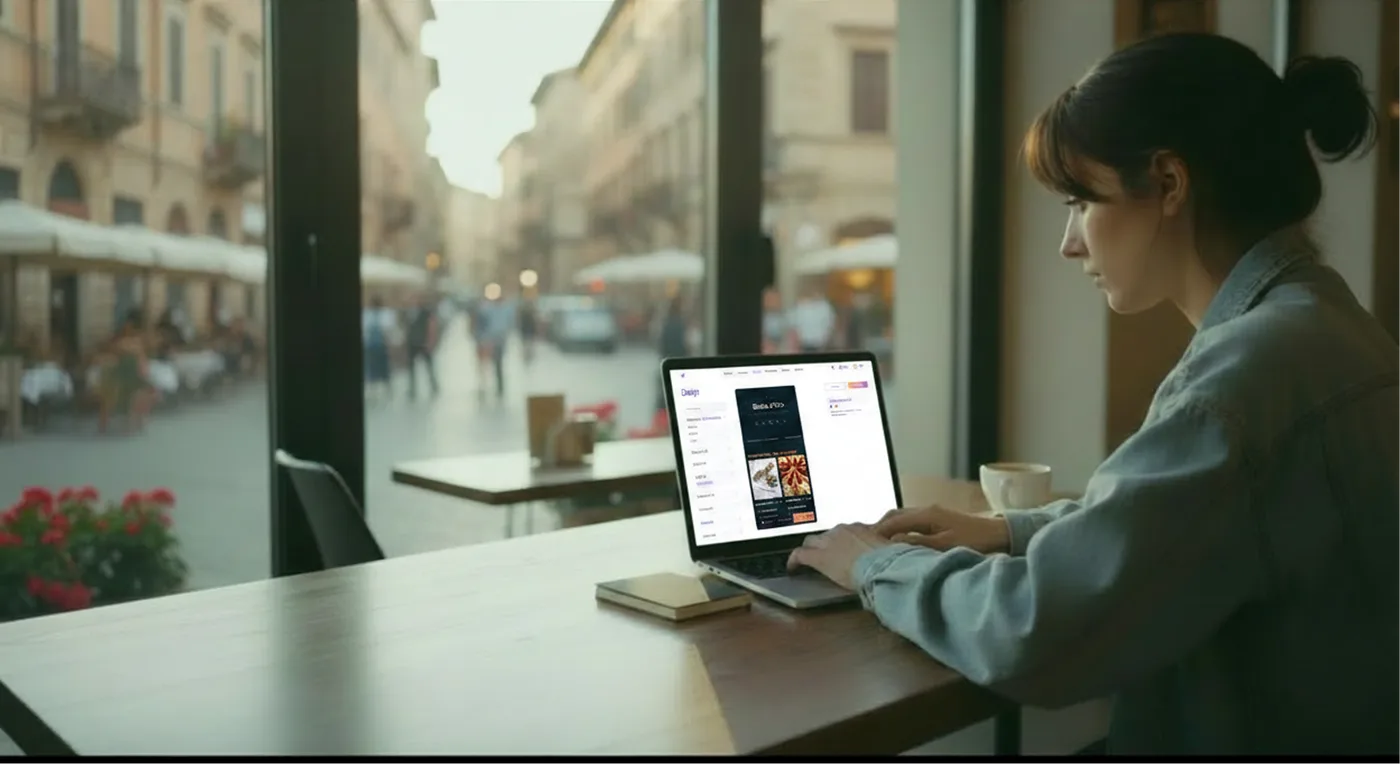
Customize the style
Add logo, colors and dish photos to make the menu consistent with your venue.
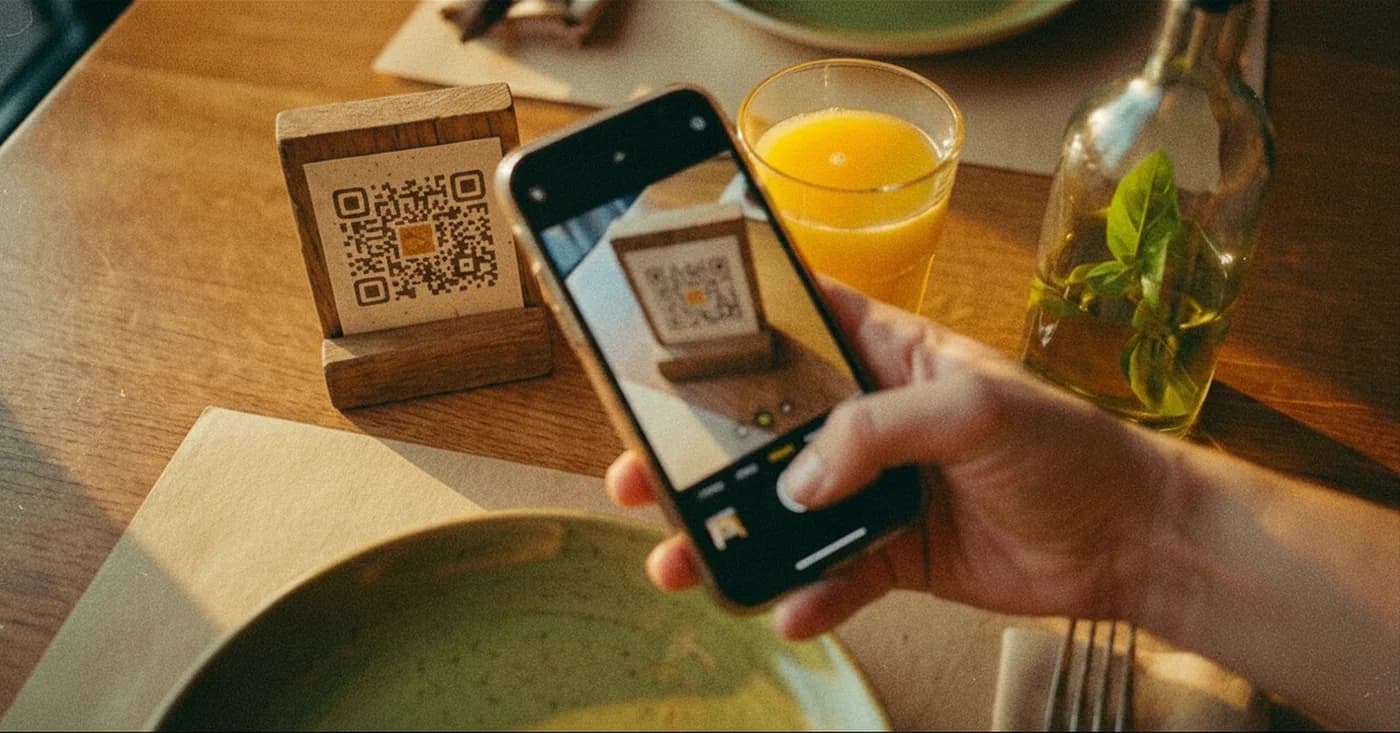
Publish the QR
Share the menu, print the QR and update the content online whenever you want.
Meno lavoro sul menu, più chiarezza per i clienti
Aggiorni piatti, prezzi, lingue e allergeni da un unico posto. I clienti consultano le informazioni del piatto mentre scelgono cosa ordinare.
Your restaurant deserves a clear menu
Create a complete QR menu with dishes, photos, allergens and translations. Update everything online and the QR on the tables stays the same.