Multilingual QR menu for restaurants in Italy
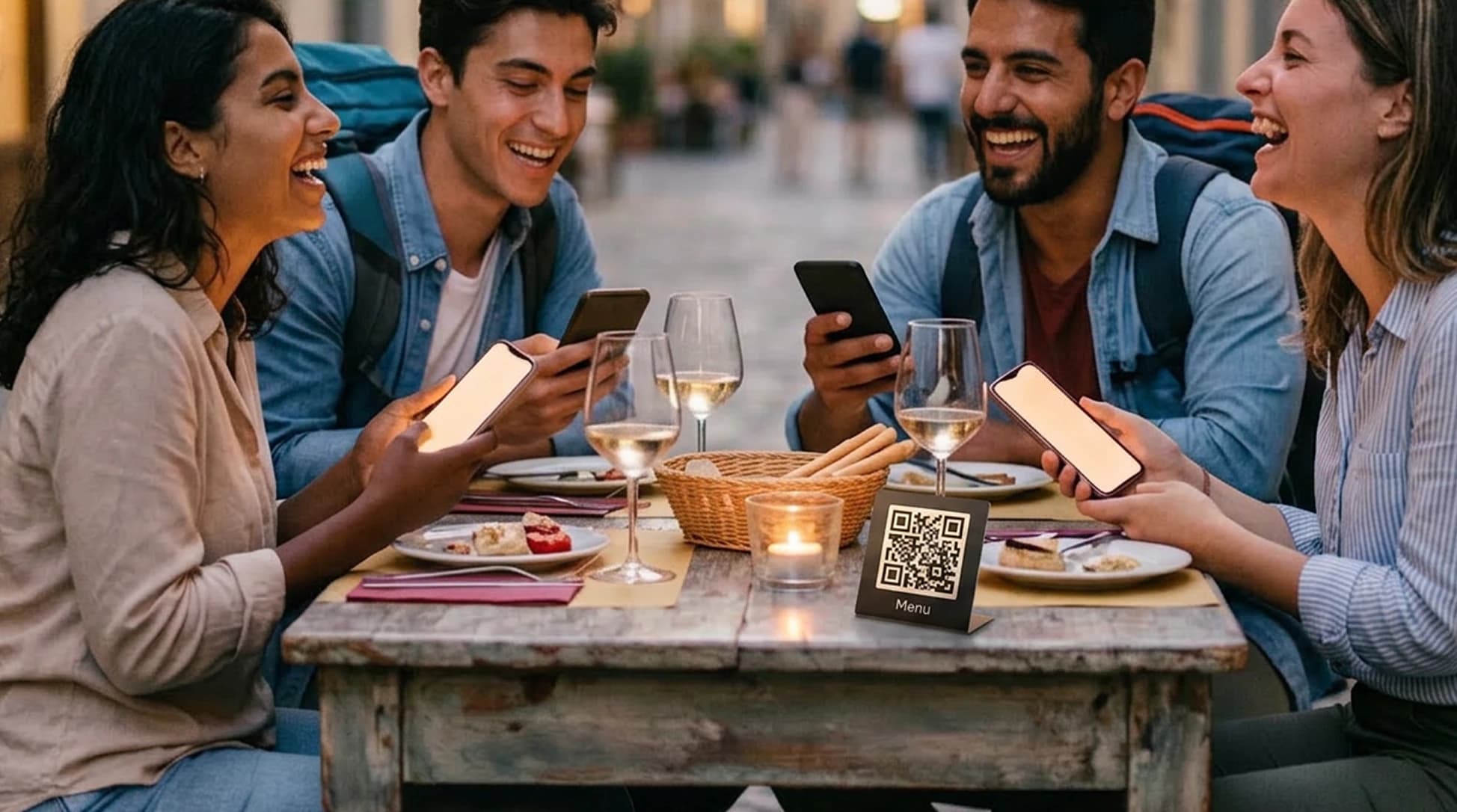
Present dishes, descriptions, allergens and useful information in a multilingual digital menu. Review the content and update everything online without changing the QR.
Free forever · No card · 1 menu · 50 dishes · 2 languages
Multilingual menu, always updatable
Help international guests understand the menu and find important information before ordering.
AI translations
From Base, translate the menu with AI into 15 languages and review text before publishing. Free includes 2 languages.
Automatic allergens
Stello suggests allergen categories from dish information. Before publishing, the restaurant checks recipes, ingredients, supplier information, substitutions and kitchen procedures, then confirms or changes the suggestions. Verified information appears on dish cards.
Dish photos
Help customers better recognize dishes and understand their presentation.
Restaurant information
Display history, hours, address, contact info and useful links.
No app needed
The menu opens directly in the phone browser.
Help every guest discover your food
Stello transforms the menu into an organized, multilingual mobile page with photos, descriptions and clear allergens. Guests can explore your dishes in their language and ask staff about any details.
What international guests see in the menu
Key information is collected on the same page and displayed in the language chosen by the customer.
Original name and description
Keep the Italian name of the dish and add a comprehensible description in the customer's language.
Allergens
Allergens confirmed by the restaurant are shown in each dish card.
Dish photos
Images help tourists better recognize the restaurant's offerings.
Prices and availability
Customers see prices, seasonal dishes and availability in the updated version of the menu.
From photo or PDF, updatable whenever you want
From a paper menu to a published QR: three clear steps, with restaurant review before guests see the content.
1. Upload the menu
Import a photo or PDF: Stello organizes sections, dishes, descriptions and prices into a first digital version.
2. Review content and languages
Check dishes, prices, translations and allergens. The restaurant confirms or corrects the information before publication.
3. Publish the QR
Share the menu with a stable QR. Update dishes and availability online without reprinting it.
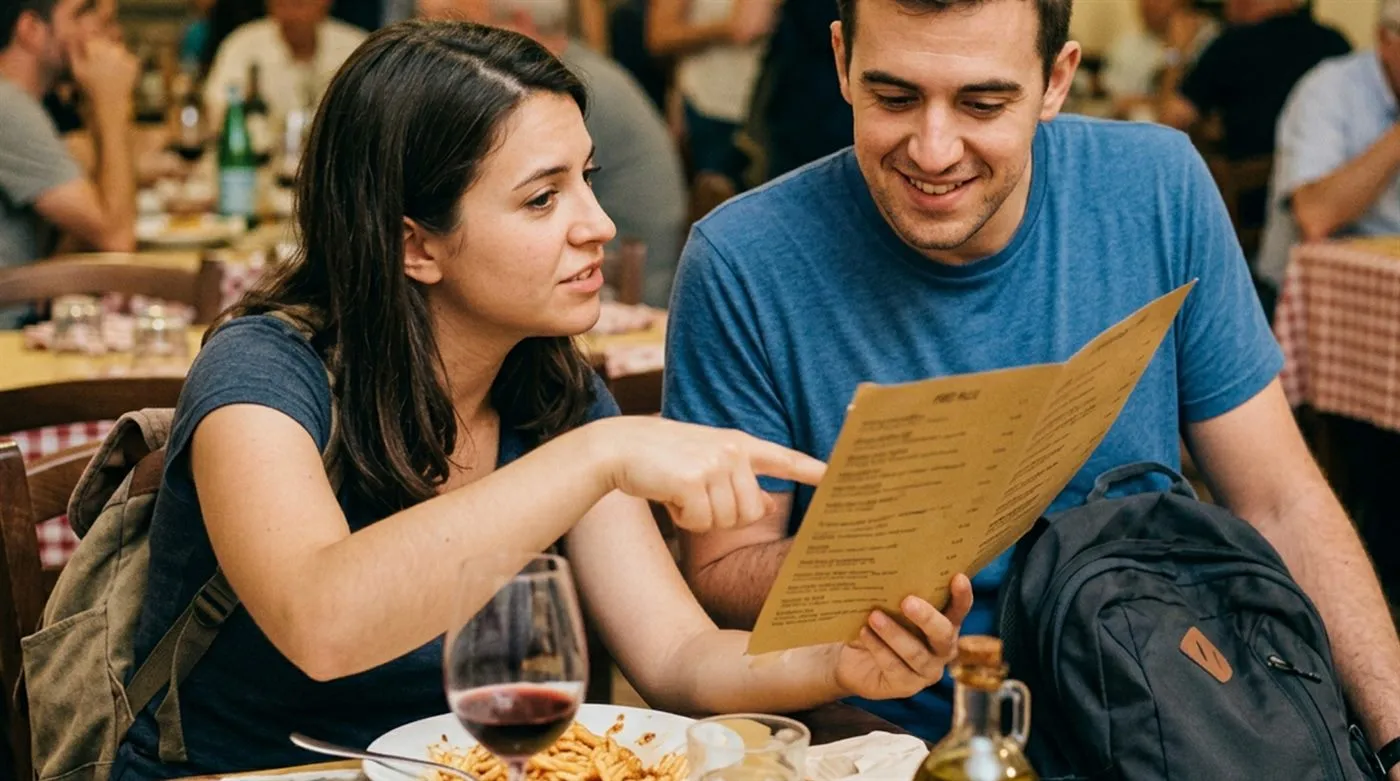
Example: a historic city center restaurant keeps Italian dish names and adds descriptions and allergens in the customer's language. The tourist better understands the menu and staff intervenes when confirmation is needed.
Share your menu with international guests
Create a multilingual QR menu with dishes, descriptions, allergens and photos. Update everything online and the QR stays the same.