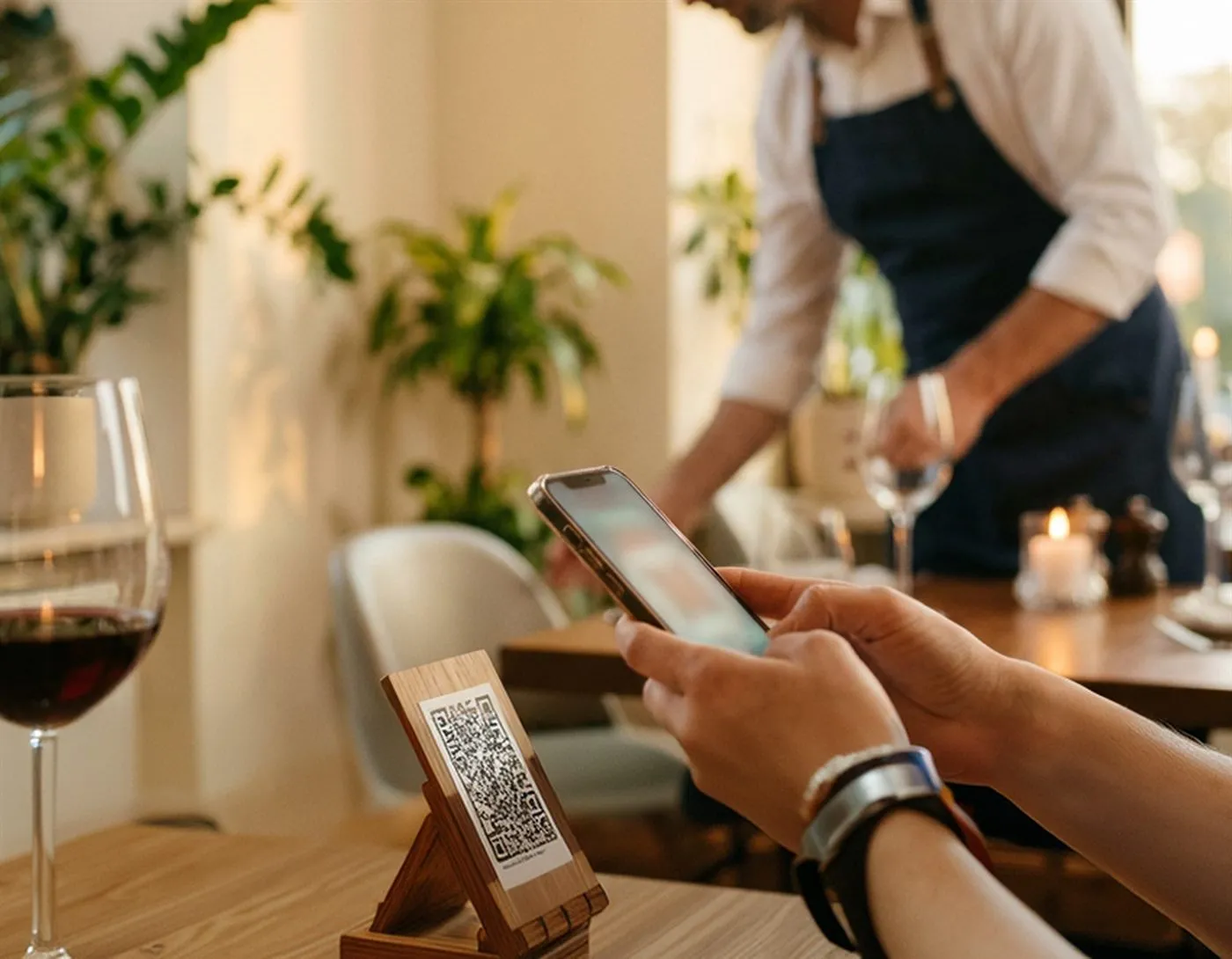
From paper menu to QR, hassle free

Upload your menu, review the content and generate a QR that stays up to date for your guests.

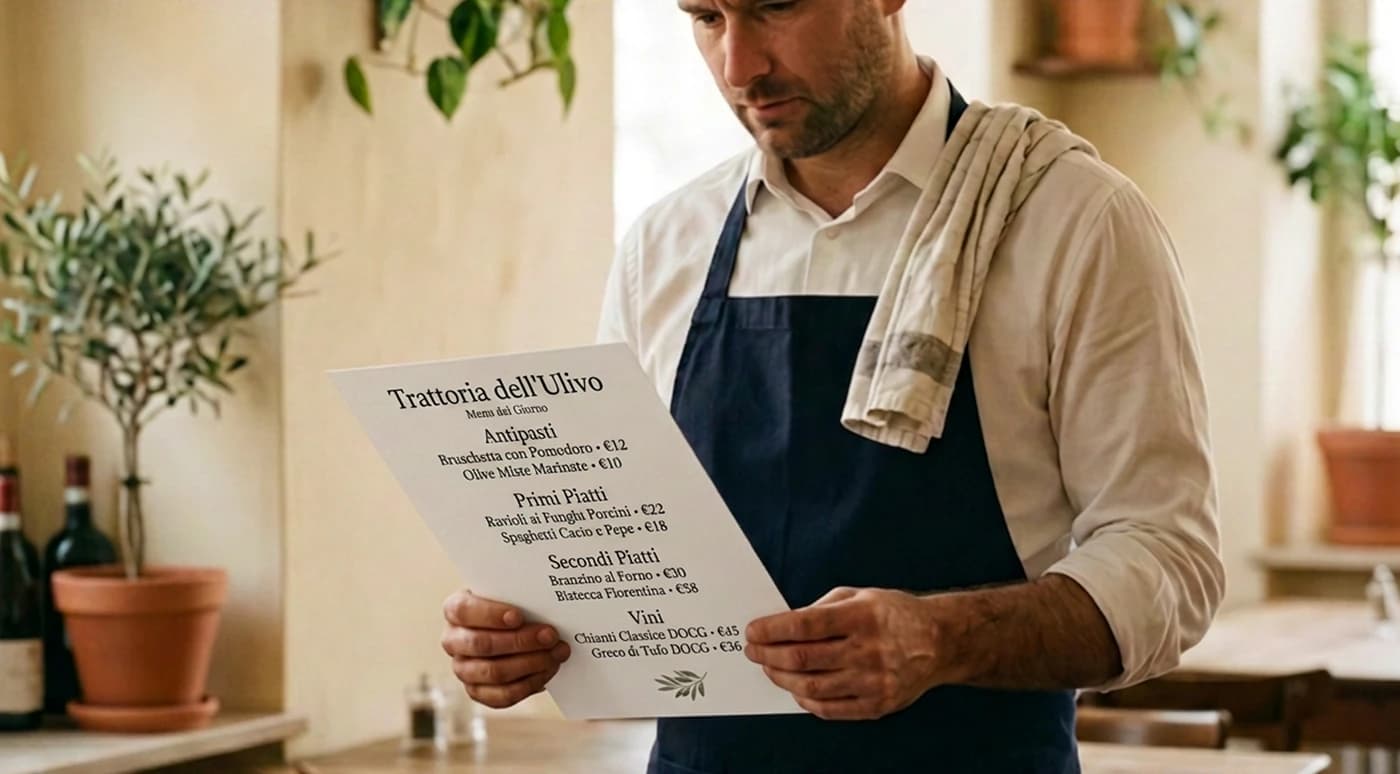
1. Upload the menu

Import a photo, a PDF or add dishes manually. Stello prepares a first digital structure of your menu. Before publishing, you always review dishes, prices, ingredients and allergens.

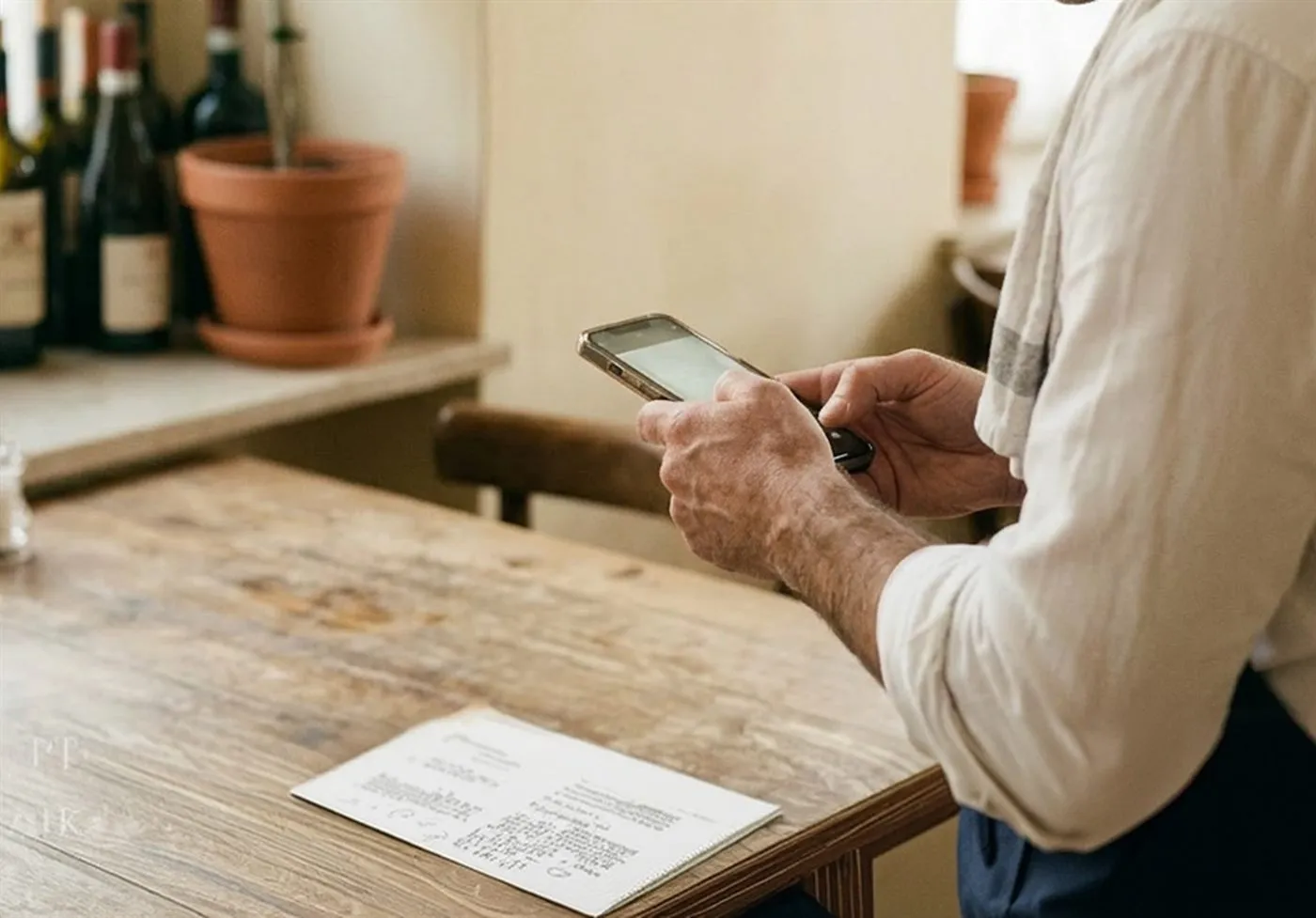
2. Review the content

Check categories, dishes, prices, descriptions, allergens and languages before publishing the menu.

3. Customize the style

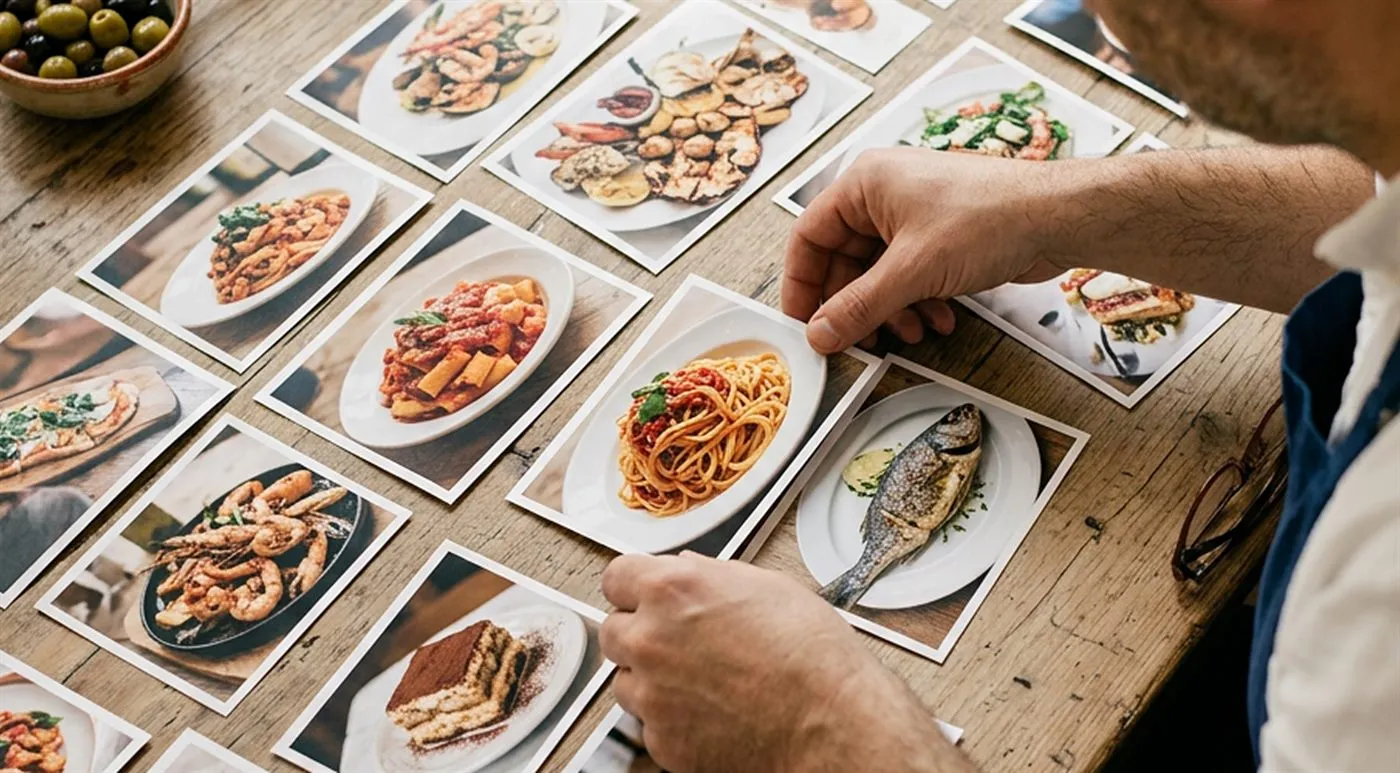
Add a logo, colors, dish photos and venue details to make the menu match your identity.
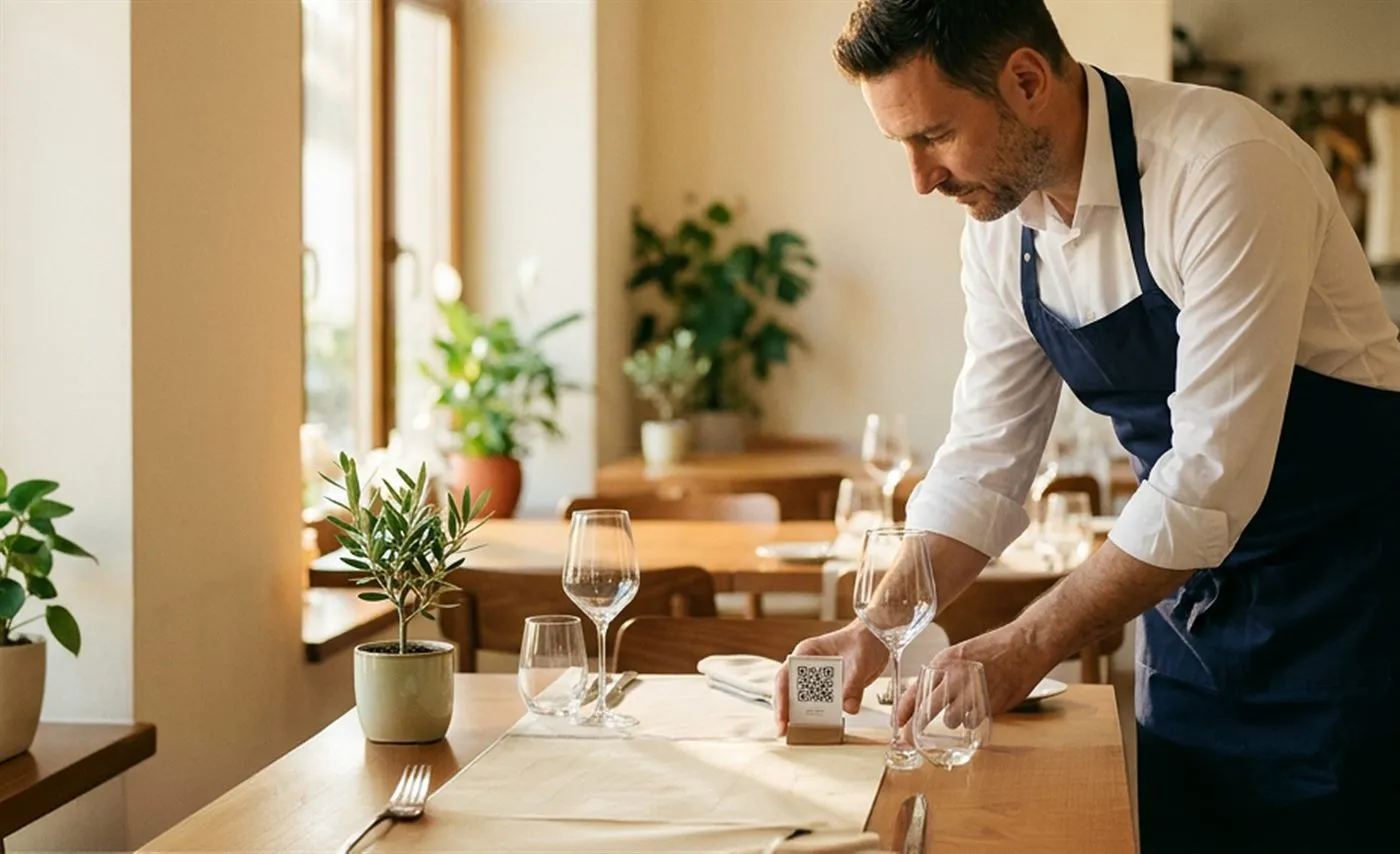
4. Download the QR

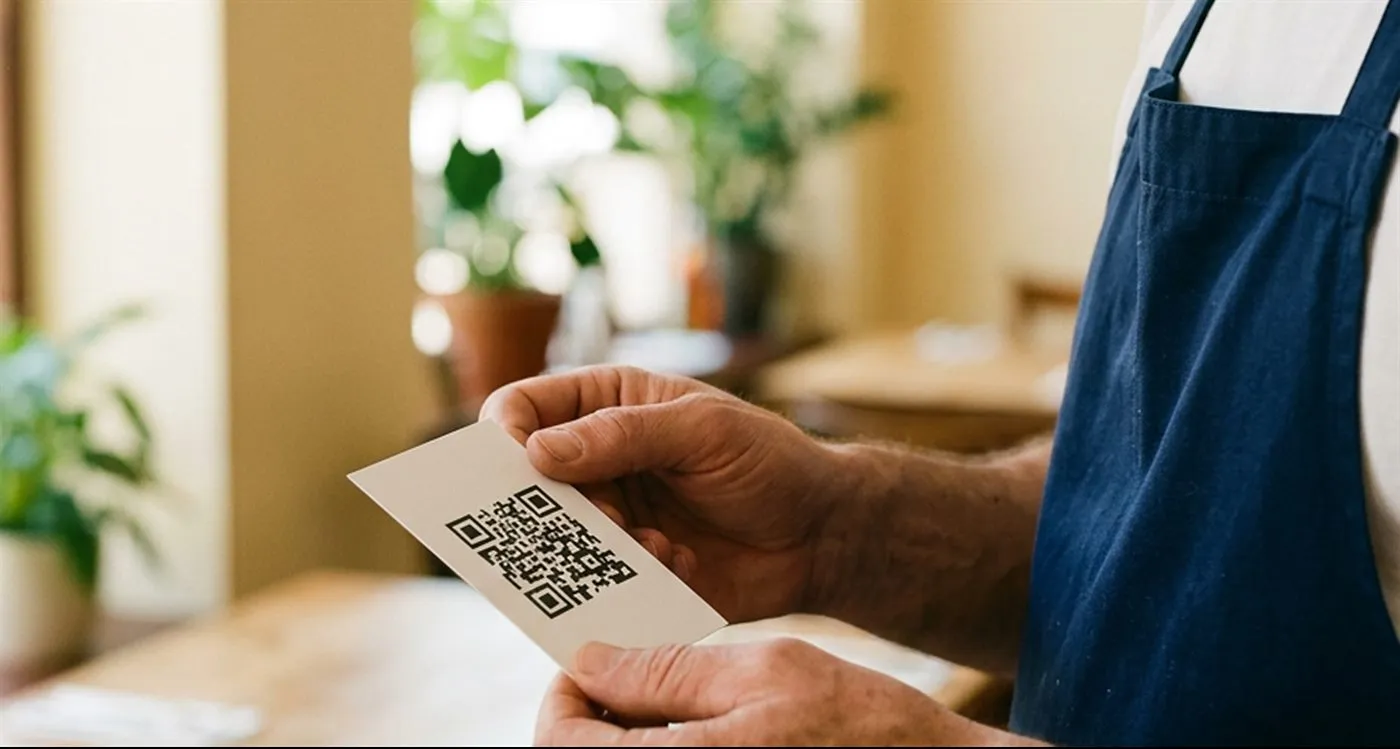
Download the QR code in high quality and print it for tables, counter, window or countertop stands.
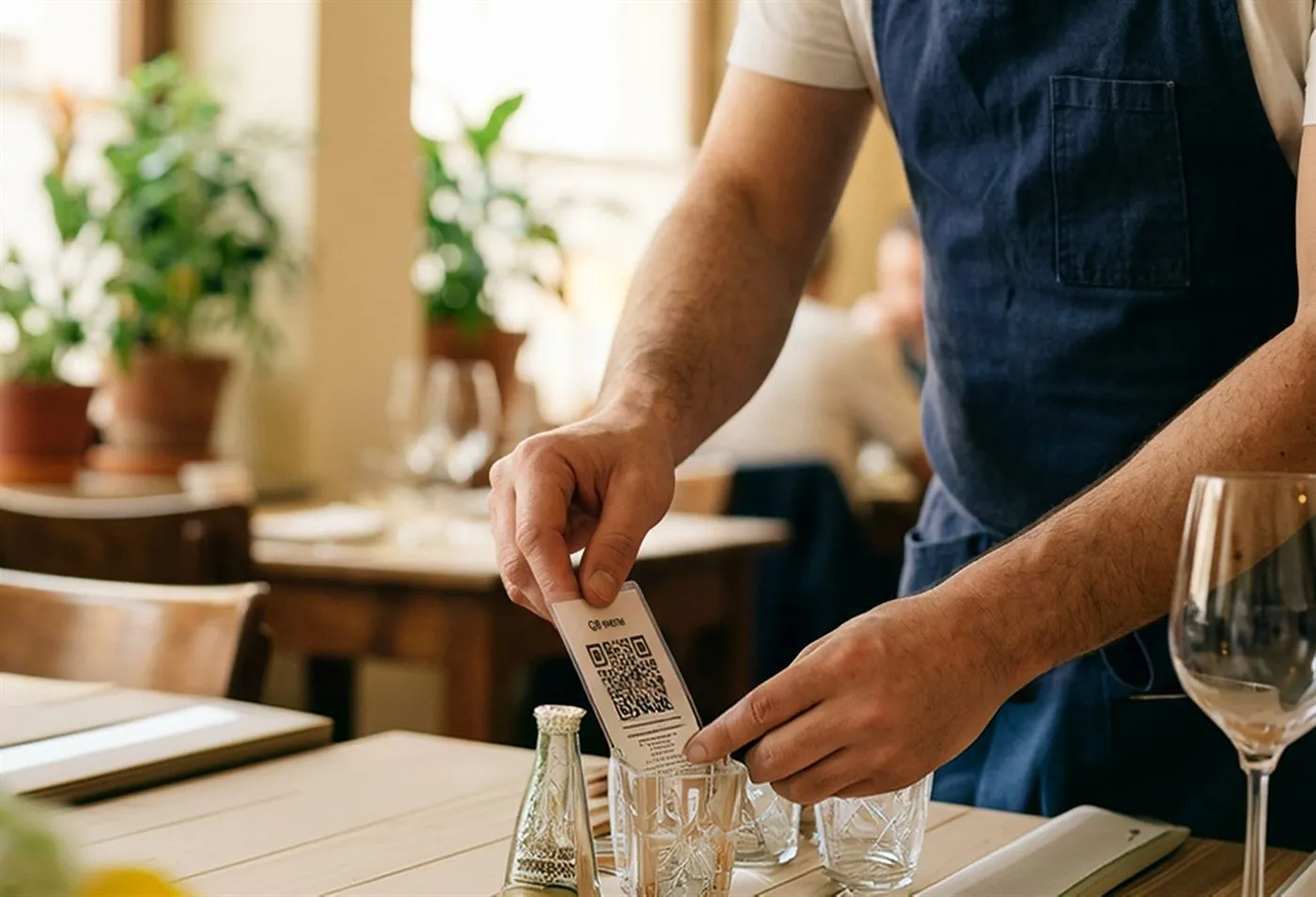
5. Update whenever you want

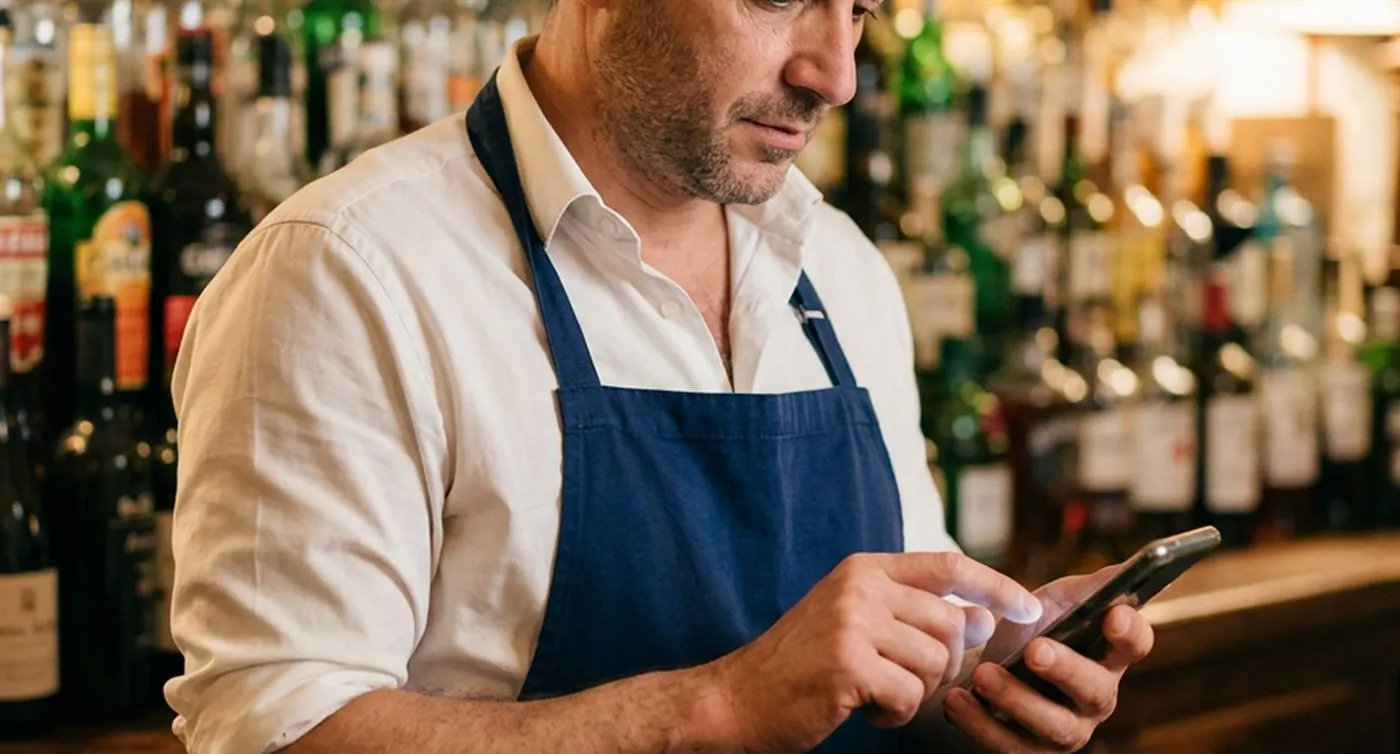
Edit dishes, prices, promotions, languages and allergens without reprinting the QR already on display in your venue.

Frequently asked questions

Stello transforms your restaurant menu into a digital menu with QR code. You can start from a photo, PDF or manual entry, review the content, customize the menu and publish it online.
No. You can start for free and create your digital menu without a credit card.
Yes. Stello prepares an initial menu structure, but the restaurant must review dishes, prices, ingredients, allergens and descriptions before publishing.
Yes. The QR code stays the same. You can update dishes, prices, descriptions, availability, promotions, languages and allergens online.
Stello can translate the menu with AI into up to 15 languages. The restaurant always reviews dish names, ingredients, descriptions, allergens and translations before publishing.
Stello can suggest EU allergens and lets you display allergens and dietary preferences on dish cards. The restaurant confirms or corrects all information before publishing.
Stello is designed for restaurants, bars, pizzerias, tourist restaurants, beach clubs, hotels and B&Bs that want an updateable digital menu.
No. The menu opens directly in the phone browser via QR code or direct link.