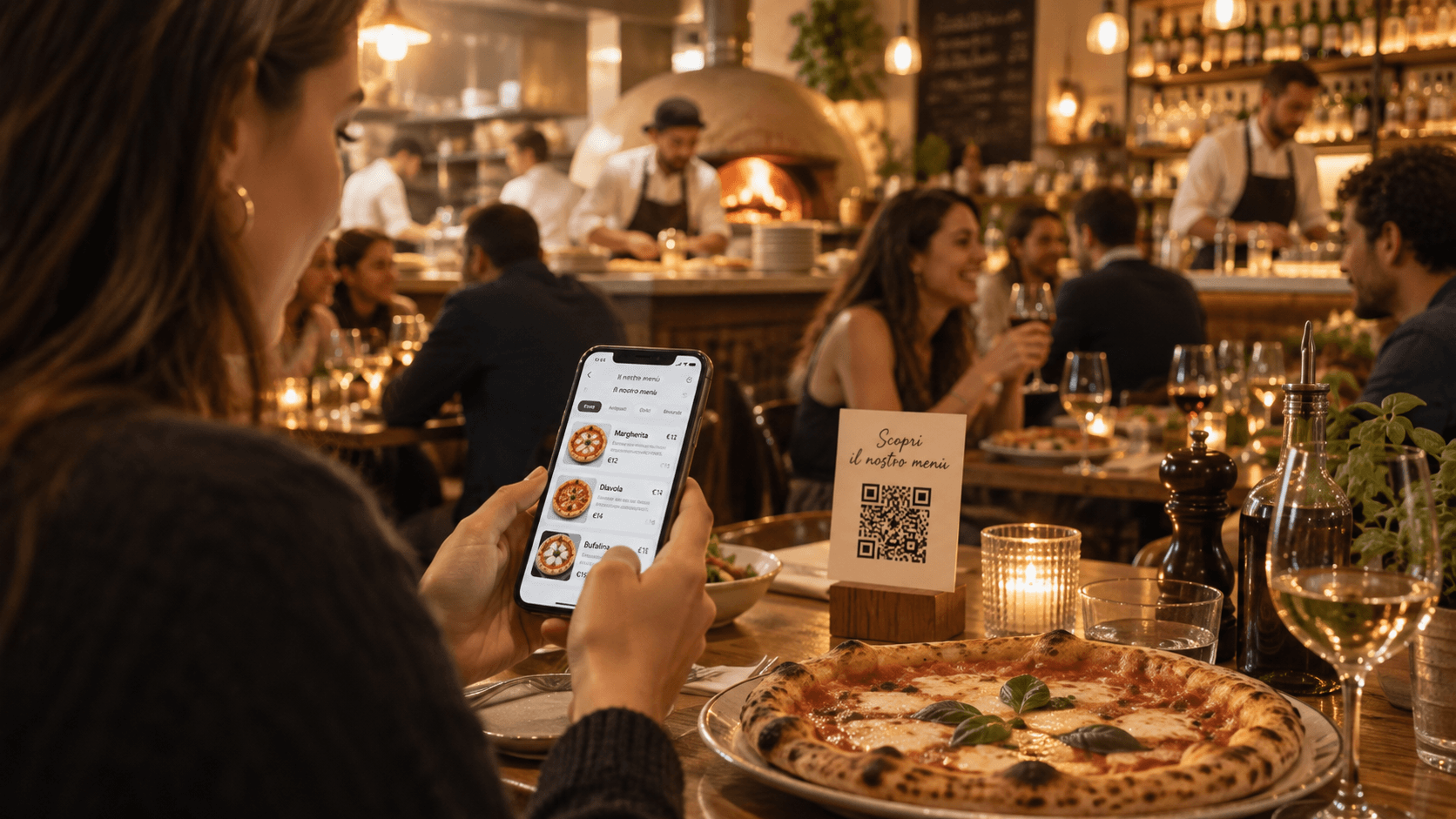
QR menu software in Italy: AI translation and allergens
Compare QR menu software for AI translation and allergen review. Practical checks for Italian restaurants, cafés and tourist venues.


QR menu software for restaurants in Italy helps guests read dishes on a phone and staff update prices, translations and allergen information. Some platforms also let guests order and pay directly from the menu. Compare the functions your restaurant needs using the same dishes and service tasks.
This guide is published by a menu-software vendor. The shortlist describes public product information reviewed on October 7, 2026; it is not a hands-on performance ranking. Plan availability and limits can change. The checks below help you assess a working demo before choosing a subscription.
Choosing QR menu software for an Italian restaurant
Write down what you expect the menu to do during an ordinary service. A trattoria serving international visitors may need Italian and English descriptions, clear allergen information and quick price updates. A hotel may also need separate breakfast and restaurant menus. A venue taking orders from guests' phones has a different brief.
Separate those requirements before comparing subscriptions. Menu publishing, table ordering, reservations and payment processing are distinct jobs. A product can offer several, but that does not mean your restaurant needs to enable them all.
Use a short list of acceptance checks:
- Guests can read the menu in their phone's browser.
- Staff can correct a description, price or unavailable dish.
- The printed QR still opens the intended menu after an update.
- Translations are editable and understandable to the intended guests.
- Allergen information can be reviewed against the kitchen's records.
- The plan covers your menu size and required language versions.
Ask the person who will maintain the menu to perform these checks. A polished sales demo tells you less about daily use than watching a colleague correct a real dish during a quiet part of service.
A shortlist by restaurant workflow
These products cover different combinations of menu publishing and restaurant operations. Use the last column to decide what to check with your own dishes.
| Platform | Publicly described focus | What to check in the demo |
|---|---|---|
| Stello | QR menus and reviewed AI translation; optional table ordering, staff order management and payments on Starter/Pro | Review menu updates and whether a phone or tablet fits the café's or bistro's service workflow |
| IAMenu | AI-assisted menu creation and translation, with additional reservation and table-ordering functions | Check the active-language allowance of the plan and which service functions you actually need |
| Restsify | Digital menus with AI translation listed in Free; usage limits need checking | Check item limits, translation access and the cost of the plan that fits your complete menu |
| Menuxio | Digital menus with ordering and reservation functions | Test how orders reach staff and how reservations fit the restaurant's existing process |
| Qromo | Digital menus within a broader offering for orders, payments and restaurant management | Review the specific menu module and assess any operational changes separately |
Language totals, trial lengths and the meaning of a free plan are not interchangeable. A provider may support many languages across its product while allowing fewer to be active on a particular subscription. Import tools may prepare an editable draft that still needs substantial checking. Ask what your chosen plan includes, then test those functions rather than relying on a comparison-table tick.
For a broader overview, see our guide to digital menu platforms in Italy. If your task is specifically an English version of an existing Italian menu, the English QR menu workflow covers source preparation, dish wording and review.
AI translation: test the dish, not the language count
Prepare a small set of entries from the menu you actually serve. Include a regional dish name, a sauce with several ingredients, a side dish sold separately and a service note. These reveal problems that a simple translation of “coffee” or “water” will miss.
Keep recognizable Italian dish names where they help guests identify the food, then explain ingredients and preparation beneath them. Compare the translation with the current kitchen recipe. A fluent description that adds an ingredient, changes the cooking method or removes a warning needs correction before publication.
Test the editing process after the first translation. Change a source description and check what happens to the approved English entry. Does the system preserve your correction, generate another draft or leave the old version visible? Staff need to know which entries must be reviewed after a recipe change.
For example, if the kitchen changes the cheese in a pasta dish, update the source recipe, allergen record and guest-facing description together. Review the affected language versions before making the revised menu available. Keep the approved source and translated entries together so the next update starts from the correct recipe.
The review should include portion information and service charges as well as ingredients. Guests should understand whether a side is included, whether a dish is intended for sharing and what an additional charge means. Avoid translating a local term into a misleading familiar word simply to make the text shorter.
Allergen software needs verified kitchen information
The European Commission's food-information guidance explains the EU framework, including allergen information for non-prepacked food. Annex II of Regulation (EU) 1169/2011 identifies the substances and products concerned. A restaurant should review its obligations with the people responsible for food safety and local procedures.
Software can help organize and display information. It cannot infer the complete recipe, a supplier's formulation or the conditions in the kitchen from a dish name alone. Treat automatic suggestions as items to check, not as approval to publish an allergen declaration.
Before publishing a dish, compare its record with the recipe and supplier information. Include sauces, stock, seasoning mixes, garnishes and substitutions. Review the preparation process where relevant. A clear label on a phone does not resolve an inaccurate source record or an unmanaged kitchen risk.
During the demo, correct an allergen field and check every language version. Confirm that staff can find the approved information and understand the labels used. Decide who approves changes and how the kitchen informs that person when ingredients or suppliers change.
Our Italian allergen guide and worksheet provides a starting point for organizing those records. It does not replace the restaurant's own food-safety assessment.
What the menu should look like on a guest's phone
Open the demo on a phone similar to the devices your guests use. Read the longest dish name and description, change the language and check whether prices remain easy to find. Look at the menu in normal restaurant lighting rather than judging only a large desktop preview.
Photos can help explain unfamiliar dishes, but test the page with the image quality you intend to upload. Check that descriptions remain useful when an image loads slowly. Useful content includes the dish name, ingredients, price and reviewed allergen information; a photograph should support that content.
Try the QR code at its intended printed size. Place it where the restaurant expects to use it and scan it from a normal seated position. Confirm the destination, language control and readability. Avoid publishing a print run before this check.
Repeat the scan after changing a price or dish description. A QR code can point to a web menu or a PDF. Either can retain the same printed code if the destination stays stable. Some PDFs are perfectly readable on a phone; others need zooming or have an awkward layout. Assess the actual file and update process instead of assuming that one format always works better.
Check the full plan cost before moving the menu
Count the separate menus you need to publish and the dishes in each. Also list required translations, photographs, design controls and any ordering functions. Compare plans against that list so a free trial of advanced features is not mistaken for a permanent free subscription.
Stello Free includes one menu, up to 50 dishes and two languages; Base adds AI translation in 15 languages. Starter and Pro allow three and five menus and include Ordina & Paga, with table orders, a staff board and a shared bill. Staff work from phones or tablets. Guests can pay through the waiter or directly from the menu with Visa, Mastercard, Apple Pay or Google Pay once the restaurant activates electronic payments through Stripe. Compare the current plans.
For every shortlisted product, check whether billing is monthly or annual and what happens when you cancel or change plans. Ask whether your existing QR destination remains available and which features stop working. Keep a copy of the approved menu and source records so the restaurant can maintain its content if it later changes providers.
If ordering or payments are included in the project, review their costs and operational requirements separately. A low menu-subscription price does not tell you the total cost of a payment or restaurant-management setup.
A practical demo checklist
Use the same sample menu when comparing providers. A useful session covers the full update cycle, not just the initial import:
- Create or import entries from your current menu.
- Compare dish names, descriptions and prices with the original.
- Review allergen suggestions against the kitchen's records.
- Create a required language version and correct one regional term.
- Open the public menu on a phone and scan the intended QR.
- Change a source entry and inspect the translated version again.
- Confirm that the complete menu fits the selected plan.
Record which corrections were needed and whether the staff member could make them without assistance. Use this record to choose a workflow the team can maintain. It is more useful than awarding a winner on the basis of a long feature list.
Common questions
Can I use a QR menu while keeping my current POS?
Yes, a menu can simply publish information for guests while staff take orders through the restaurant's existing process. If you also want guest ordering, payment or POS integration, check those requirements explicitly with the provider.
Does a free QR menu include AI translation?
Not necessarily. Check permanent free-plan features separately from a trial and from paid translation access. Also check whether the included language versions are manually editable.
Can AI approve allergen information?
No. The restaurant must verify the actual ingredients, supplier information, substitutions and relevant kitchen procedures before publishing. AI suggestions can help organize the review but do not establish that a dish is safe for a particular guest.
Which QR menu software is best for a tourist restaurant in Italy?
Choose a tool that your staff can keep accurate in the languages guests use. Test regional dish descriptions, mobile readability, price updates and allergen review using your real menu. A product with ordering or reservation functions is useful only if those functions fit your service requirements.
Choose a workflow the restaurant can maintain
Begin with the current menu and the changes staff make most often. Test those changes, review the translated result and scan the printed QR. Choose the plan that supports the complete working menu and the people responsible for keeping it current.
You can create a first menu with Stello, review the guest-facing result and decide whether paid translation or presentation features fit your restaurant.
Review date and sources
Public product descriptions were reviewed on October 7, 2026. The Restsify Free description follows the October 8 review used in our free-menu comparison. These are supplier declarations; usage quotas and the selected plan should be checked before purchase.
- IAMenu — menu creation, translation and operations
- Restsify — Free and paid plans
- Menuxio — product information
- Qromo — packages and payment conditions
The EU sources linked above explain the food-information framework. Review recipes and supplier records before publishing allergen information.